Archives: Replies
Replies for tickets on suppota
Reply to: tickets(201525)
That didn’t quite work – see the attached screen shot – on the left is before I added the custom css, the right is after. All of the time and location info disappeared, and in the lightbox, it still shows the time zone, and the location icon is not aligned and the location itself isn’t showing up. If you look at the HS Youth Group part on the left, that is how it is supposed to look – the time and location and nothing else. Below it, the Flu Clinic is what is happening now that I did the update, adding the time zone and “view in my time”.
Here is a new password to try logging in – zct7sZy5d2!5Wmk$JT%Y4Y^5
Reply to: tickets(201837)
Could you try cleaning your browser cache first? If it doesn’t help please check and let us know if the same happens on this page: http://dev2.myeventon.com/events/test-52/
Reply to: tickets(201883)
Hello,
Everything seems to be correct. Even if users change their RSVP to NO they still must stay registered for the statistics:


Reply to: tickets(201874)
Hello,
Thank you for your messages, I am going to assign this ticket to Ashan and he will be able to take it from here and find you a solution. Please allow some time for him to get back to you, we greatly appreciate your patience and thank you for being a eventon customer! Also please disable any IP blocking on your site if there are any.
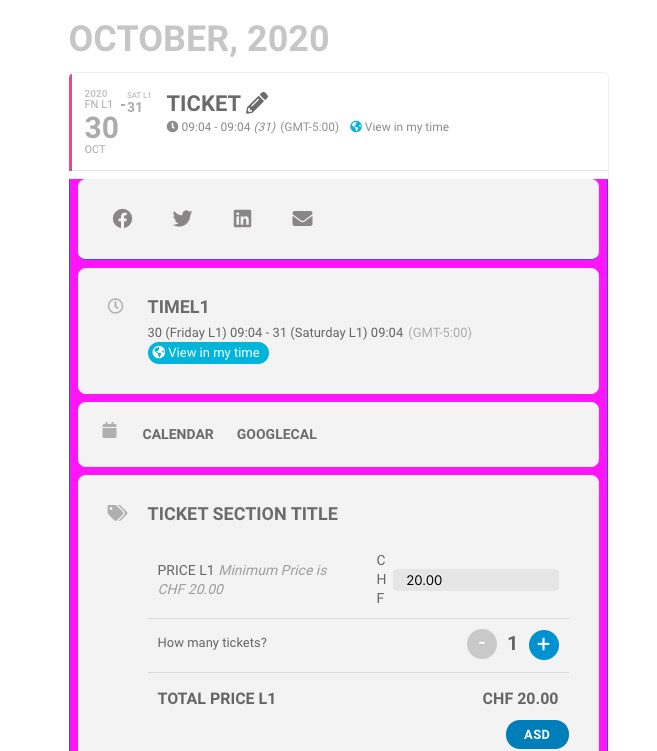
As a temporary solution please add this CSS code to EventON > Styles (If you don’t see any change, EventON > turn off Write styles to header > save settings > turn on Write styles to header):
.evcal_evdata_row, .evcal_evdata_row.evorow_2b .evorow_b { background: red; }
Reply to: tickets(201874)
Reply to: tickets(201840)
Please check now and let me know.
Reply to: tickets(201840)
Sorry is not fixed.
I have updated the cache and i can see the blue button.
thanks
Reply to: tickets(201837)
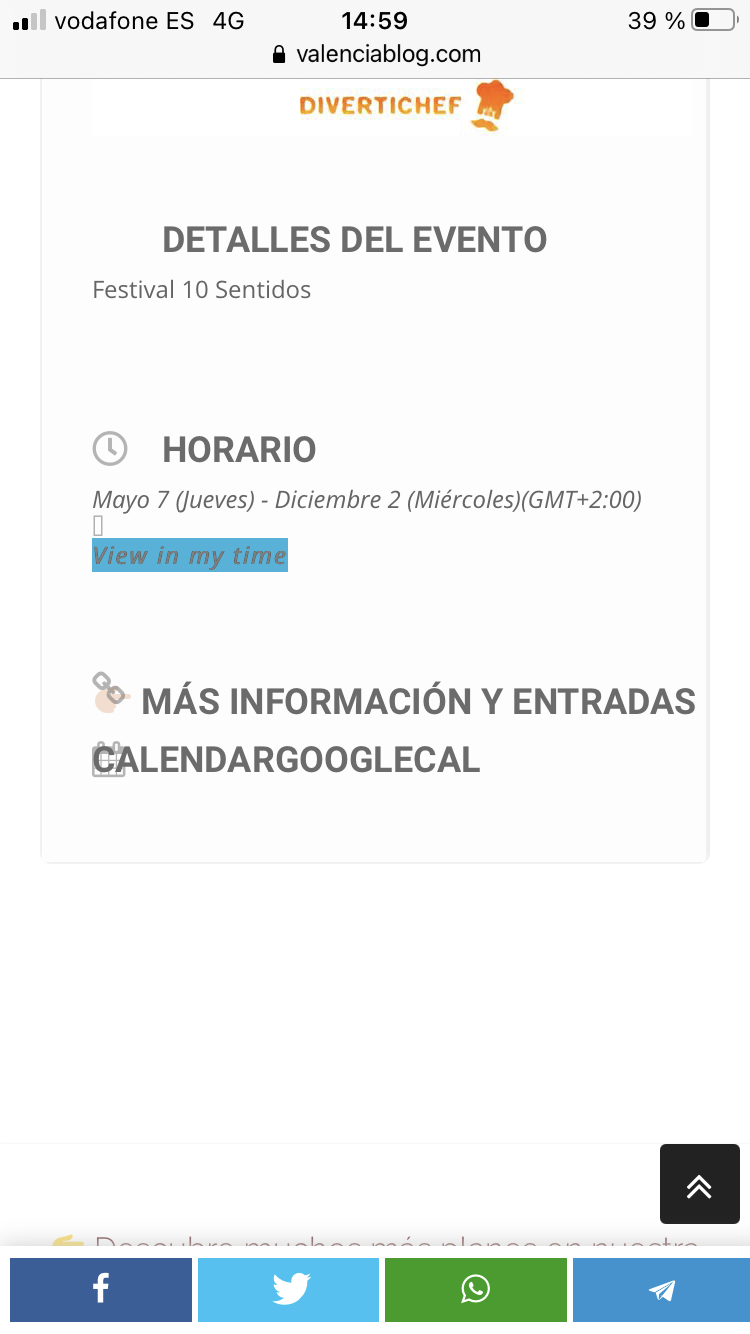
Only happens in safari/iphonr
Chrome/iphone is ok
Reply to: tickets(201837)
and the other screenshot