I do not understand the problem u are reffering
Archives: Replies
Replies for tickets on suppota
Reply to: tickets(193006)
Hi,
I did yes, what I am saying is that the functionality should not be deleted when updating, but let me clone it and confirm it.
Reply to: tickets(201127)
Hey Allyson,
Understandable all of those possible to be added 🙂
We can do it for you if you want, let me know and we can start, price does not change 🙂
Reply to: tickets(200666)
It will be $3600. Thanks
Reply to: tickets(174812)
despite the fact you can’t see the button- does it work when clicked?
as in move your mouse to the right of the event title
Reply to: tickets(200906)
Thank you that has fixed the scrolling issue.
But the styling issue with the button has returned. I did not remove any css from the eventon plugin – can you please fix the button styling again and ensure that it doesn’t revert back?
Reply to: tickets(174812)
Hi Artem, I do tried the given CSS code, however it doesn’t have any effect that I can see visually.
When you say “If you don’t see any change, EventON > turn off Write styles to header > save settings > turn on Write styles to header”, do you mean the option “Write dynamic styles to header”? If so, it’s off by default. I tried to switch it ON – nothing changed. Switched back to OFF – again no effect. Or you meant other option?
Reply to: tickets(195808)
Hi Artem,
thanks for your answer.
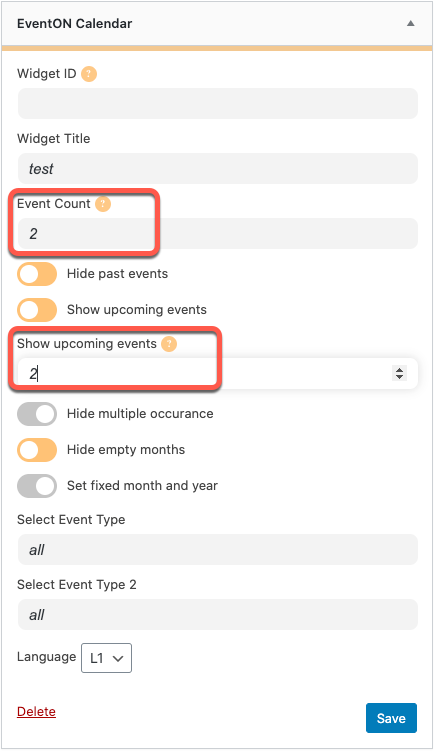
So,”event_count” & “number_of_month” will show the number of events *per month*, right?
At the end you have “event_count” * “number_of_mounth” events showed.
This must be the same as the “EventON Calendar” (look the screenshot). Is it?
It’s a bit confusing…
Thank you
Reply to: tickets(201382)
Oh OK You are using the wordpress in page protector- No eventon doesn’t support that I’m sorry
as its a custom post type and not a normal wordpress post type.
There is a way to password protect but its expensive if all you want to do is password protect- which is the action user addon, when submitting from the front end you can set a password.
Let us know your system – reason to password and we may be able to come up with a better way to do it
Reply to: tickets(200841)
Thanks for that. Knew it would be simple but wasn’t sure. Bit of a learning curve.
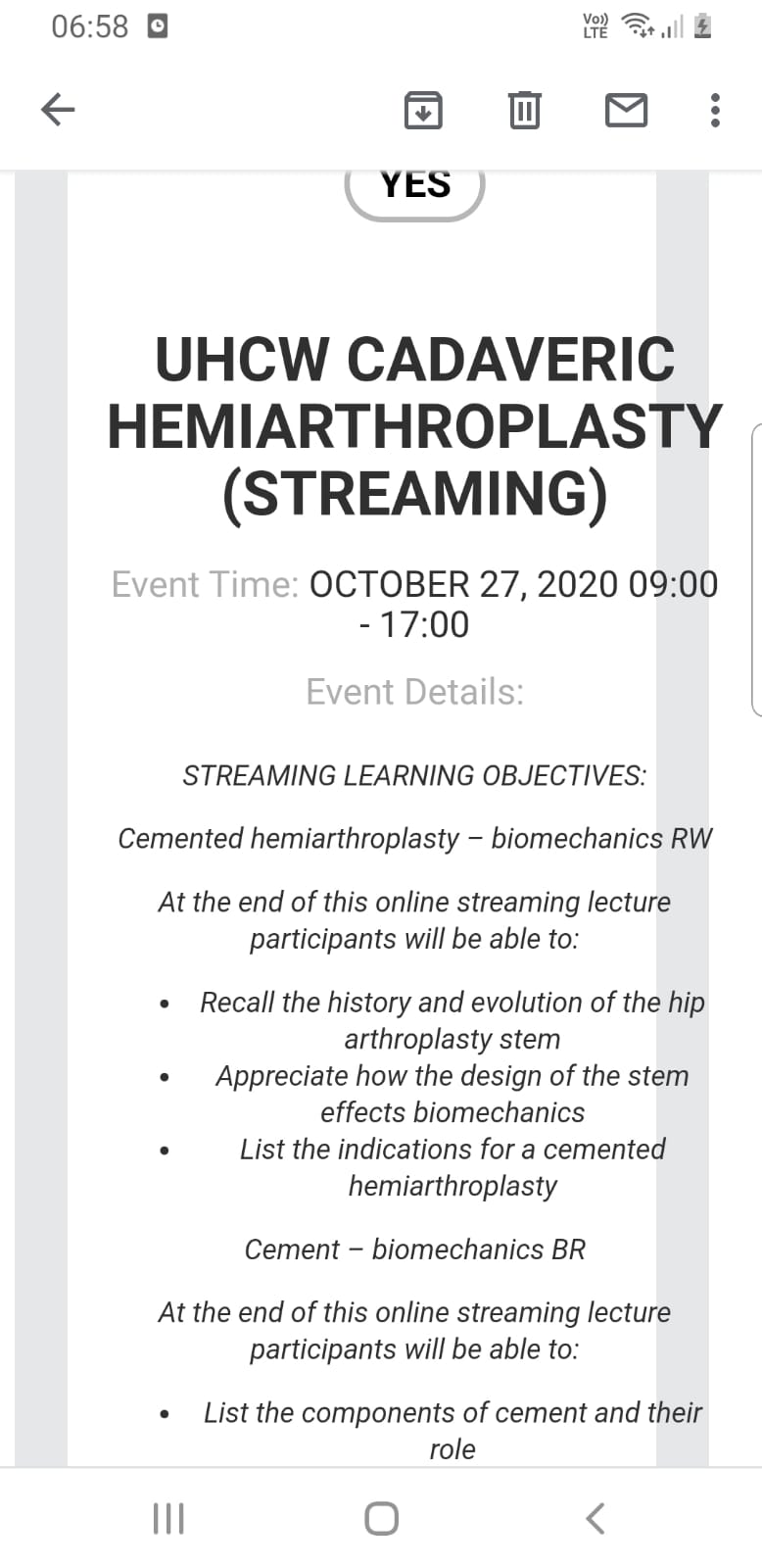
Another thing we have noticed is on RSVP emails the formatting is centralised automatically and mostly off the screen.
I noticed in the RSVP settings menu that moving the template to the themes folders can help, is this required to solve this problem?