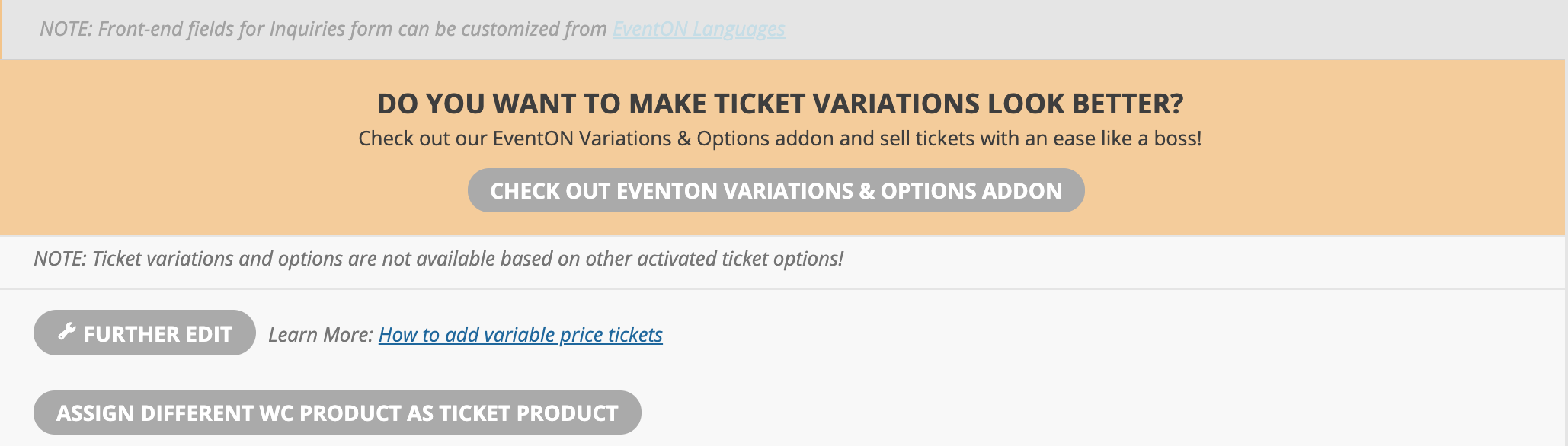
I’ve tried using the variations add on but there seems to be no option for it. It would be useful as customers would be able to see the different ticket prices available which is standard in Woocommerce.
I have also migrated the site from a development site to the main domain, deactivated the licences and applied them again. I have run cache clearings and reloaded the site. Checked on my Eventon account and the domains are correct, but the addons in the ticket do not show as active. For example the variations section on a ticket looks like the enclosed image.
Tickets are activated and shows the price range.
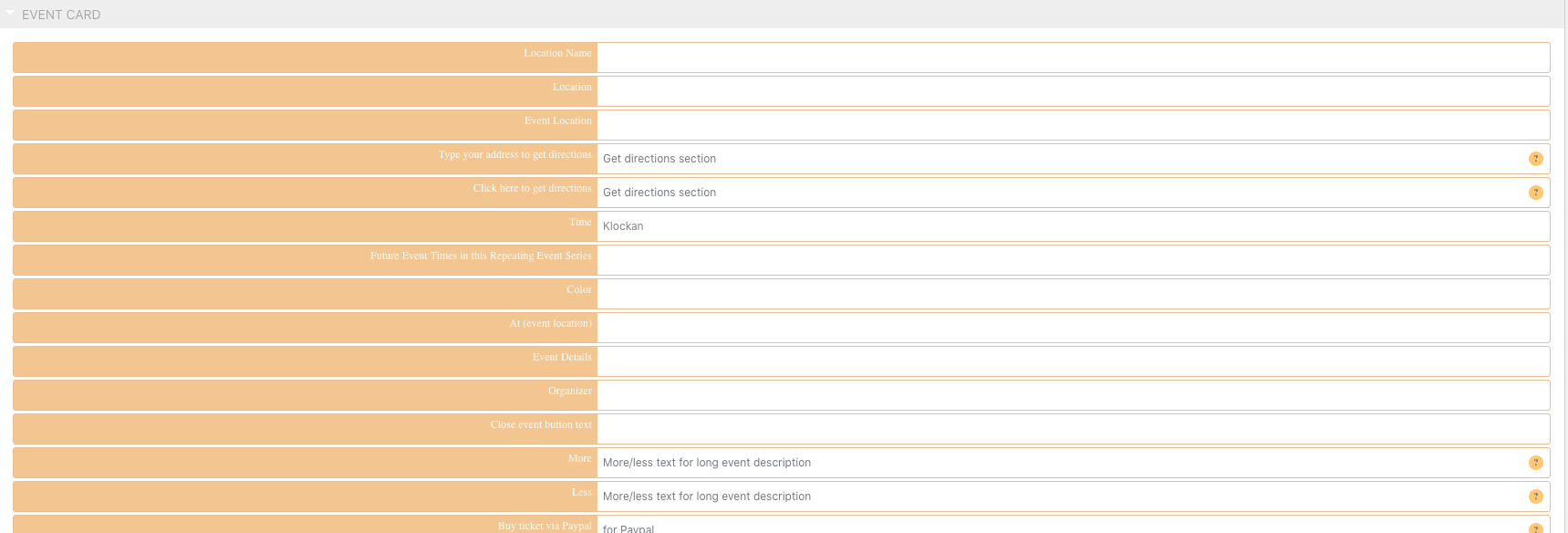
hi again, my site is in two languages, and for English I have the word as “Time” changed it from “kochlan”, now I noted you already have the word “Time” in Eventon language settings. I have added the translation but it doesn’t seem to work for me. Can you please make it in such a way that I can use eventon translation setup only.
OK. I will give you revised requirements later today.
Hello,
I am sorry, the access information you have provided did not work for us:
Nome utente sconosciuto. Ricontrolla o prova ad usare il tuo indirizzo email
Please check them and post the correct login information as a private message, thank you!
The problem is that you are using EventON Widget. Could you add a new Text Block element and then put this shortcode:
[add_eventon]
Hello,
You need to use Event Lists: Ext add-on in this case: https://www.myeventon.com/addons/event-lists-extended/
Try on http://dev.myeventon.com/wp-admin/ with this shortcode:
[add_eventon_el number_of_months=”12″ event_count=”4″ event_past_future=”future” hide_so=”yes” hide_month_headers=”yes” hide_mult_occur=”no” hide_empty_months=”yes” etc_override=”yes” tiles=”yes” tile_height=”210″ tile_count=”4″ event_count_list=”yes”]
I will give you estimate tomorrow.
Please add this CSS code to EventON > Styles (If you don’t see any change, EventON > turn off Write styles to header > save settings > turn on Write styles to header):
.eventon_events_list .eventon_list_event .desc_trig { cursor: auto !important; }
You can add the variation price to it’s title. Unfortunately, this is the only option at the moment.
Please also check our own add-on to work with variations: https://www.myeventon.com/addons/ticket-variations-options/. Unfortunately, it doesn’t let you to show prices on the single product page. Try on http://dev.myeventon.com/wp-admin/
Ashish, would it save any costs if we exposed all the fields in the submission step except for the “hidden fields” list? In other words, there would be no difference in the fields displayed at time of submission and after publishing. What would be your revised estimate?