I can not find an orders in myeventon.com for either of those emails. Do you happen to have the invoices for order complete emails?
Archives: Replies
Replies for tickets on suppota
Reply to: tickets(200290)
I am sorry what part of the billing information would you like updated? and please provide the updated information you need changed in the invoice.
Reply to: tickets(200532)
I am sorry we have never been requested of this document by a customer before. Please let us know what this document is and why it is needed.
We are a company located in USA. In the state of Oregon. Under legal entity name “AshanJay Designs LLC”
Reply to: tickets(200605)
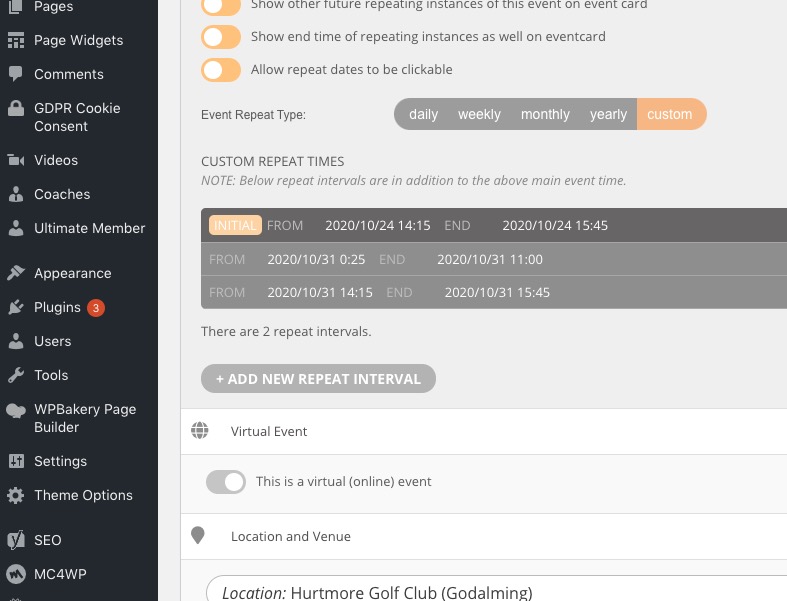
Zak, so when setting custom repeats. make sure the earliest date on the repeat series is set as the event date. Otherwise what is happening to you happens.
So save oct 24 as event date. and then all future repeats via custom repeat.
Reply to: tickets(199904)
Yes the next version will have that update. We are working on eventON 3.0 and hoping to refresh some styles for speakers and schedule view on eventcard as well to go along with the new eventON 3.0 so the next update to speakers will be after new eventON is released, maybe 🙂
Reply to: tickets(194910)
Hello,
“ICS File URL – ONLY If you are using ICS file from external source” is not correct. Please follow this guide https://support.google.com/calendar/answer/37648?hl=en&ref_topic=3417927 > Get your calendar (view only) > copy the ics file link and put it to ICS File URL.
Please also note that there are new versions of EventON (2.9.1) and ICS Import add-on (1.1.2) you can update to.
To update eventon to latest version: If you are unable to do autoupdate, you can go to codecanyon your account > download and get the latest eventon version as zip file. Then you can go to your website, deactivate old eventon, activate (Do not delete eventon settings & data when EventON is uninstalled) from eventon settings, delete old eventon, install new one and activate. This link will further explain the process it. Also you can follow us on twitter to get real-time announcements on updates!
To update eventon addons: You can download latest eventon addons from myeventon > my account. Then you can go to your website, deactivate old addon and install new one and activate then delete the old addon. This link will further explain the process. Also you can follow us on twitter to get real-time announcements on updates!
Reply to: tickets(200617)
Hello,
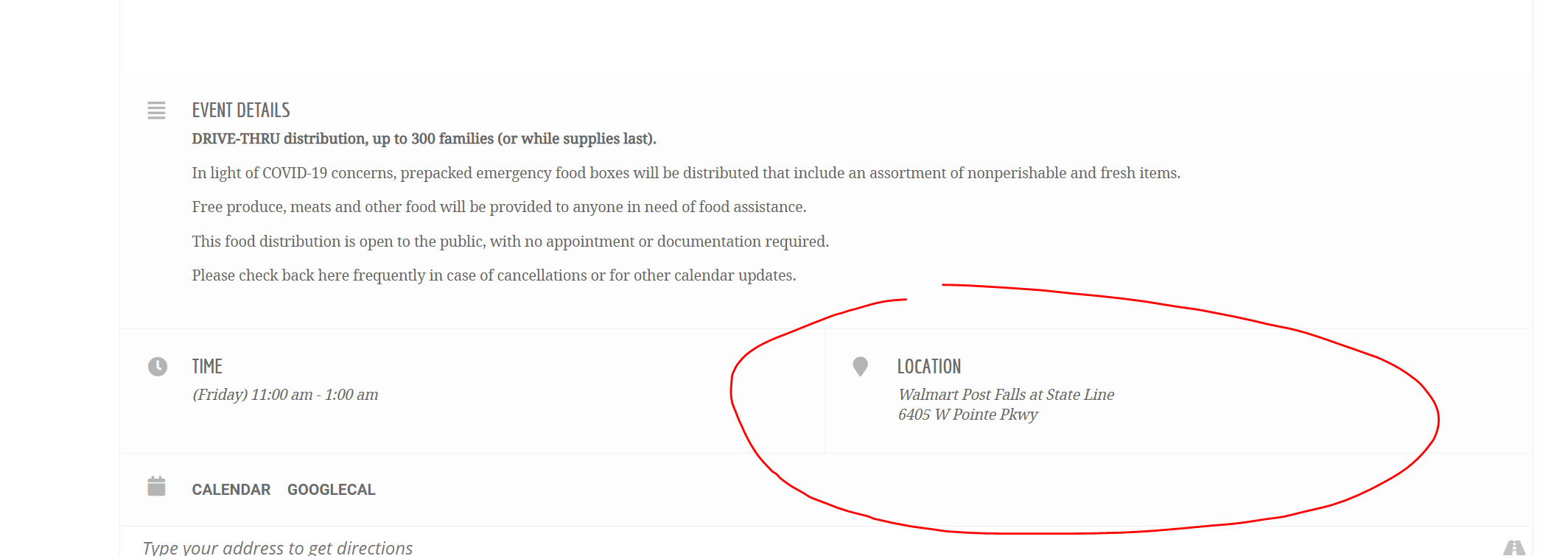
Location City/State/Country are for admins only. Please put this data in Location Address separated by commas.
Reply to: tickets(194910)
We have upgraded so we now have crons enabled although the pluggin is still not working.
I am still getting an error that says “File upload did not work. Please try again later!.”
Reply to: tickets(200617)
Reply to: tickets(200605)
Ashan,
On customer’s website View All isn’t available:
Could you check?