Unfortunately, this was a mistake on our part, which we have now corrected. The only possibility to change the number of events for the entire list is to use Event Lists: Ext add-on.
Archives: Replies
Replies for tickets on suppota
Reply to: tickets(200468)
Hello,
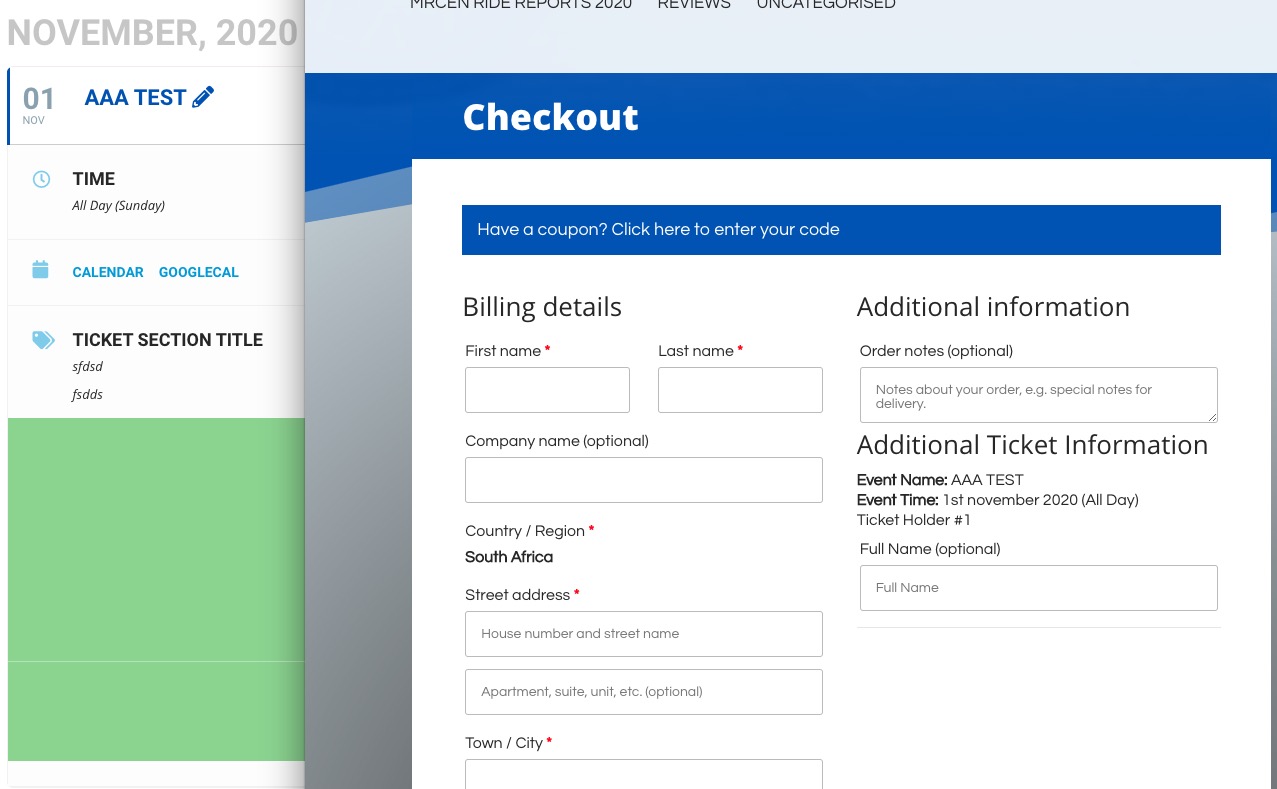
I updated Permalinks so AAA Test should work now:
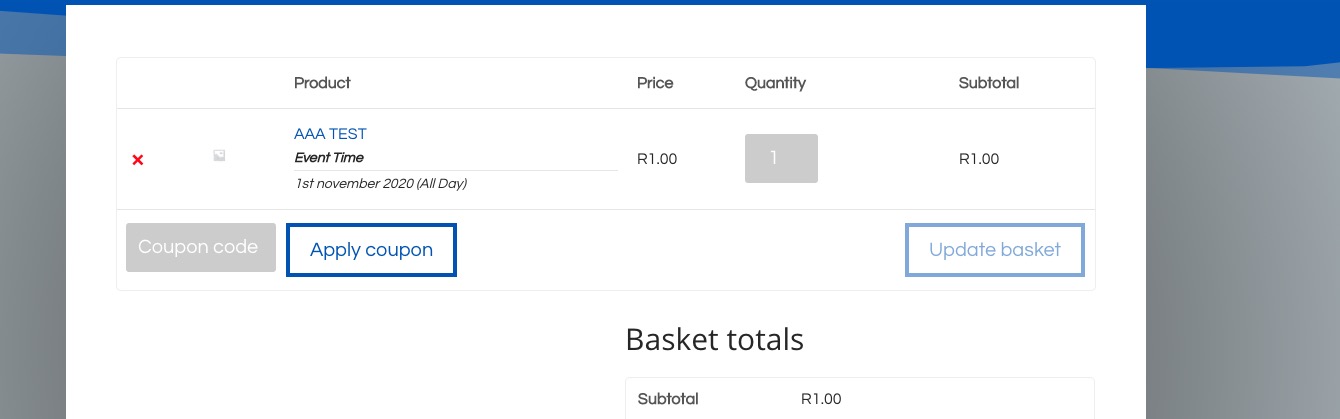
The same with “BREAKFAST RIDE 1ST NOVEMBER 2020 ELGIN RAILWAY MARKET”:

Reply to: tickets(198231)
Taken from home page slider,
[add_eventon_slider wpml_l1=’en’ wpml_l2=’sv’ cal_id=”4″ slide_auto=”yes” slide_pause_hover=”yes” slide_hide_control=”yes” slide_loop=”yes” ux_val=”4″ hide_mult_occur=”yes” only_ft=”yes” number_of_months=”6″ slider_pause=”4000″]
There seems to be typo on your front page slider attributes
wpml_l1=’en’ wpml_l2=’sv’
Please Change it to => wpml_l1=”en” wpml_l2=”sv” or wpml_l1=’en’ wpml_l2=’sv’ and test
As, you can see https://yeshinnorbu.se/sv/257082-2/ or https://yeshinnorbu.se/sv/255458-2. pages are working.
Reply to: tickets(199961)
Hello,
Great! Please keep us updated.
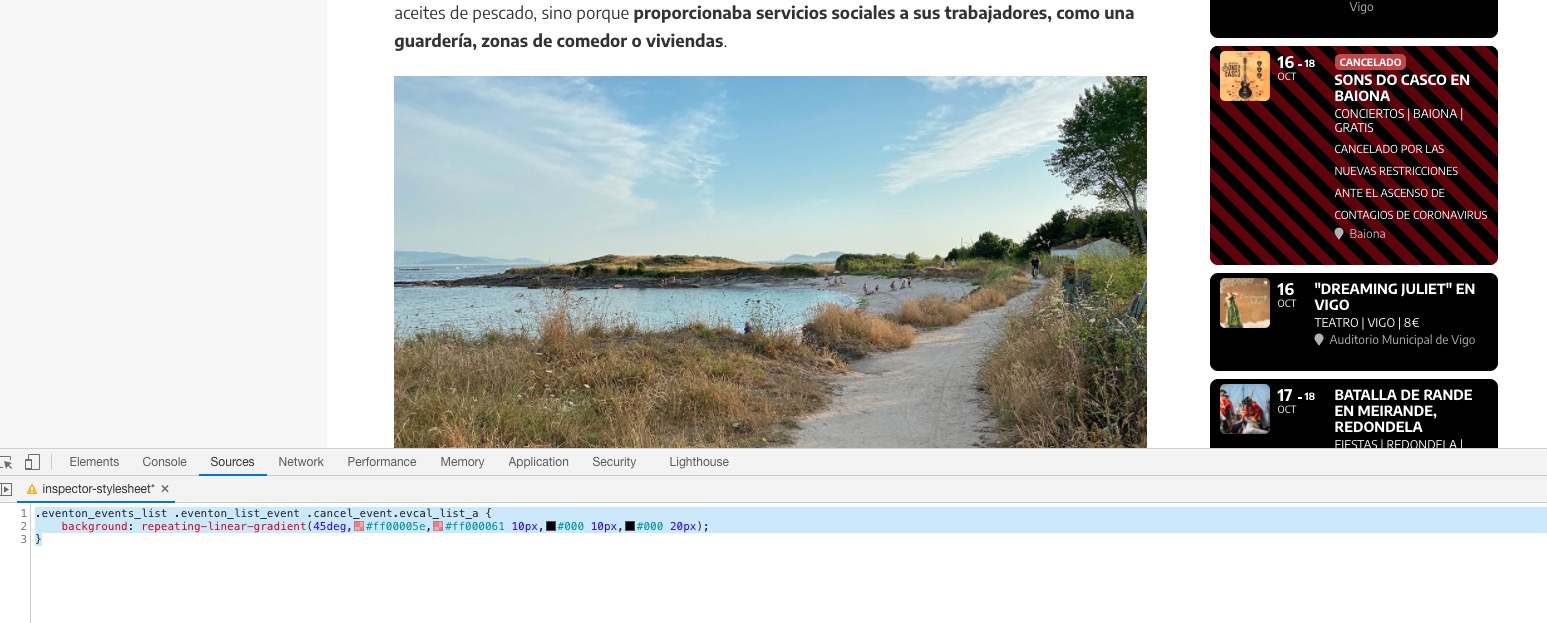
Please add this CSS code to EventON > Styles (If you don’t see any change, EventON > turn off Write styles to header > save settings > turn on Write styles to header):
.eventon_events_list .eventon_list_event .cancel_event.evcal_list_a { background: repeating-linear-gradient(45deg,#ff00005e,#ff000061 10px,#000 10px,#000 20px); }
Reply to: tickets(200491)
Hello,
Please follow this guide: https://docs.myeventon.com/documentations/show-additional-custom-data-eventcard/. Since you’ve followed https://docs.myeventon.com/documentations/add-additional-fields-actionuser-event-submission-form/ then you should be able to get the value with get_post_meta($post_id, $key, $single);, where $key is evoau_save_formfields.
You can also send us a customization job request by creating a new ticket in here and selecting Customization Request as the category.
Also, when I login to my admin dashboard and edit my events I can’t see the new custom button – how can I edit it if I need to?
Please check this guide: https://docs.myeventon.com/documentations/setup-use-custom-meta-fields-events/. Unfortunately, you cannot edit fields added to Action User’s Form from Edit Event. However, you can also try sending us a customization request.
Reply to: tickets(199517)
Hi,
Not sure what u are talking about, the work is live?
https://nimb.ws/8sUmOY
Reply to: tickets(200415)
Hello Vinay,
Customization works are accepted by individual helpdesk staffs. We are not a team in that regard.
So, please contact the person who accepted the work instead. Thank You
Reply to: tickets(199516)
Closing this one 🙂
If you need further help, please create a new requirement.
Reply to: tickets(200415)
While you’re at it, check Ticket #198168 as well. I’m experiencing the same delays. I’m doing you a favor by not posting this publicly.
Reply to: tickets(200422)
Hello,programs.
All addons are separate programs. A solution added in one addon may not necessarily work on another. This is customization work. So, please open a new customization request