Hello,
I removed “events” from Events Paging > EventOn Event Post Slug and refreshed Permalinks as EventON already uses the same slug name.
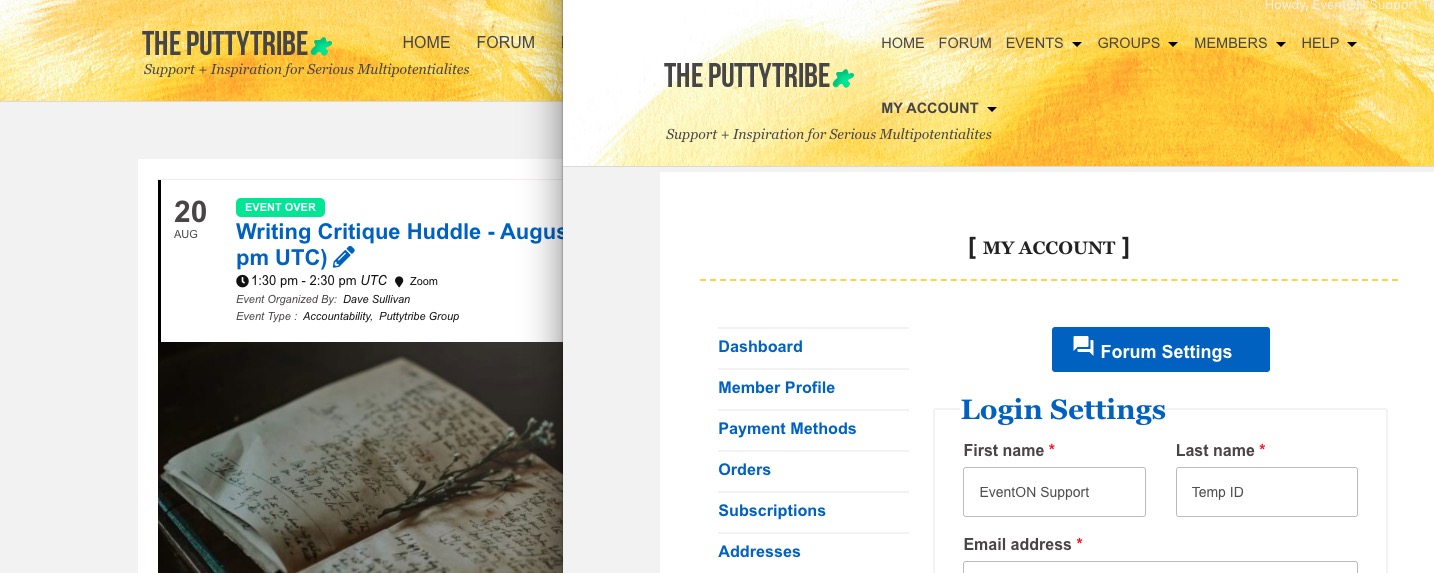
When loading an event detail page for a repeating EventON event (e.g., https://theputtytribe.com/events/overcoming-anxiety-and-reconnecting-to-self-huddle-january-july-2020/var/ri-38.l-L1), the page will sometimes redirect to the Puttytribe home page, https://theputtytribe.com/.
I recreated this event https://theputtytribe.com/events/test/var/ri-38.l-L1/ (as well as on our test server http://dev2.myeventon.com/events/23343/var/ri-38.l-L1/) and it seems to be working correctly.
Could you tell did you create this event (https://theputtytribe.com/events/overcoming-anxiety-and-reconnecting-to-self-huddle-january-july-2020/var/ri-37.l-L1/) by duplicating an existing one?
Click on an EventON generated child page, https://theputtytribe.com/events/writing-critique-huddle-august-20-2020/, or a WooCommerce generated child page, https://theputtytribe.com/my-account/member-profile/.
It seems that these two are fixed now:

Could you check them and let me know?
Hello,
Please go to EventON > enable Disable JQuery Mobile script. Try my suggestion and let me know.
Hello,
You can use Event Lists & Items add-on https://www.myeventon.com/addons/event-lists-items/ to generate a list of event types users can click on.
Try on http://dev.myeventon.com/wp-admin/.
Please also note that you can customize Event Type template by following https://docs.myeventon.com/documentations/customize-location-organizer-archive-page/. You can find the template by going to eventON/templates/taxonomy-event_type.php. You can also send us a customization job request by creating a new ticket in here and selecting Customization Request as the category.
Hi Basilis, What’s the progress on this?
you’ll need to contact the developer and find out why it is changing the product type and if there is a setting to prevent it from changing the product type
or can you manually edit the product after the first payment back to being a ticket
when will you deploy the changes on my site?
we would need FTP details in order to get into the site as wp-admin doesn’t even load
the issue is with wp-content/plugins/invoicing/
whoever created that invoicing plugin is the company you need to get support from
the first step is to sort out the issue with wp-content/plugins/invoicing/ and then once that is sorted- if Eventon doesn’t work then we can take a look
No worries. Thank you for the update. Just wanted to check that I was not forgotten 🙂
Hello Artem,
Thanks for your replay!
Okay I will contact them to solve this problem.
Question:
1. But Can I just purchases a new one (for muti-site )from my account and replace it ?
2. When I replace the the Eventon plugin with the new one, I will loss my data ? if that is the case, is there a way to avoid it?
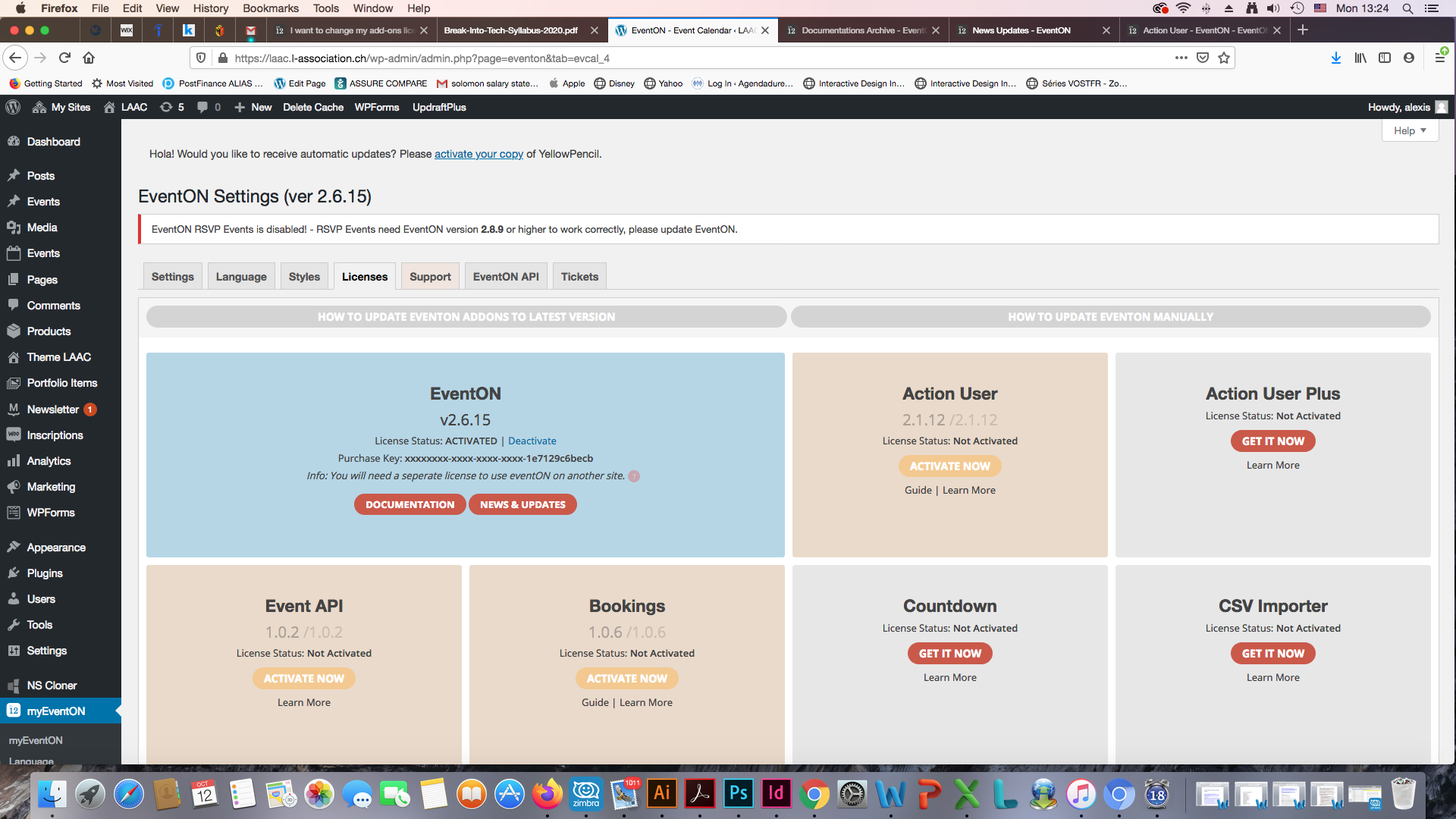
I thick the License which is installed on our wordpress sites is multiple site License cas I can see it on my 2 sits that they are activated and they are working . (I have attached a screen shot from my WordPress sites from Eventon dashboard to show you this )
Question:
4. Can I just Subscribe for multiple sites?
5. So can I change my subscription for the addons from single site to 2-5 Sites?
Here it is the Order IDS
Invoice Number: 28980
Invoice Date: October 9, 2020
Order Number: 97947
Order Date: October 9, 2020
Thank you for your replay !