here you go joanna https://helpdeskx.s3.amazonaws.com/wp-content/uploads/2020/10/08095625/invoice-28955-1.pdf
Archives: Replies
Replies for tickets on suppota
Reply to: tickets(198997)
Made some changes in here http://giacomom14.sg-host.com/wp-admin/plugin-editor.php?file=eventon-tickets%2Fincludes%2Fadmin%2Fclass-meta_boxes-evo-tix.php&plugin=eventon-tickets%2Feventon-tickets.php — boom it is working now 🙂
Reply to: tickets(199382)
or rather they add their email address when filling out the event manager part on the action user form
if your users were smart enough techincally you could create a custom meta data (which is like a custom field)
in myeventon>>>>settings>>>>custom meta data
activate it and make it a button- name it contact the event organiser
then in myeventon>>>>settings>>>>>event card data activate and position that new field (and also activate it on the action user form
the issue is they would have to type mailto:their@emailaddress.com many non web people don’t understand email hyperlinks
Reply to: tickets(199577)
Michael it should be updated now. 🙂
Reply to: tickets(199382)
6: SO when creating the event in wp-admin and activating tickets you can activate enquiries and add their email address in
However currently when an event is added via action user- that option does not exist
Now Ashan the plugin creator is coming out with a bigger version of Action user with no ETA but we are testing a few things with a few additional things but as I type the best thing to do is to add their email addres in their event manager part of the event
Reply to: tickets(199382)
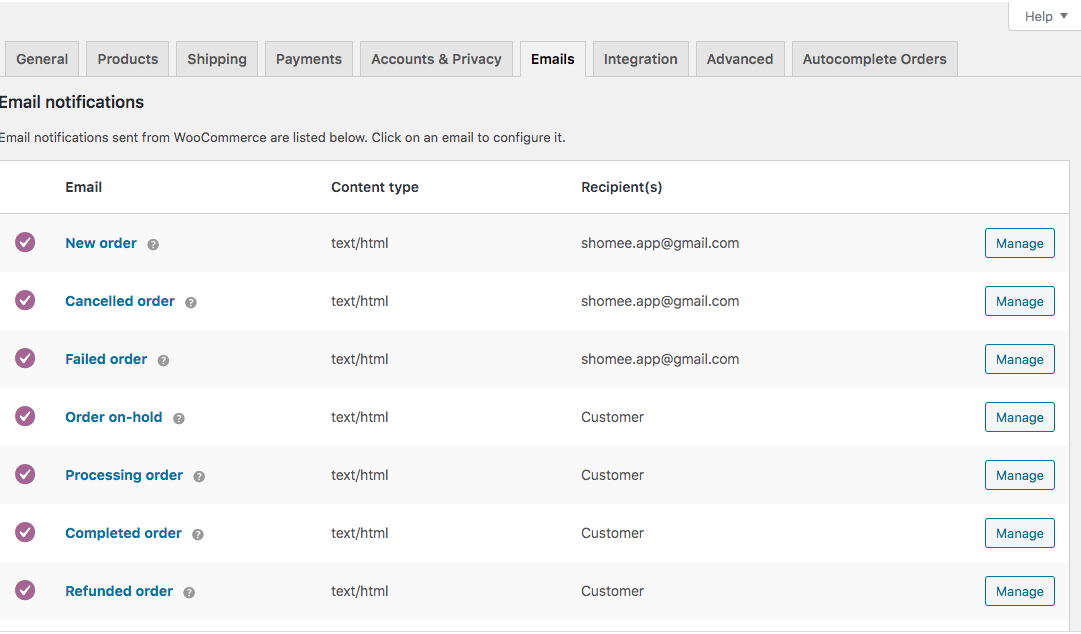
Actually, nevermind about #7. I figured it out. Details about #6 would be appreciated.
Reply to: tickets(199487)
actually this is why I am the infotainer, however I got very ill and couldn’t fly to other countries and lost the business- so I started doing tech stuff
Reply to: tickets(199382)
Thanks for the response.
Re: #6. I’m not sure I understand. Sounds like you are saying there is a way to configure this but I don’t see where that is at. Can you please clarify?
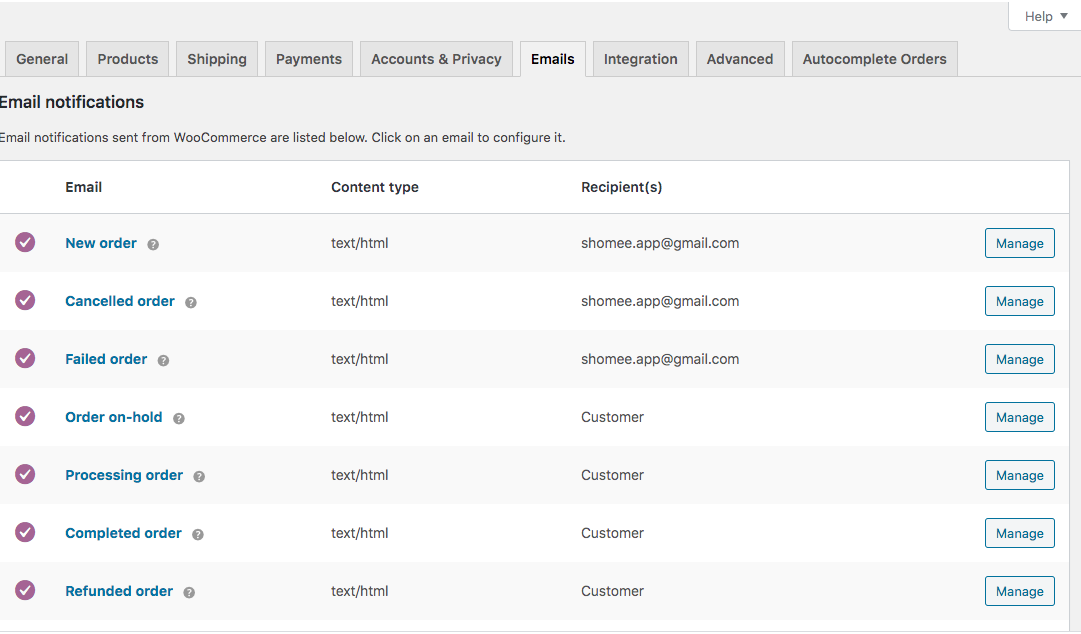
Re: #7. See the screenshot attached. These are email settings of Woocommerce. I want to know if these are used in tandem with Evo in any way.
Reply to: tickets(199485)
Shoot, I should’ve seen that. Thanks.
Reply to: tickets(199595)
ok, thank you