Hello,
If I submit a customization request, and someone accepts the request, do I have the option to decline if the person wants to charge a price that is beyond my budget?
Thank you.
Replies for tickets on suppota
Hello,
If I submit a customization request, and someone accepts the request, do I have the option to decline if the person wants to charge a price that is beyond my budget?
Thank you.
I was able to add some code changes to your site and now the language switching should work without having you to login again. The reloading of the page was pushing to none SSL page that is probably why your L2s did not work 🙂
Here is the updated invoice
https://helpdeskx.s3.amazonaws.com/wp-content/uploads/2020/10/07123854/invoice-28955.pdf
Yes I am using Action User and I saw that option. How do I do this for all existing events, and also new event that are created by import process?
Ok got it. I guess I was expecting that I would be able to assign the event id on import. That answers my question.
And you did it and all good now?
it works fine for me now without any errors, except the weird formatting on customposts.
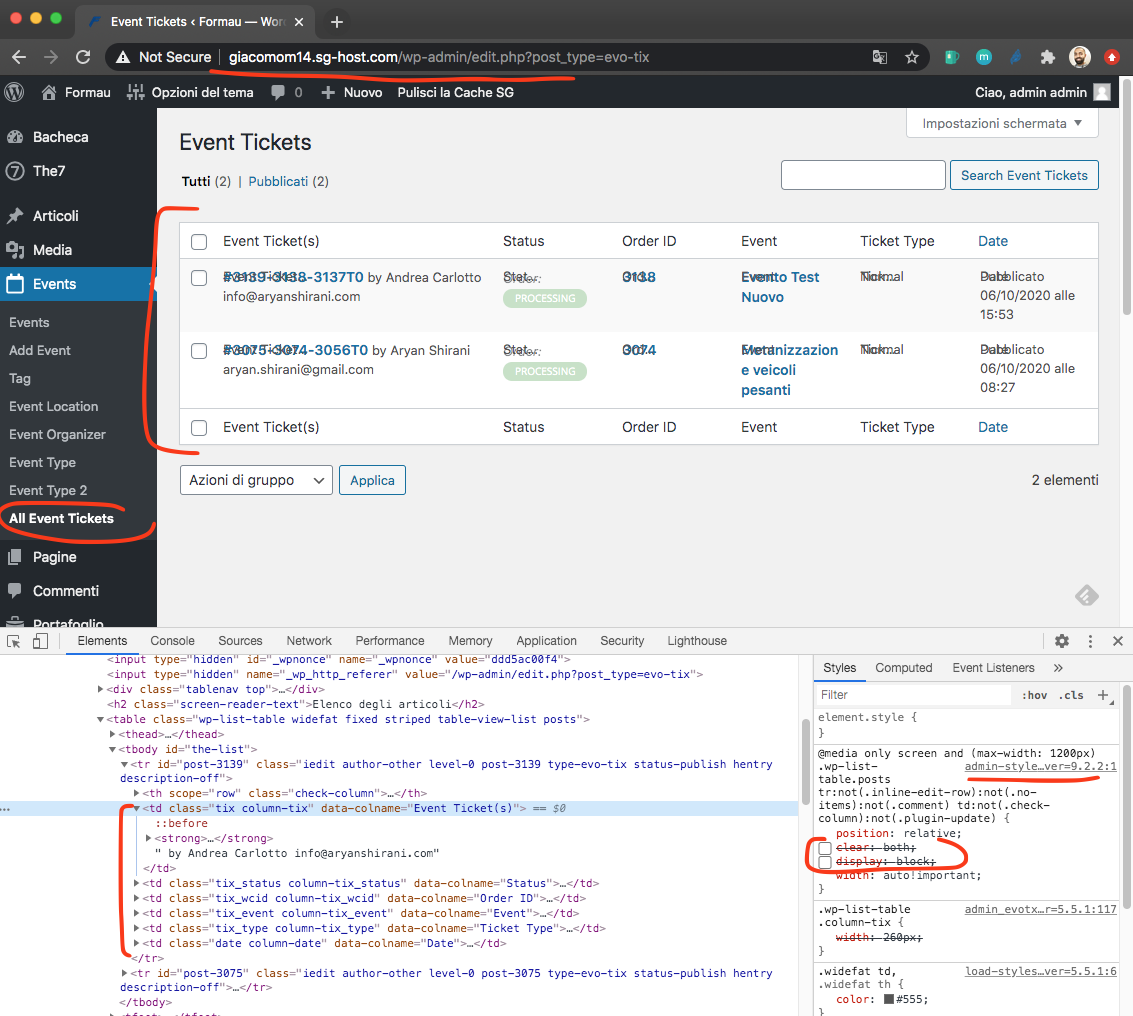
I think it may be your theme or another plugin you are using to customize the look of the custom post types view.
That worked. Thanks.
I have refunded your duplicate order 🙂
I am sure you have used the host for quite sometime, but time changes my friend, new plugins and themes need greater memory and processing power.
Honestly I am not sure what is causing toll on load time on your site. because we have multiple customers using eventON with 10,000+ events that have no issues at all with load time. IN this page http://natomaspark.aaronmatthewbeta.com/the-club/events-meetings-calendar/ — initial page load is taking quite some time. Let me see some common options we can try here..
1. try wp fastest cache plugin https://wordpress.org/plugins/wp-fastest-cache/ I’ve used W3 cache before and switching to this plugin for caching I saw increase in speed in my sites
2. I know its a live site, so may be create a clone version of this site. So you can deactivate themes and plugins and really pin point what makes things load slow. I have a feeling its not just eventON slowing things down and it may be something else too. You have 24 other plugins active, and that puts a lot of toll no the database and server.
3. I also get this connectino lost error. I dont know if this has to do with server?
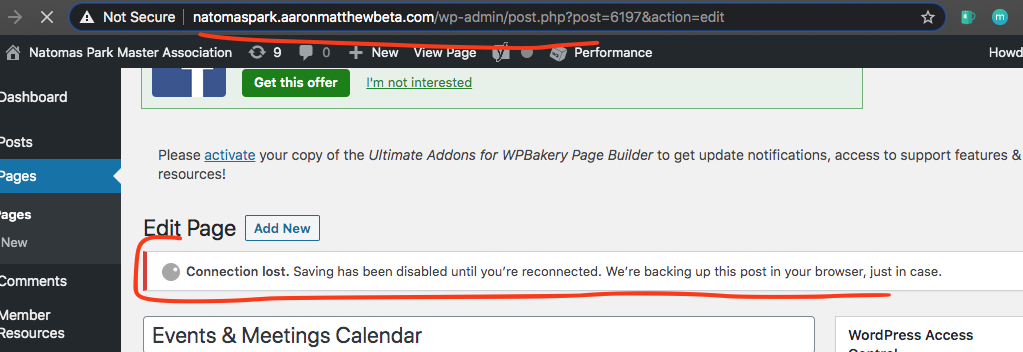
4. Try enable caching on cpanel. and if database cache is available.
5. try optimizing mysql database tables. Check your databases, specially wp_options table to see if the table is unusually large. I went through this couple of months ago. Some plugins were adding trasients to wp_options that made it like 20GB in size (remember what I said eariler, bigger the database slower it is to pull data from it) ;)– so check for any unusually large tables, entries etc.
Try those out and see if any of them work. You are more than welcome to reply back with clone site login for us to debug further.