I saw it said free but still asked for my info.
Which server since I am getting the wordpress test email?
Which server should i use to get this sorted. Please let me know immediately so i can get that sorted.
Also do you need woocommerce to have the rsvp invitation. I thought this was stand alone and I only added woocommerccee because the ticket addon required it. However, due to the issues with the rsvp invite we have not even entertained that.
Hello MK, this is the changelog for EventON.
https://docs.myeventon.com/documentations/eventon-changelog/
As you can see the same patch fix that resolved that XSS has also been applied to eventON 4.9.7 🙂
That error might be coming from some other plugin. You may have to disable one by one plugins in your site to see which one will make that error go away to find the culprit.
Ok glad to hear you are back 🙂 — I would highly recommending changing all the passwords everywhere!
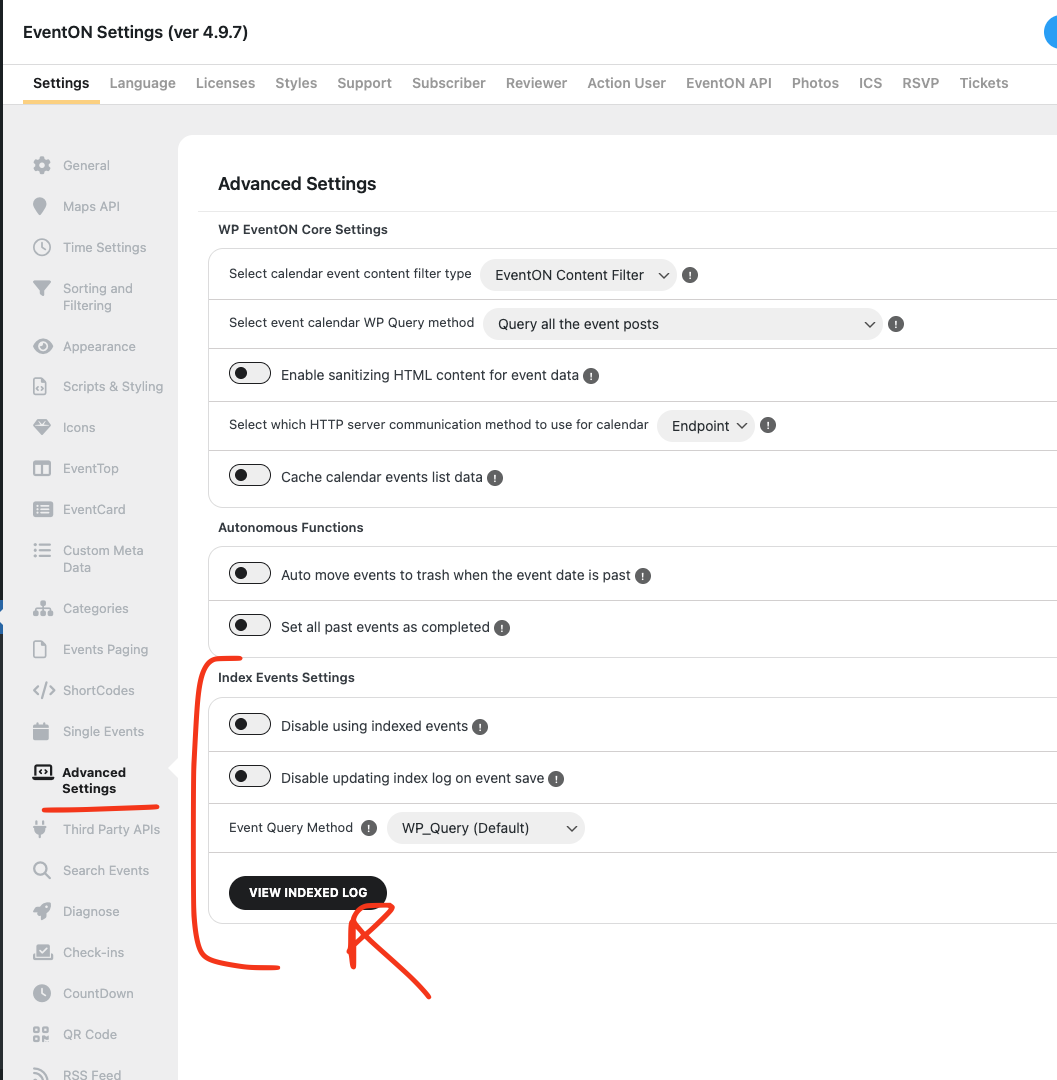
So when you activate index events, you were not seeing anything because the index was empty. Try this. Activate index events > in settings > View indexed log > Run mannual event indexing.
Once that is complete, switch Event Query Method to Custom Database.
Ok great new We were able to get an update that fix the issue with changing capacity goin gover limit.
https://x.com/myeventon/status/1922691525328187738
Also fixed the eventcard content to completely update after RSVP.
Let us know if you have any other questions.
I read practices (again). In the page then there’s the advice about priority of app restrictions…
So I added only
I also disable WP super cache, just in case…
No idea
I specifically made the product free, so you don’t need to purchase it with a card.
There is no demo page for RSVP. Please create a new event and then go to Edit Event > RSVP > enable Activate RSVP for this Event.
However, I believe that the issue isn’t with EventON but with the server itself since after I purchased the basic WooCommerce product I didn’t receive any emails to my gmail account.
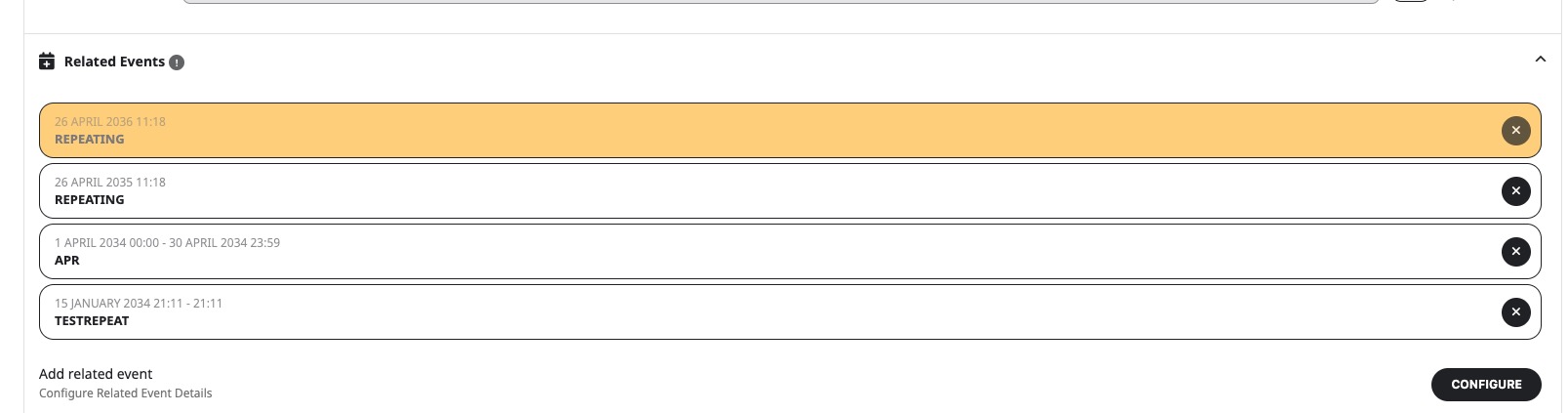
Please take a look at Related Events:
This way you can add events directly to Event Card. Could you check and let me know?
Hello,
Where can we see the issue? Could you send us a direct link?
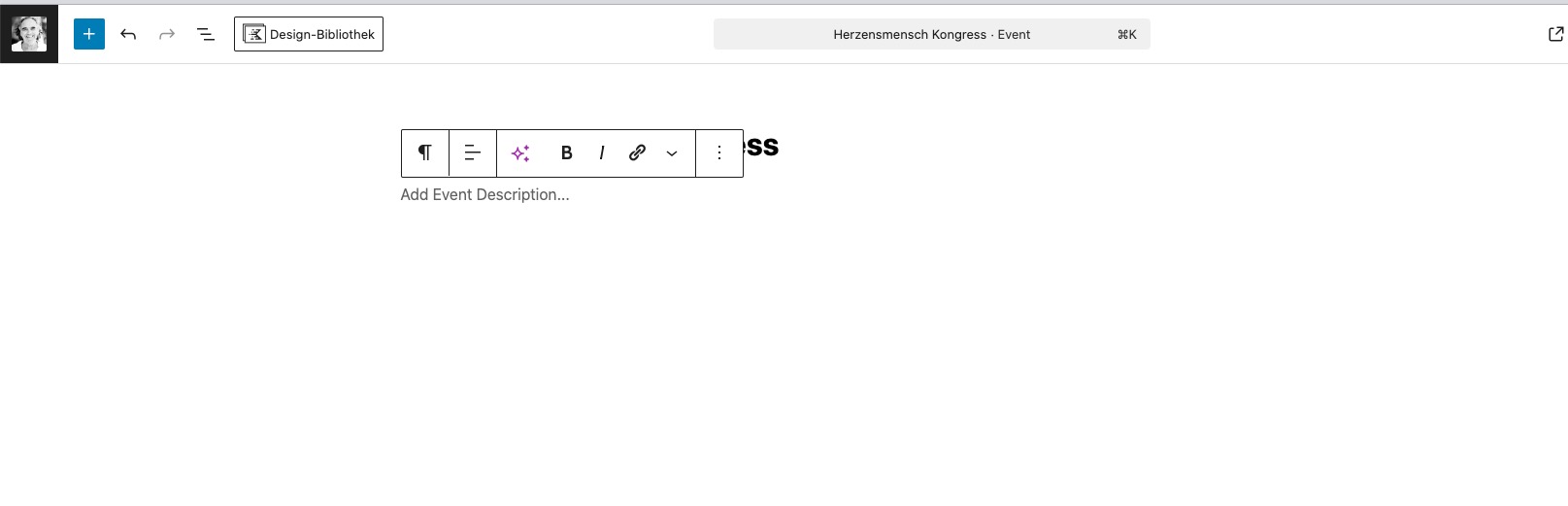
Not sure how can I enable the visual editor:

Yes,
the addon weekly view just doesnt works at all : I just replaced the actual shortcode by this one to test it : [add_eventon_wv]
How to make it works?