Yes, during the testing,
the text which should appear underneath the logo, was right from the logo for the second organizer. check the image above
I did deploy everything to live and then it worked. Still did some fine tuning css.
Cheers
Replies for tickets on suppota
Yes, during the testing,
the text which should appear underneath the logo, was right from the logo for the second organizer. check the image above
I did deploy everything to live and then it worked. Still did some fine tuning css.
Cheers
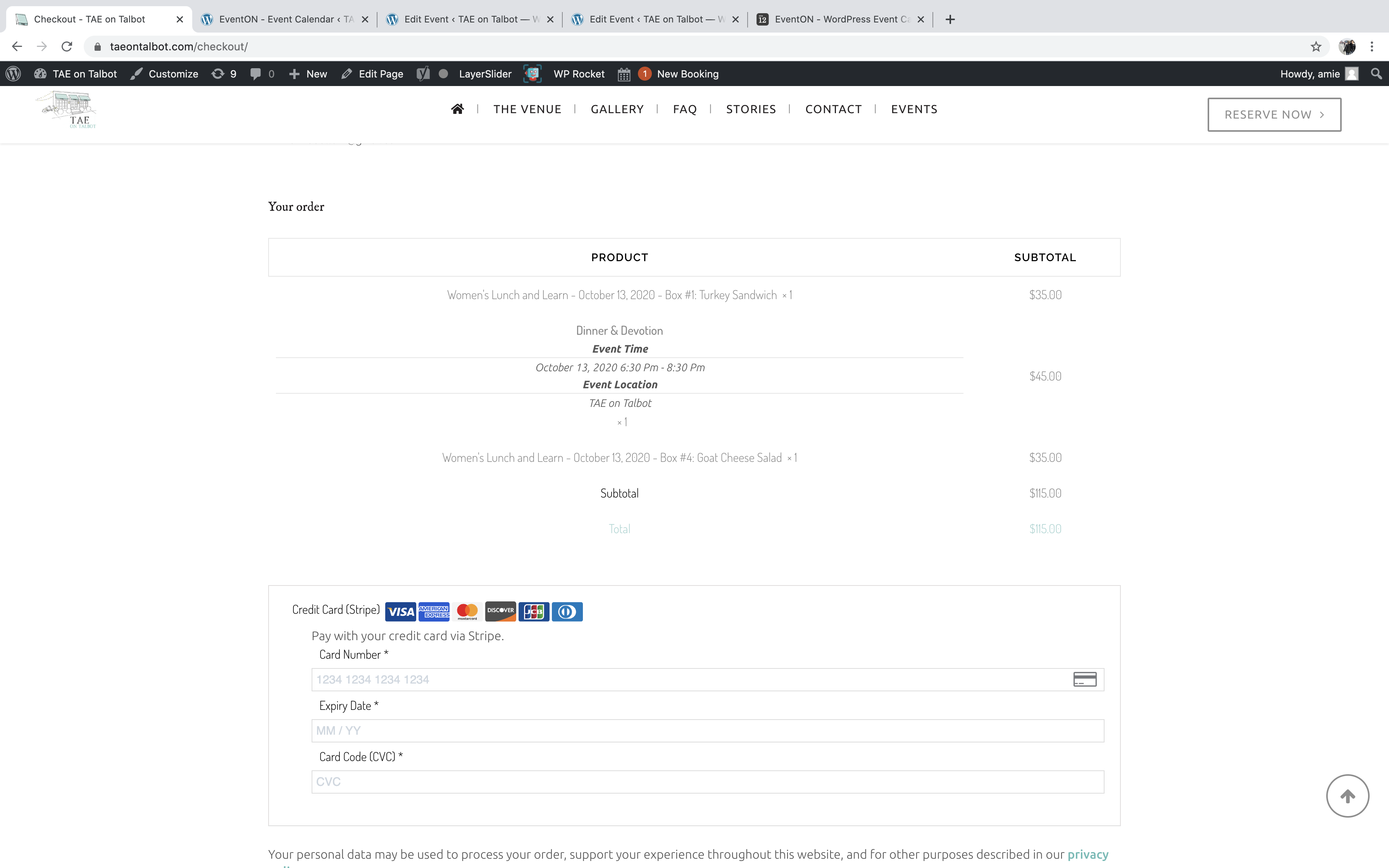
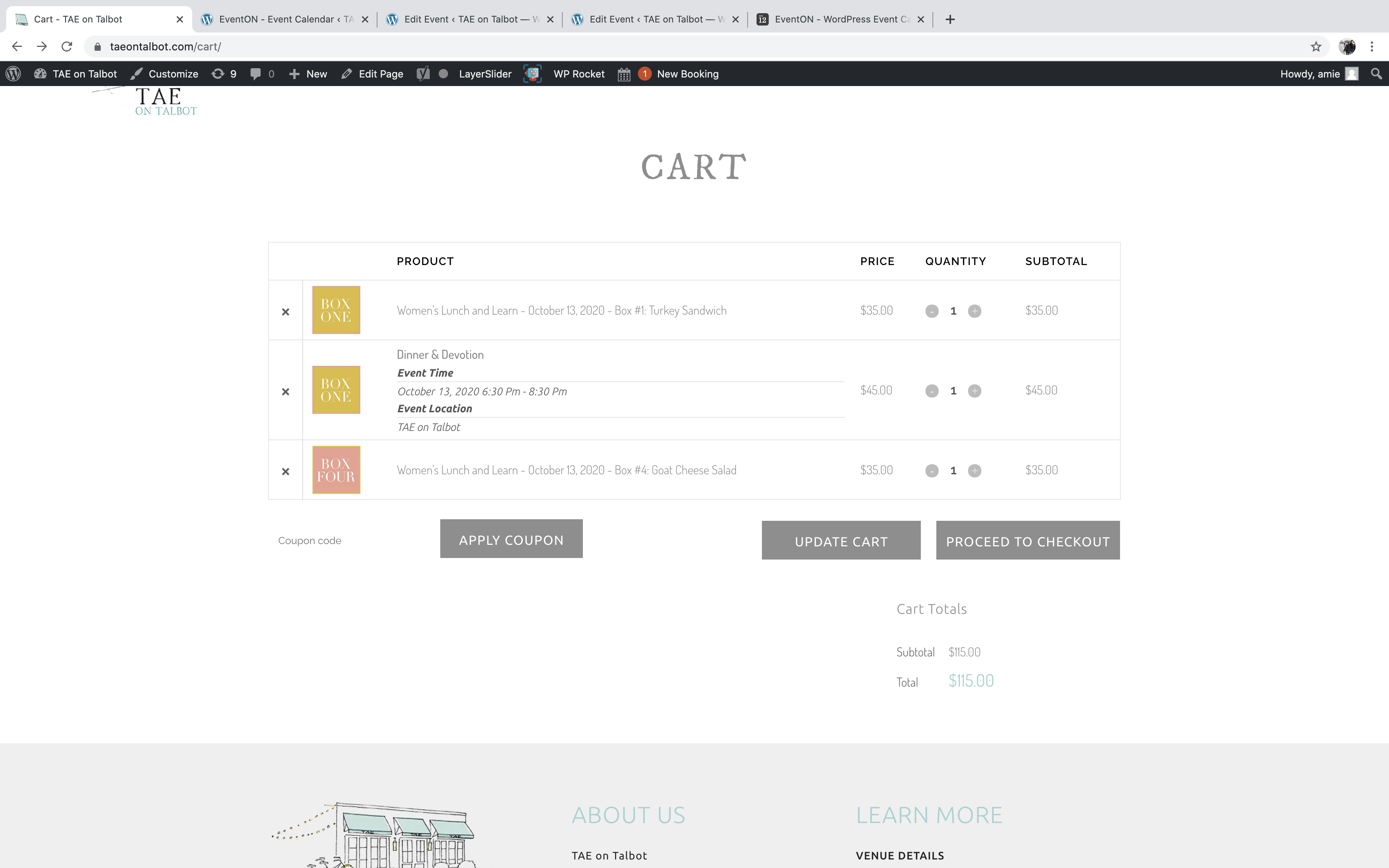
Hi, has this been added?
What files will be updated? because we have a git repo and we’re also updating files constantly in the theme folder. We want to make sure we are not overriding your changes.
Please let us know once you have updated, and what files you have changed.
Thanks
Hello,
You don’t need to buy a new license to update the main plugin. Could you try following this instruction:
To update eventon to latest version: If you are unable to do autoupdate, you can go to codecanyon your account > download and get the latest eventon version as zip file. Then you can go to your website, deactivate old eventon, activate (Do not delete eventon settings & data when EventON is uninstalled) from eventon settings, delete old eventon, install new one and activate. This link will further explain the process it. Also you can follow us on twitter to get real-time announcements on updates!
Please try cleaning your cache on the website and in browser.
Hello,
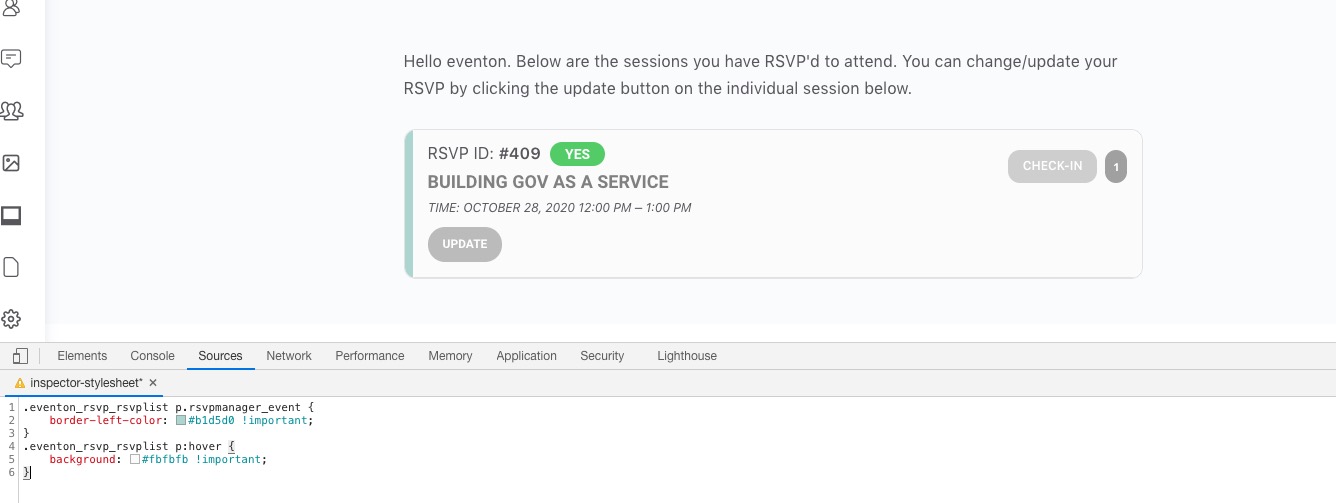
Please try this code:
.eventon_rsvp_rsvplist p.rsvpmanager_event { border-left-color: #b1d5d0 !important; }
.eventon_rsvp_rsvplist p:hover { background: #fbfbfb !important; }
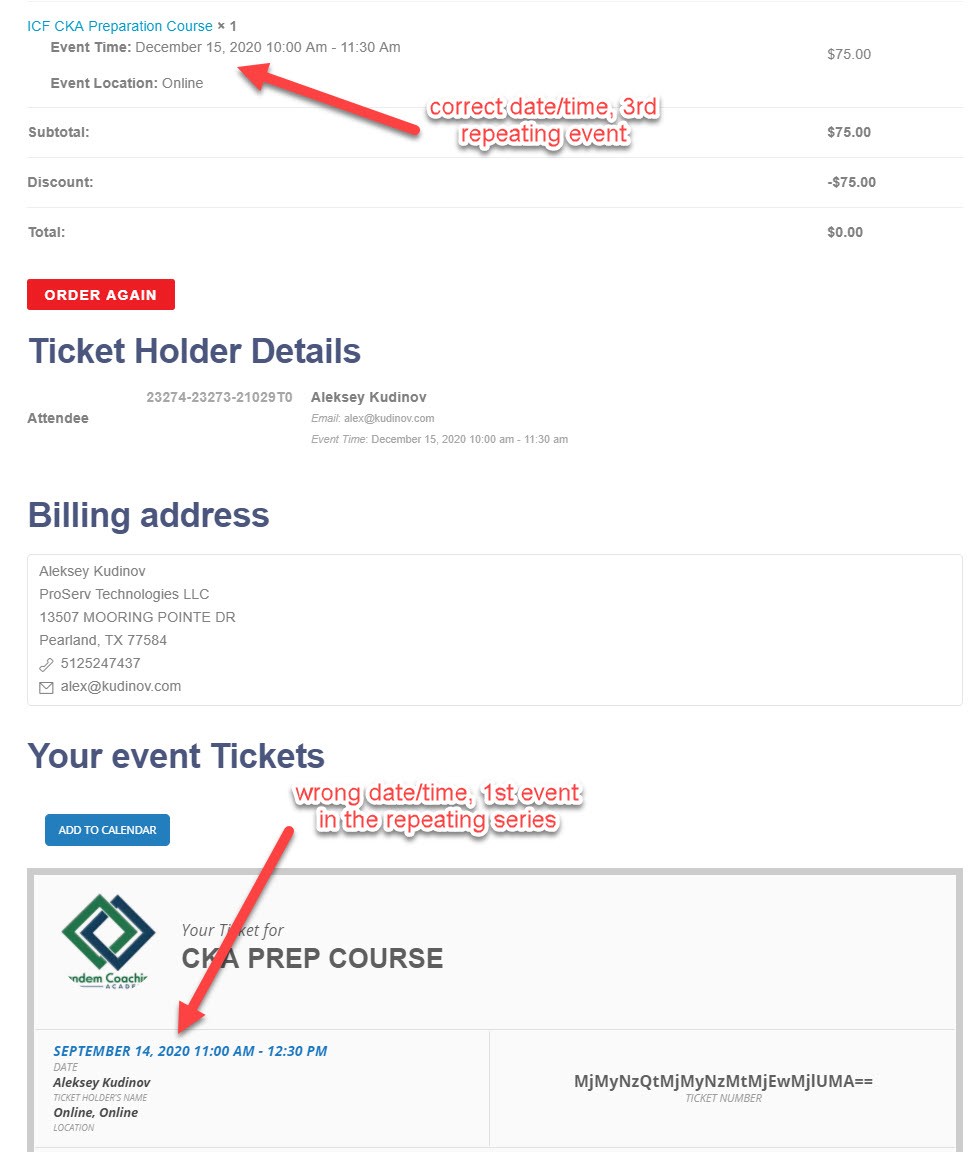
Eventon version 2.9 and RSVP version 2.6.9
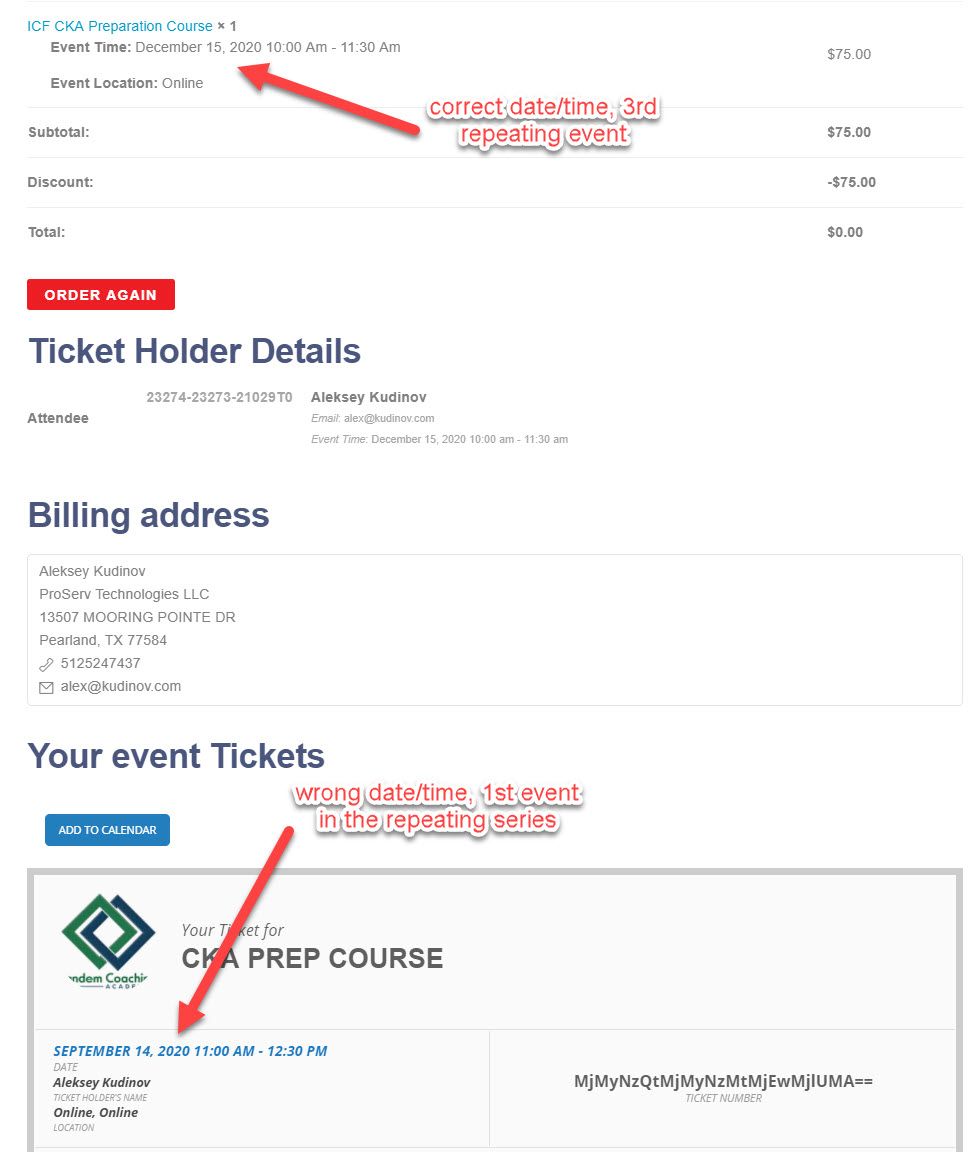
see checkout and ticket screenshot attached
Hello,
This is issue doesn’t seem to be related to EventON.
Could you please try the instructions mentioned in this documentation to make sure your issue is indeed coming from eventon.