I can not apply those changes because we dont have access to your other site. Kindly copy all eventON and eventON addons over to the other site and that will implement the changes.
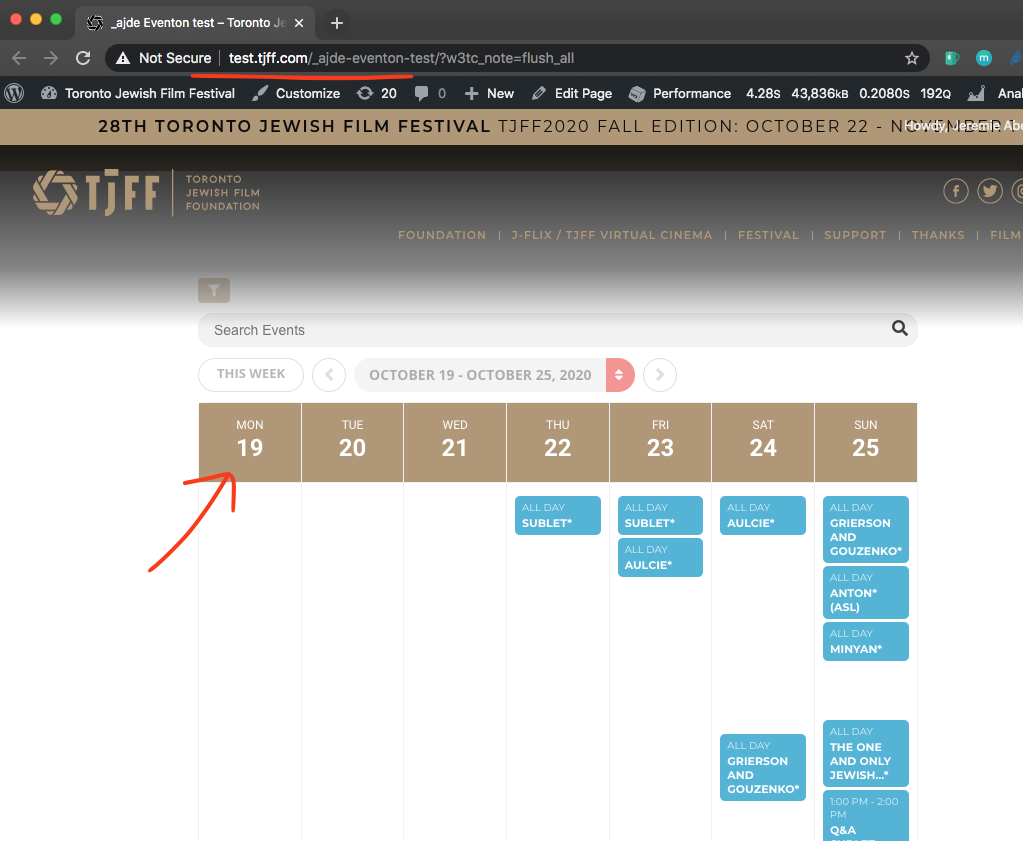
You have not lost dates, you have simply changed the background color of day boxes to white in eventon settings > appearnaces. Changing the background color will bring them back as I have done so in the test site.
Hi,
My beack-end team doesn’t support REDIS Cache or Memcache. Can my organization be refunded for the plugin since we’re unable to get it to work?
Thank you
Hey Mathias,
I will redo it again, please do not update until we are done.
Hi Gui,
The ticket will stay open and will see further.
Hey Vinay,
It is possible to change that to actually get the Organizer email for the reviews.
You can send us a customization job request by creating a new ticket in here and selecting Customization Request as the category.
Jeremie,
Which code are you referring?I do not see we have posted something.
Furthermore, we still do not have wp-admin access to your site to debug and give any guidance to our knowledge. And if the older version work fine, what stops you from using the older version of eventON?
Hello,
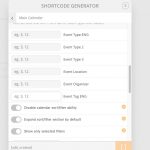
By default Search functionality uses Event Title and Details. If you want to include custom meta data, category values and comments into search query pool please go to EventON > Search Events > enable Enable additional search queries (may not work for all sites).
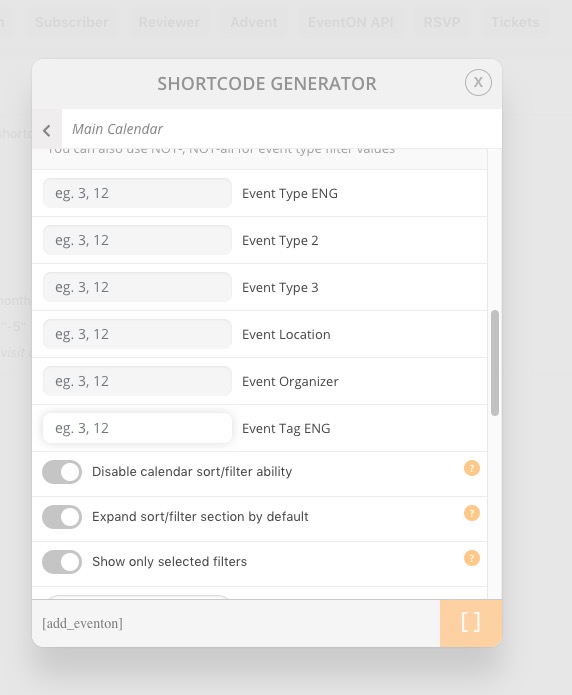
Please go to Edit Event > Tags > Add. Now you can filter events by using Event Tag option:
[add_eventon event_tag=”1″]
If you have more questions. please ask.
order refunded and the subcription is cancelled Walter. Sorry it did not work as you wanted If you have more questions, kindly send us a new ticket and we would be more than happy to help you resolve your issues!
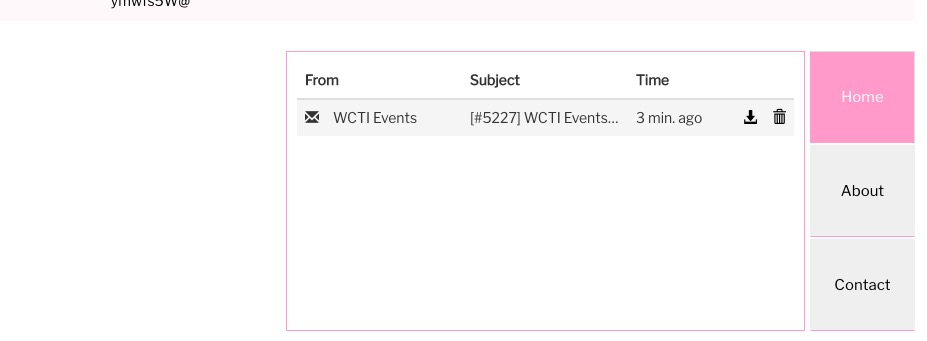
I also only received one email: