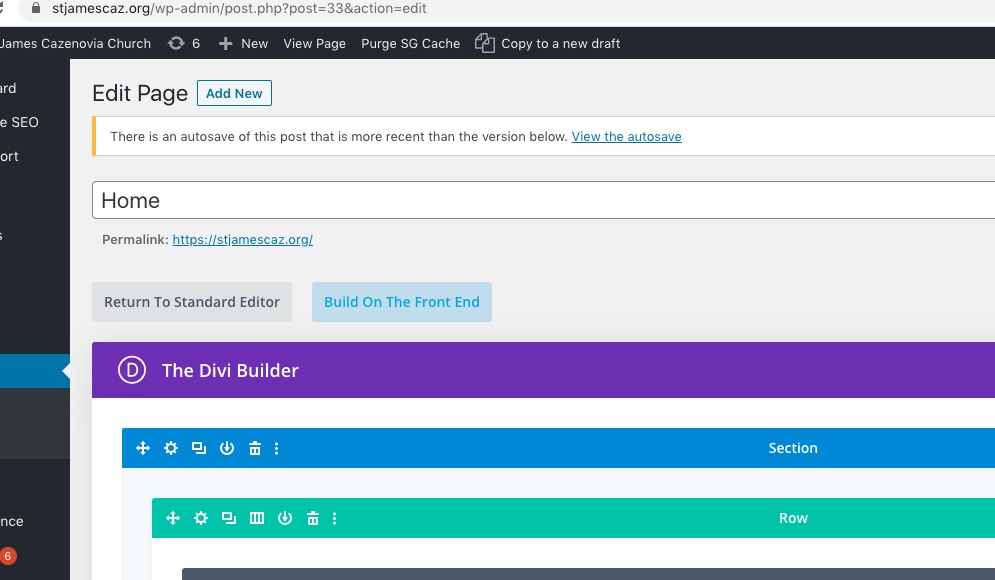
I think I know what the issue is but I’ll need to check your settings
Please send us wp-admin access to your site as a private message for us to further assist your situation.
and also could you provide the login link for the google login so I can test it with my own google account
yes, with right user role.
but when logged in user try to add an event, it will require to log in again, although he logged in theme
check out https://www.myeventon.com/addons/weekly-view/
Visibility cannot be fixed without customizing the source code, I am afraid.
Hello,
There seems to be a problem of incompatibility with the theme. Please add this CSS code to EventON > Styles (If you don’t see any change, EventON > turn off Write styles to header > save settings > turn on Write styles to header):
body.evo_overflow { overflow-x: initial !important; }
html.evo_overflow { overflow-x: initial !important; }
Ashan,
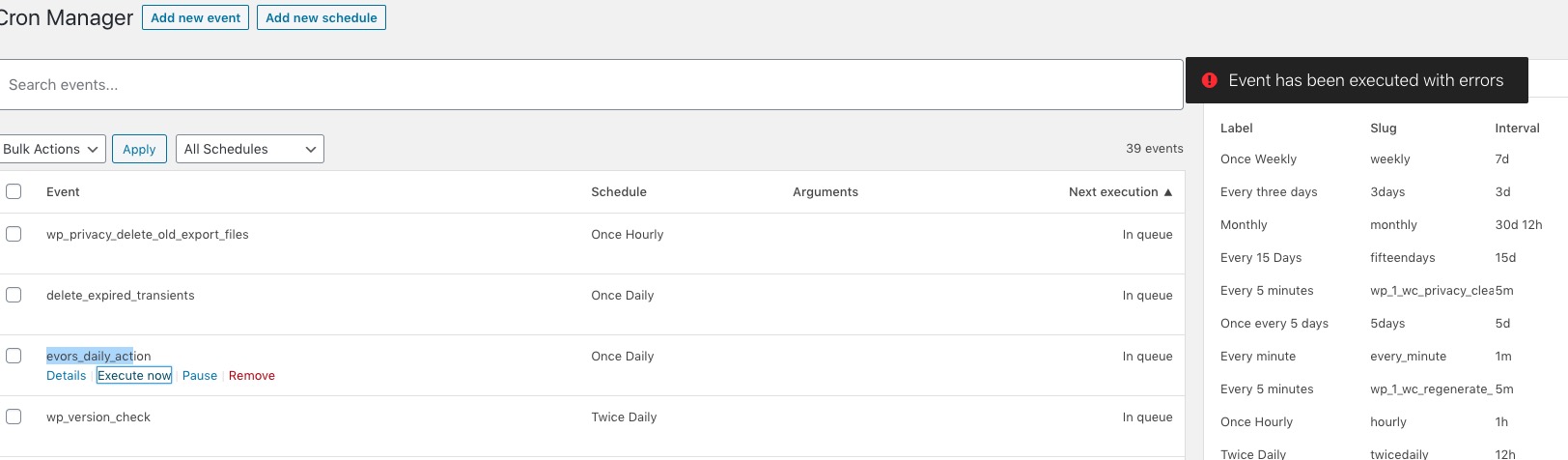
On dev2 I received this error after I pressed Execute Now:
I also enabled Receive daily digest emails for events (BETA).
Hello,
Thank you for your messages, I am going to assign this ticket to Ashan and he will be able to take it from here and find you a solution. Please allow some time for him to get back to you, we greatly appreciate your patience and thank you for being a eventon customer! Also please disable any IP blocking on your site if there are any.
Hello,
I went to EventON Settings and enabled Disable JQuery Mobile script. Please check now:
Please send us wp-admin access to your site as a private message for us to further assist your situation.
or try this first- if it doesn’t work- please send wp-admin access
.evcal_desc .evcal_desc3 {
font: Arial;
font-size: 20px;
color: #FF0000!important;
}