Hi thank you for getting backto me. Currently all eventon plugins are installed on mainsite and network activated uring install process. The wishlist is not i just wanted to buy it and check that the result was what we wanted. So how it displays is perfect and when network activated it will be ok on all site.
Ideally we would like the user to login to their area and see all items in wishlist in one place. I was hoping your api plugin would solve it but i was told the wishlist is not possible with the api plugin
https://www.stingrays.be/wp-admin
username: tempadmin
password: 2Thc0Z(CCEOES@cAwPliPYYM
Please send us wp-admin access to your site as a private message for us to further assist your situation.
Hello,
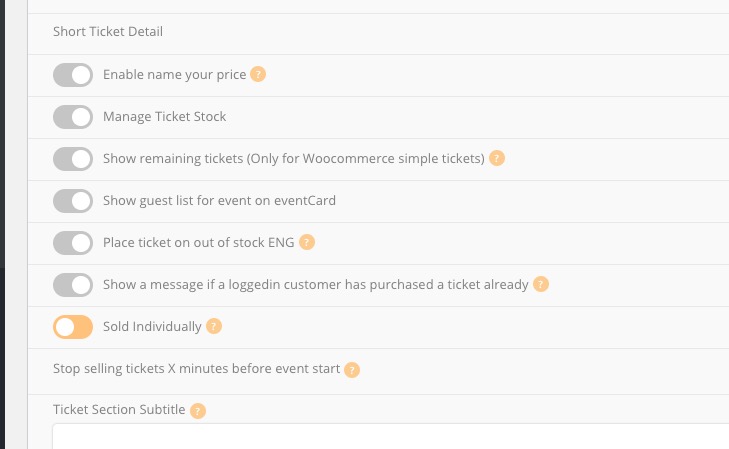
Unfortunately, everything is correct. Options you can see on this screenshot
only affect regular tickets without enabled Booking Blocks, Variations and other add-ons.
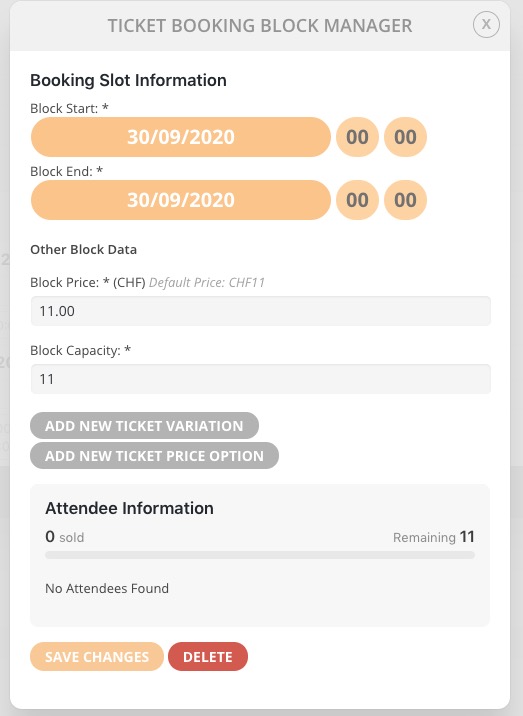
The parameters affecting Booking Blocks must be searched for in the booking blocks themselves:
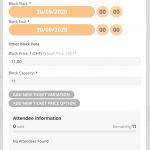 You can also send us a customization job request by creating a new ticket in here and selecting Customization Request as the category.
Please also note that if you enable Sold Individually, customers still can buy this ticket one more time.
Hi this is a new event I created:
Bootjesduik Zeeland | Stingrays
I have updated the rsvp add on. Same result. Total attendees is all attendees from all recuring meetings.
Hello,
Please activate the license of EventON on your test server first. When finished you can deactivate it and then activate on your live website.
More info: https://docs.myeventon.com/documentations/how-to-activate-eventon/ and https://docs.myeventon.com/documentations/how-to-deactivate-eventon-addon-licenses/
Even so you enabled Repeating Event, your link leads to the first repeat https://foogin.com/events/nutrition-training/ all the time. You should be able to go to each repeat by adding /ri-1-L1, /ri-2-L1 and so on, ie http://dev2.myeventon.com/events/rep-zoom/var/ri-1.l-L1/.
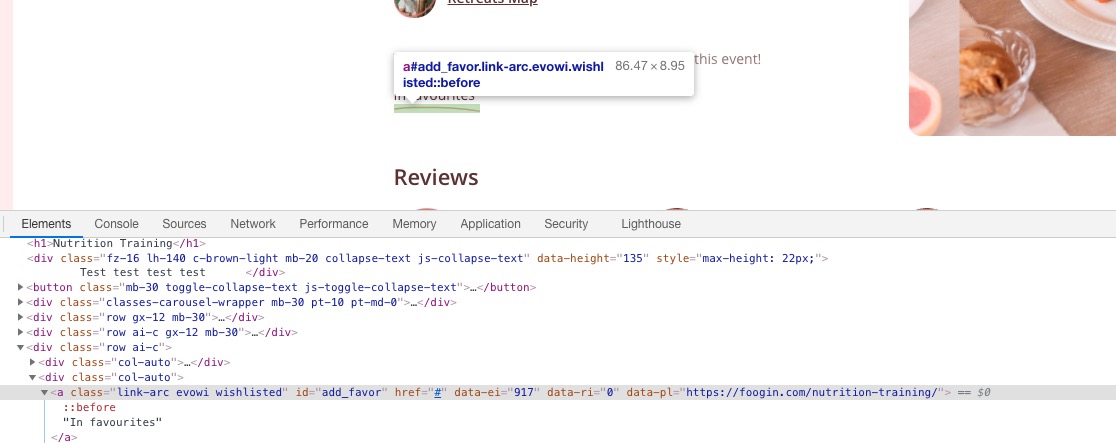
Because of this “Add to Favourites” always adds the first repeat: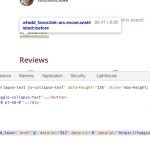
See data-ei=”917″, where 917 – is Event ID.
Please check my answer in your other ticket.