done.
FTP:
FTP hostname: blueskies.rocks
Port: 21
Accountname: eventon@blueskies.rocks
PW.:#}2zbdn1:4Q2
Replies for tickets on suppota
done.
FTP:
FTP hostname: blueskies.rocks
Port: 21
Accountname: eventon@blueskies.rocks
PW.:#}2zbdn1:4Q2
Hey Omar,
What problems u had, can you let me know so I can see how we can fix them?
Hello,
Please go to Edit Event > open Developer Tools > check name and value inputs. For example, for time you can check
<input type=”hidden” class=”_real_event_start evcal_start_date” name=”evcal_start_date” value=”2020/10/31″>
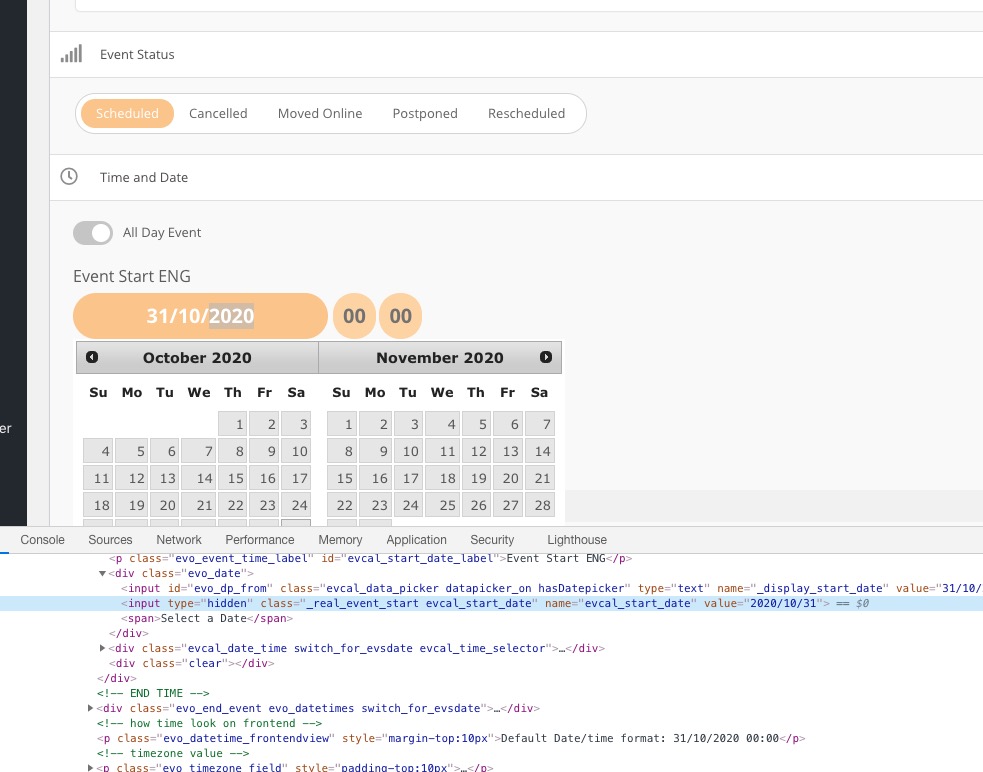
As you can see time format is YYYY/MM/DD. Time format (evcal_start_time_hour and evcal_start_time_min) depends on Settings > General > Time format.
Event Location is quite hard to import since you need to create Location first and only then assign it’s id to evo_location_tax_id. More info on Event Variables: https://docs.myeventon.com/documentations/event-post-meta-variables/
We assign tickets to Ashan only when there is an issue with EventON.
I have replied in other ticket. Please check.
Hello,
I cloned the live site into staging and followed the instructions provided at the link you sent:
https://www.wpexplorer.com/wordpress-excerpt-length/
I added the following code to my child theme’s functions.php file:
add_filter( ‘excerpt_length’, function($length) {
return 2000;
} );
I changed 20 to 2000, thinking this would show up to 2000 words in the excerpt. However, this did not appear to change the output, as the excerpts are still showing the same number of words: https://ftcdeve.wpengine.com/evofeed
Yes I have cleared cache and tried it in Chrome, Brave and Safari.
Developer Console: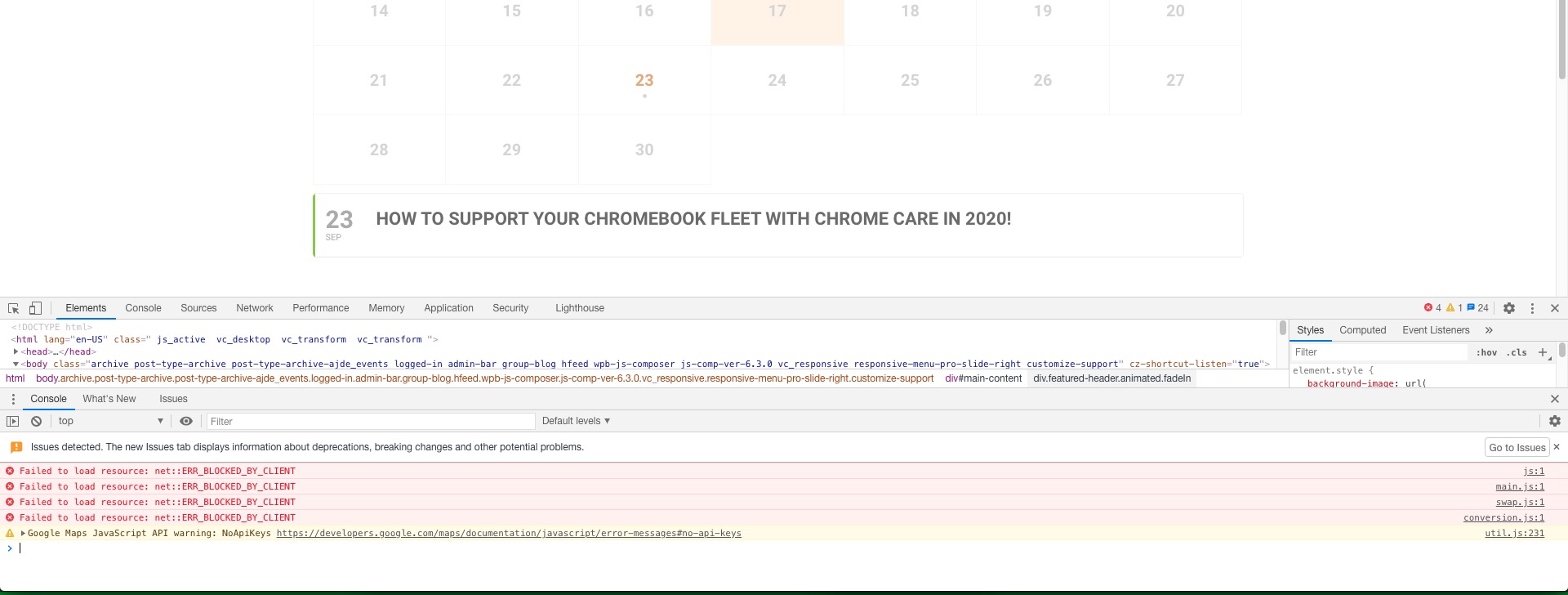
Could you try cleaning your cache?
Hello,
By default, every EventON’s Ticket Product is hidden:

If you changed this setting, it seems you’ll have to make them hidden or delete manually, I am afraid.
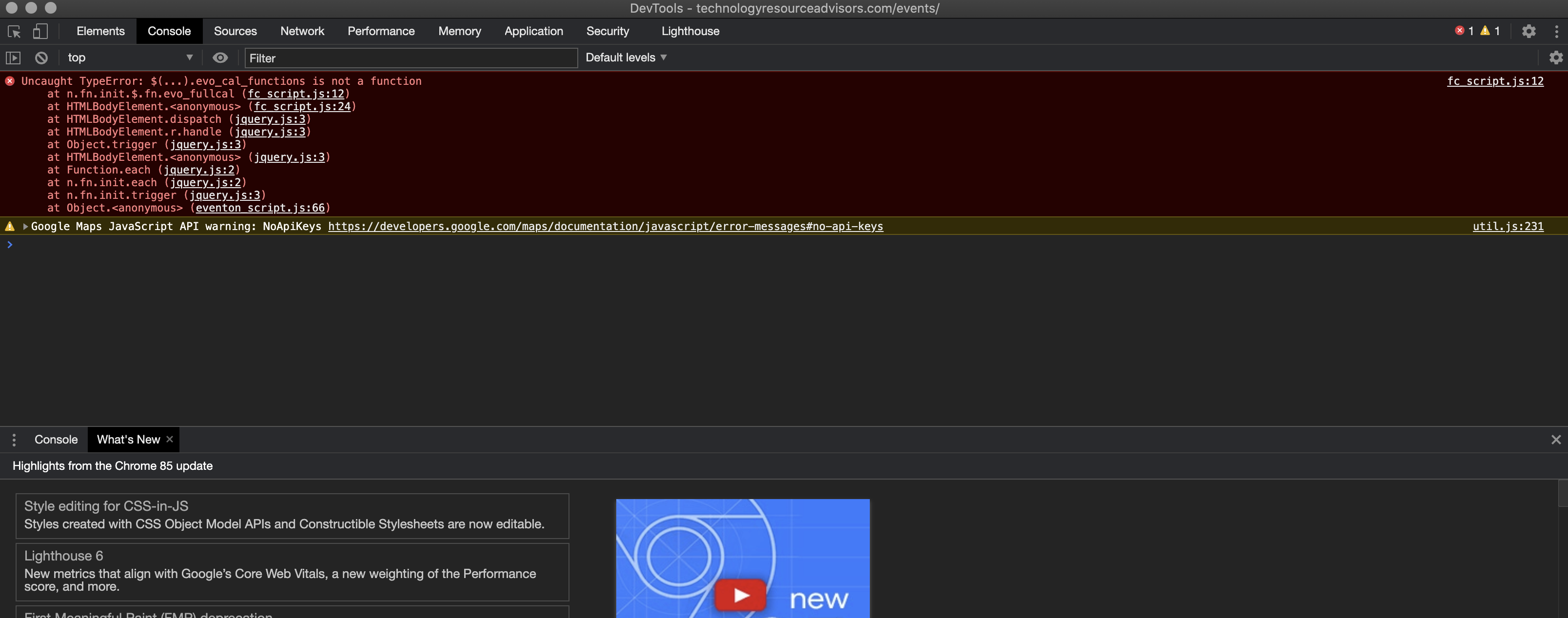
I have read the csv import documentation and the xml does have elements for date and time separately. My questions are still not answered. Please assign this ticket to Ashan.