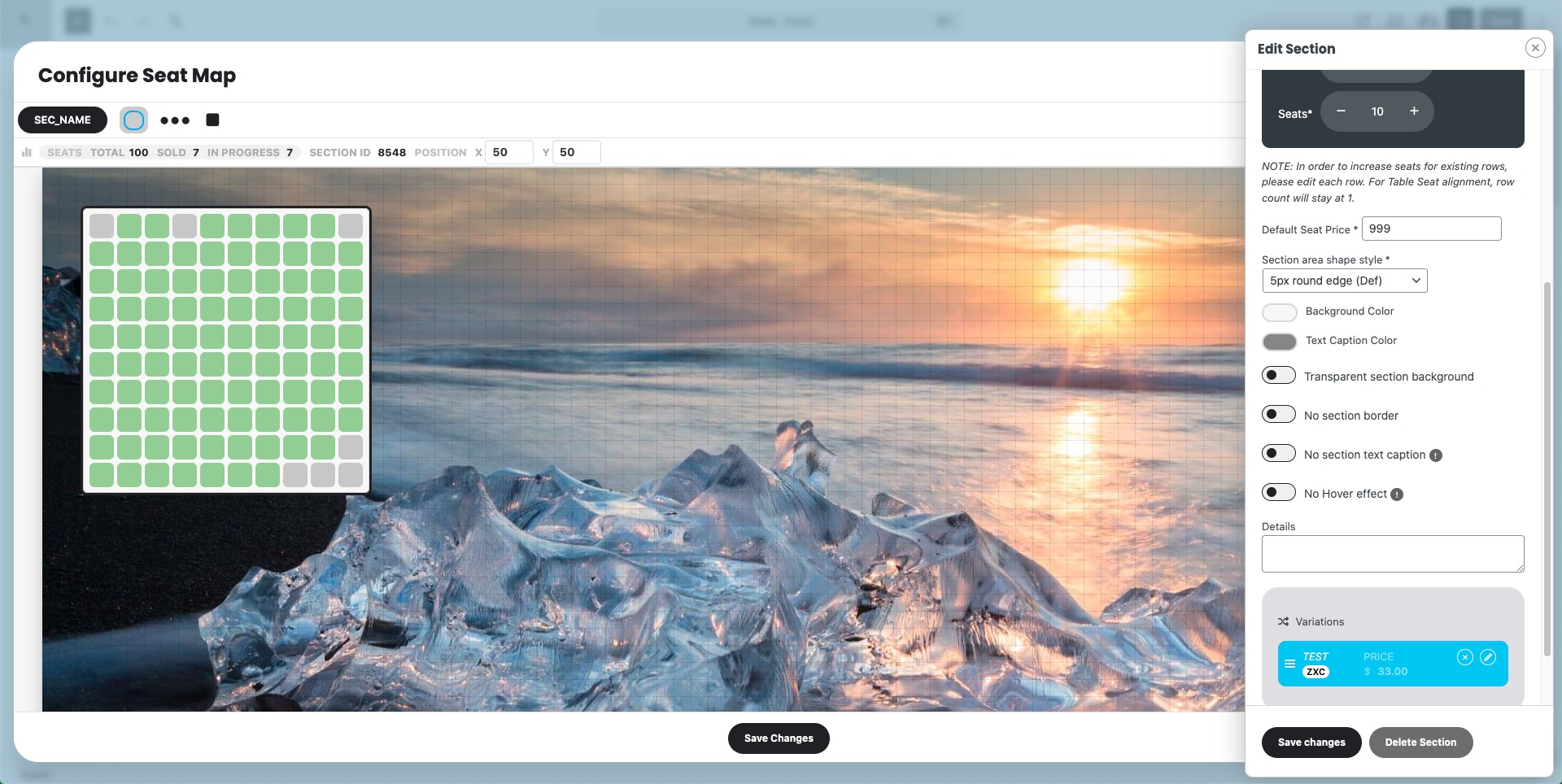
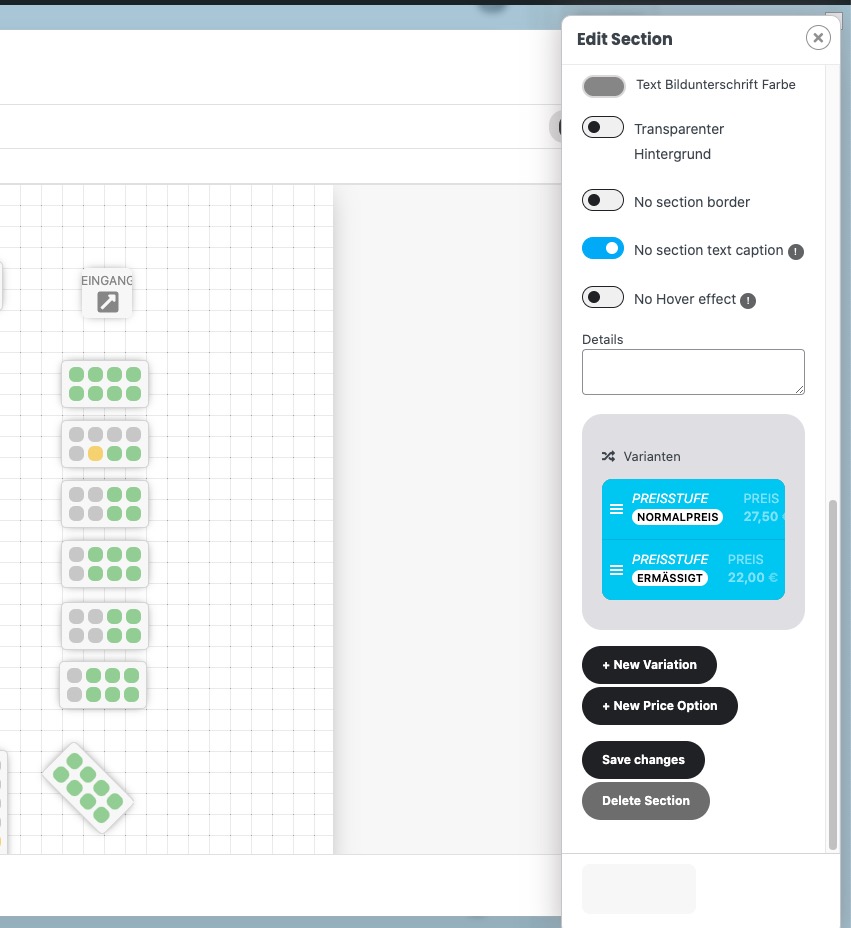
Could you don’t send any login info as reply and add it to ”Access Info” box on right side menu?
We are going to investigate the issue more.
Replies for tickets on suppota
Could you don’t send any login info as reply and add it to ”Access Info” box on right side menu?
We are going to investigate the issue more.
Hello,
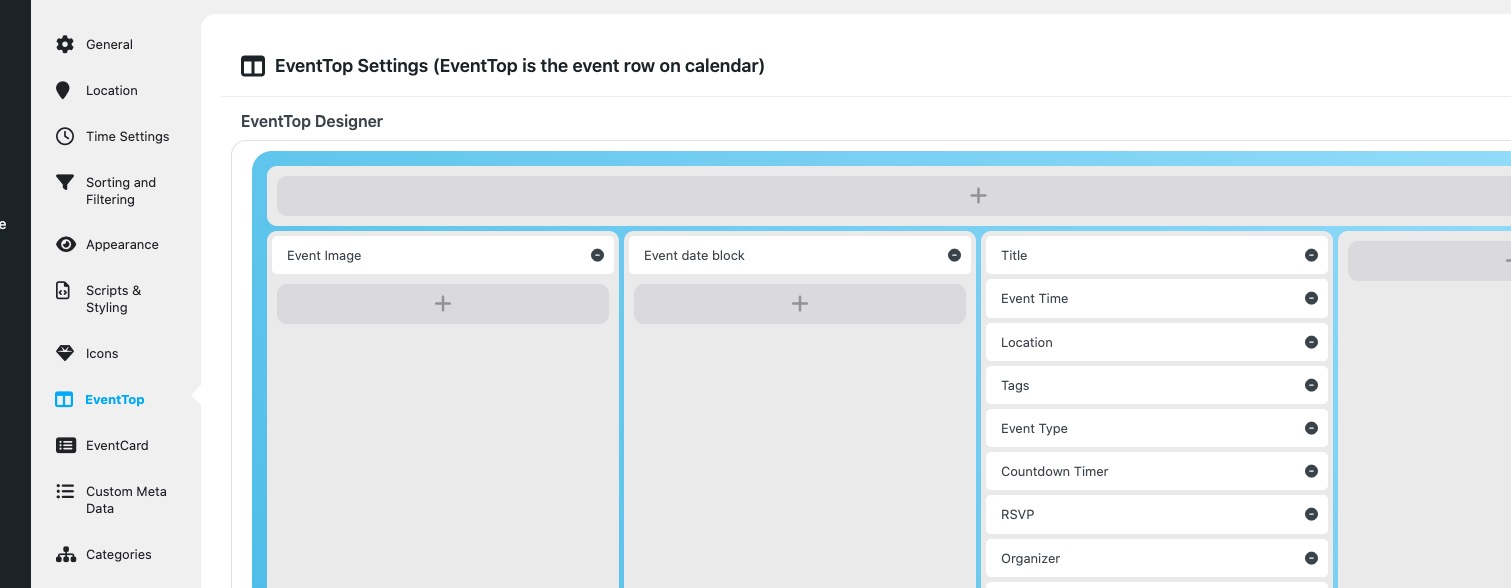
Could you try re-arranging EventTop like this:
Thank you for your great suggestion, at the moment it is not supported. However please create a new ticket and select Feature Request as category so others can vote on your idea and get it moved into development faster.
Hello,
Thank you for your great suggestion, at the moment it is not supported. However please create a new ticket and select Feature Request as category so others can vote on your idea and get it moved into development faster.
Thank you for letting us know! Our devs will check this ASAP.
Hello,
Could you please update EventON, Tickets and Seats?
To update eventon to latest version: If you are unable to do autoupdate, you can go to codecanyon your account > download and get the latest eventon version as zip file. Then you can go to your website > make sure ”Delete eventon settings & data when EventON is uninstalled” is Deslected from eventon settings, delete old eventon, install new one and activate. This link will further explain the process it. Also you can follow us on twitter to get real-time announcements on updates!
To update eventon addons: You can download latest eventon addons from myeventon > my account. Then you can go to your website, deactivate old addon and install new one and activate then delete the old addon. This link will further explain the process. Also you can follow us on twitter to get real-time announcements on updates!
Hello,
With Subscriber add-on you can allow users to subscribe to certain Event Types:
https://www.myeventon.com/addons/subscriber/
If you make types events, then users can subscribe to certain events.
Try on
https://dev.myeventon.com/wp-admin/
Please check and let me know.
Also create a new ticket and select Feature Request as category so others can vote on your idea and get it moved into development faster.
Hello,
Are you referring to this option?
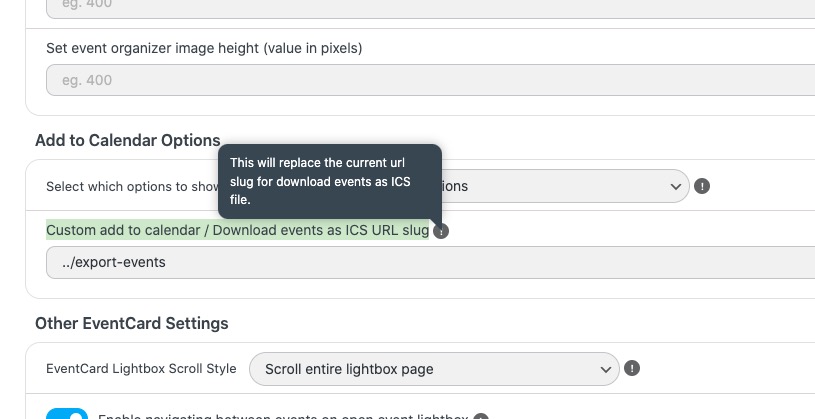
Please note that the option only changes Slug of the link, so it cannot be changed to Apple URL.
Could you try using Custom Meta fields to add the link you like:
https://docs.myeventon.com/documentations/setup-use-custom-meta-fields-events/
Just add a new field ”Button” and then add it right next or after the ”Add to Calendar” section.
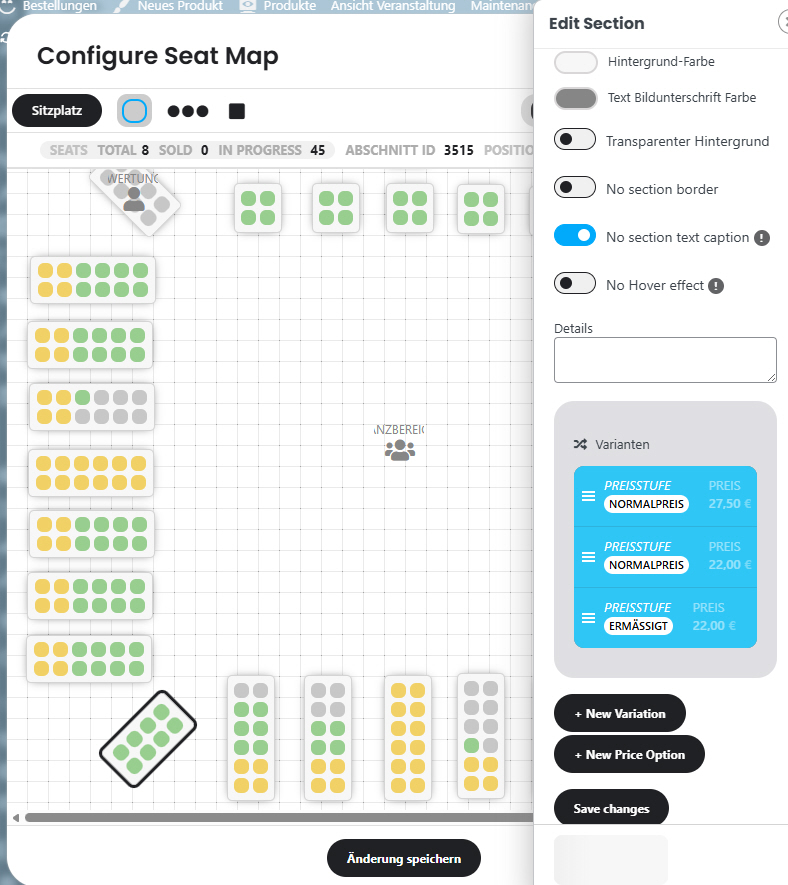 Please check the width of the sidebar so that variations can also be deleted.