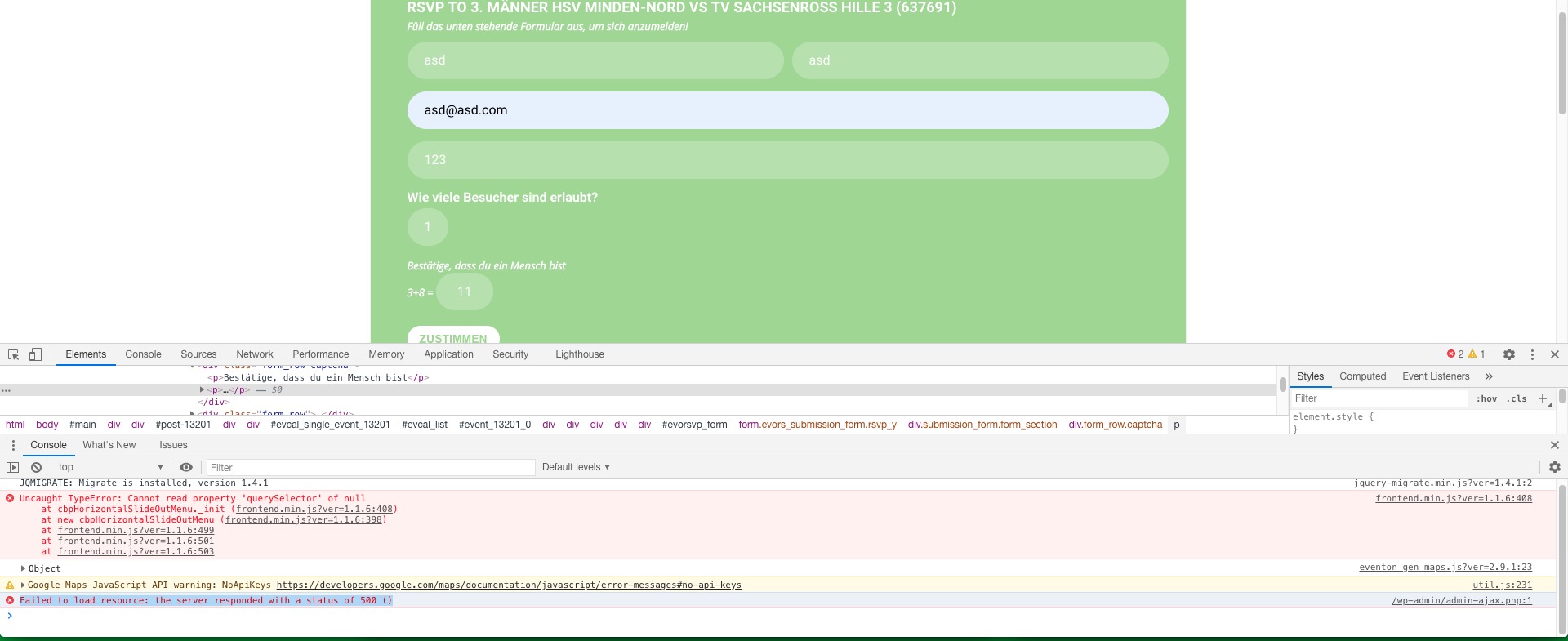
It seems that there is some kind of error on the server’s side when you RSVP:
This is why it doesn’t show the correct number of RSVPd users.
Please follow the instructions in this documentation to activate debug in your site to see any PHP errors recorded that can provide insight on to whats going on. Please reply with a link to debug.log file. If you are not able to do this please send us FTP access to your site so we can do this for you.
It is exact copy of live site so please use same detail >>
https://playground.yogavivo.dk/login
Username : eventon@testing.com
Password : eventon@123$%
Hi,
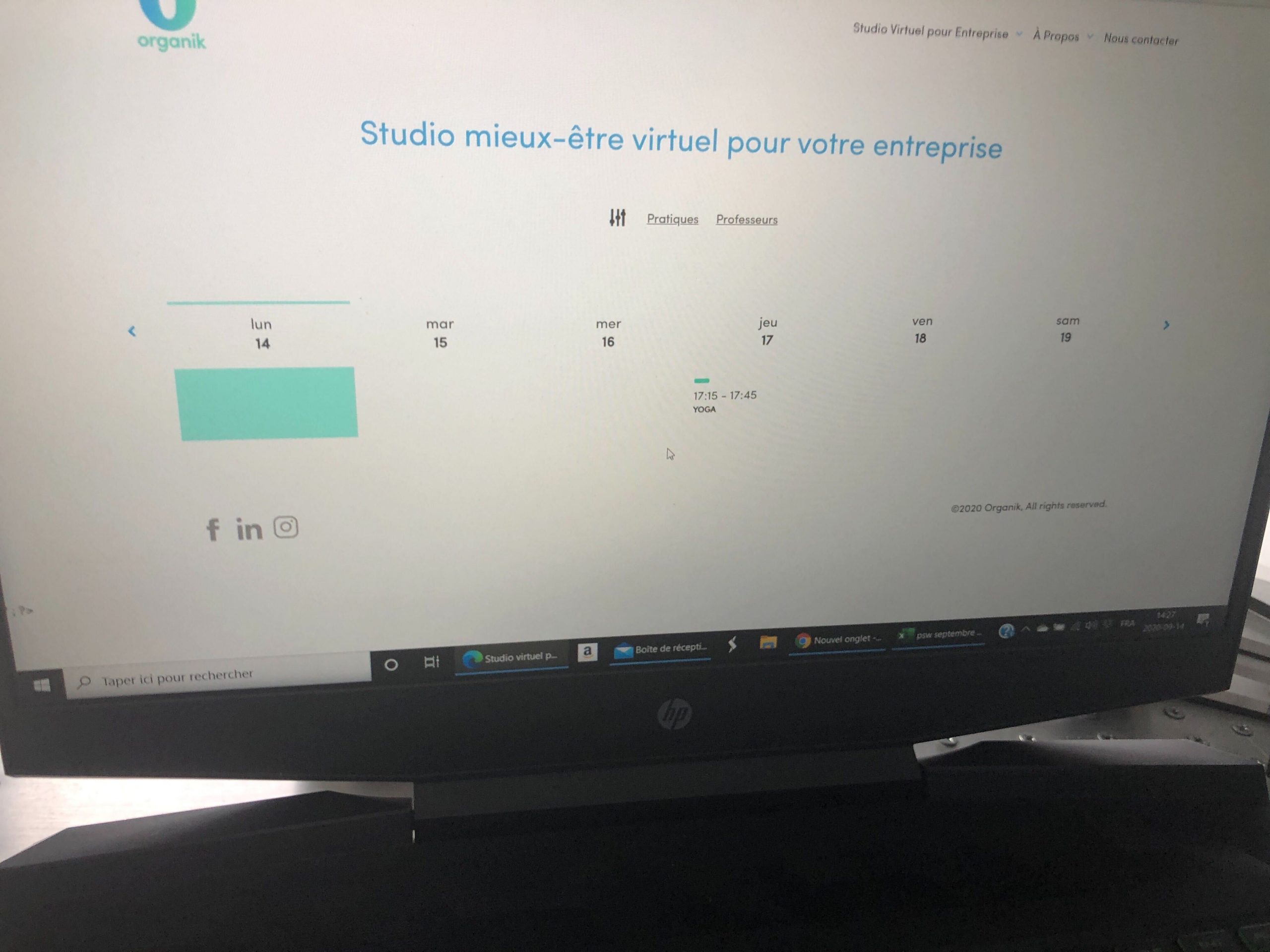
Attached is my team member screenshot yesterday! I’m getting it on mobile version too, but can’t attach more than one screenshot here.
Sorry, but it’s in a hurry and big games are coming up. How can we now solve it so that the counter counts down correctly when someone has entered? And later unsubscribes? Currently there are 2 people, but the counter is still on 98 although 100 should be displayed here. Thanks for a quick help.
Hello,
date is 14 ruj need to be 14. ruj 2020.
Please follow this guide: https://docs.myeventon.com/documentations/customize-eventtop-date-format/
its showing 7 upcoming events and need to be always 8
Event Lists cannot show events from multiple months in one list. Please check Event Lists: Ext for this: https://www.myeventon.com/addons/event-lists-extended/. Try on http://dev.myeventon.com/wp-admin/ with this shortcode:
[add_eventon_el ux_val=”4″ event_past_future=”future” filter_show_set_only=”no” hide_month_headers=”yes” number_of_months=”12″ event_count=”8″ event_count_list=”yes”]
short content –> with link for more
I don’t think that http://djos.hr/event-directory/ page uses EventON’s template. Do you want add “View More” after each event?
I am sorry, the access information you have provided did not work for us:
Greška:Lozinka koju ste unijeli za korisničko ime tiskovni.ured je neispravna.
Please check them and post the correct login information as a private message, thank you!
every upcoming – when click load this event page
Could you elaborate more? Do you want to enable Load More functionality?
Ah, I see. Could you customize it that way, that, when virtual event is selected, The zoom link and login credentials are shown ABOVE the event excerpt and maybe a link to the individual event on the webpage? Then we would not need the excerpt anyway. How much would it cost, approximately?
Hello,
Could you send us a screenshot?
No issues from my side.
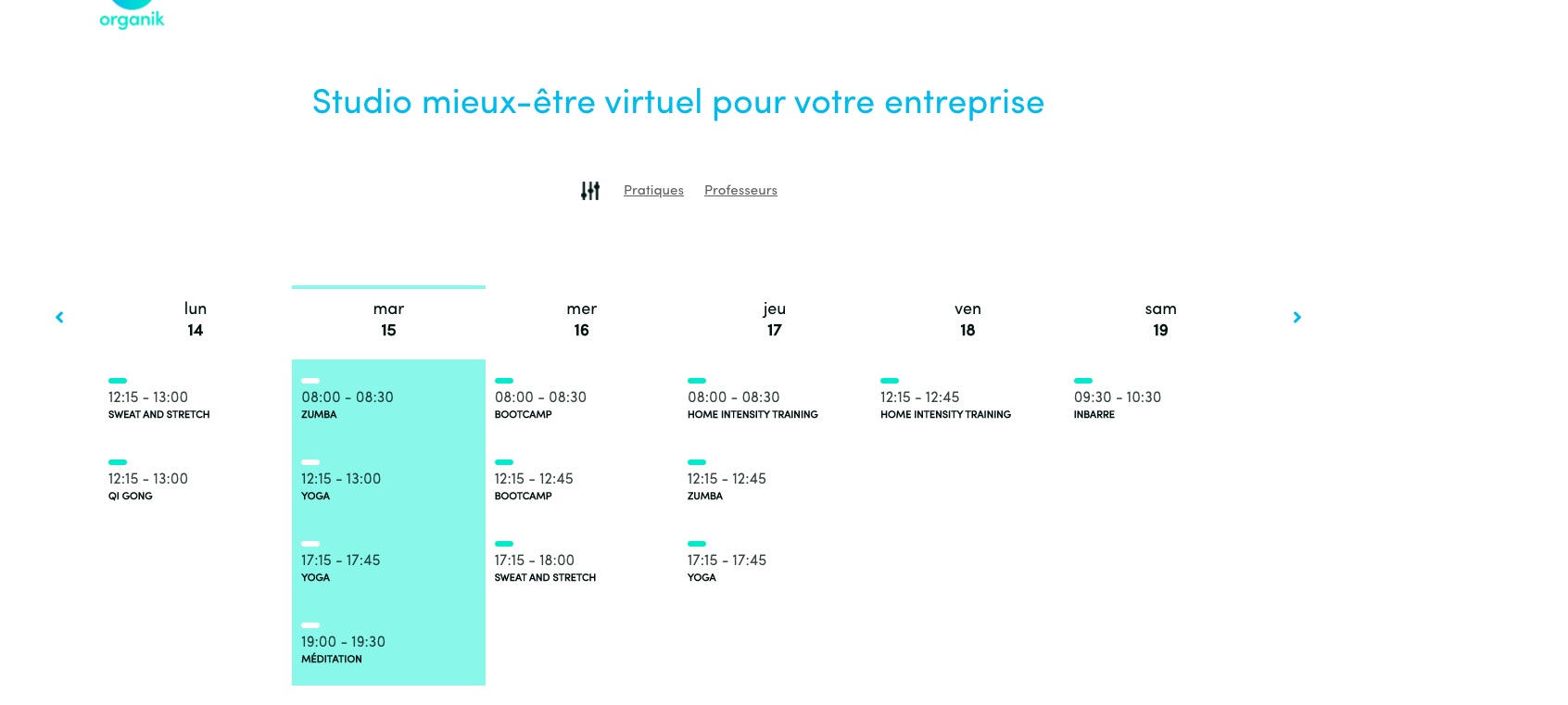
First load:
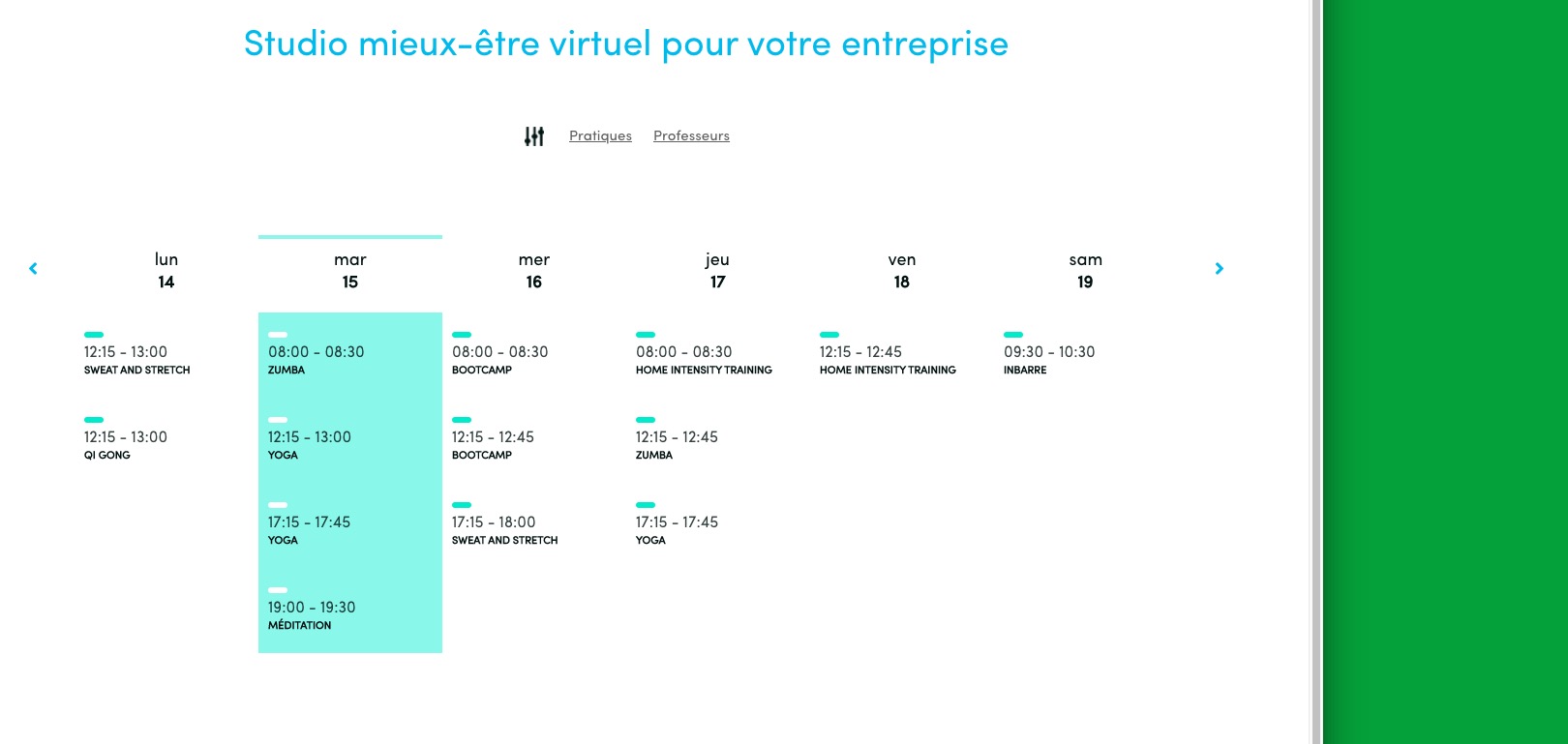
After I resized the screen:
As you can see they are the same.
Could you send us login info so your playground site so we can check this?
Reply to: 194820
Ashan,
Could you check? The same on dev2: http://dev2.myeventon.com/23063-2/
Is this correct?