My language codes in the event calendar shortcode are:
wpml_l1=”en_GB” wpml_l2=”da_DK” wpml_l3=”de_DE”
Which are the exact same as the langauge codes in WPML settings.
Replies for tickets on suppota
My language codes in the event calendar shortcode are:
wpml_l1=”en_GB” wpml_l2=”da_DK” wpml_l3=”de_DE”
Which are the exact same as the langauge codes in WPML settings.
Also, please note that all addons are separate plugin. And so, to make organizers display on them all, it will cost extra. $150 is for creating ability to add more than on organizer and to display them on frontend of default event list and [add_eventon_li] only.
Yes, you can add more organizers. But [add_eventon_li] is a separate plugin ( addon), and so it will need more work to have the organizer display there. It will cost additional $50. It can be done in a week
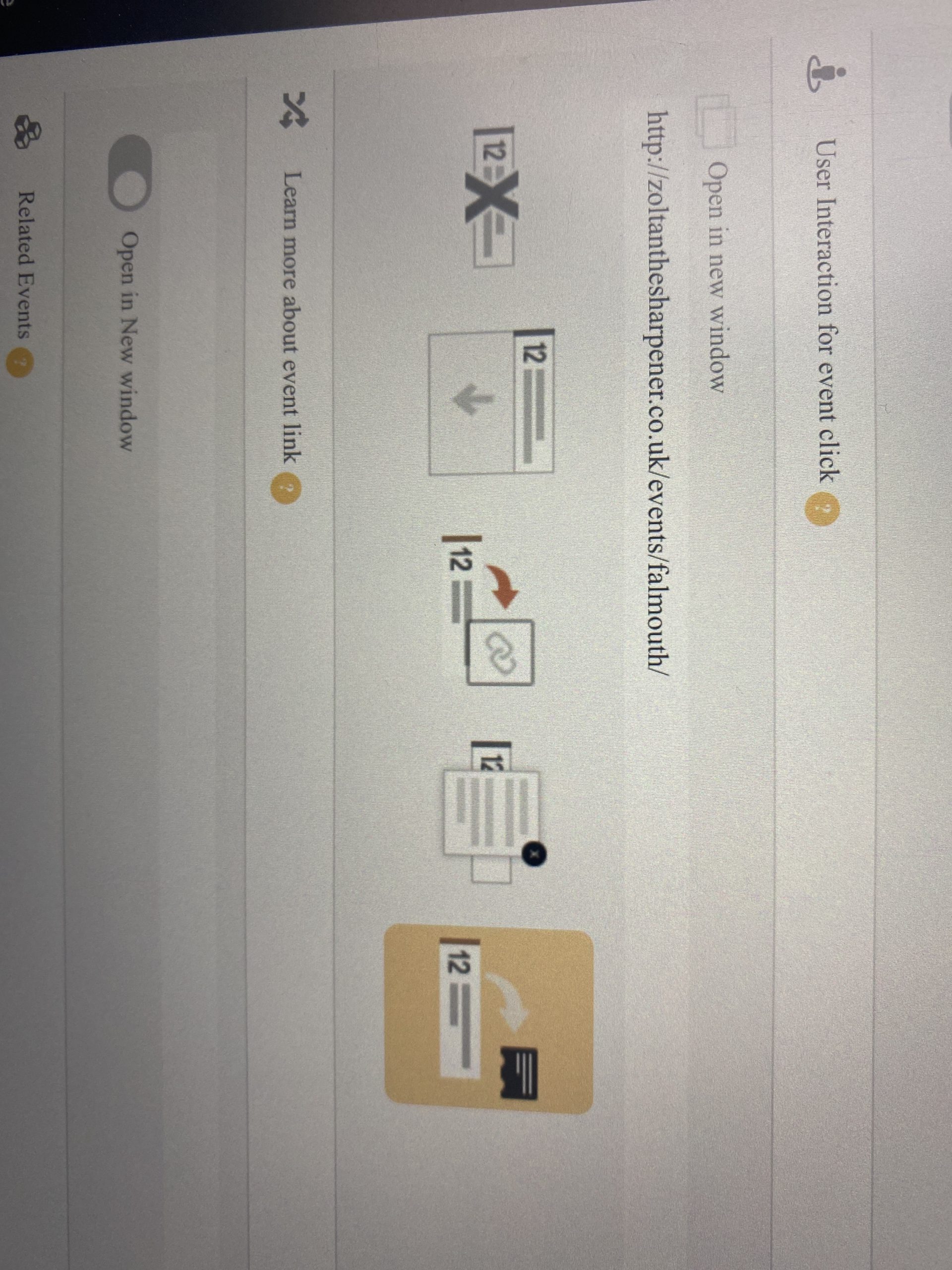
Hmm … Which calendar options? (That’s a bit vague).
Do you mean this? If so, yes I have 🙂
the shortcode generator is located at
myeventon>>>>settings>>>shortcode
all the shortcodes are generated in that
To get rid of the icon- all icons would vanish on the tile- its doable just want to make sure your ok with all icons going.
I removed the organiser from the top- this is done in MYeventon>>>>settings>>>>event top
I’m not 100% sure I understand calendar heading, as in November 2020?
Hi Artem,
Thanks for your reply i did the changes you have said above and now only one error is left https://prnt.sc/uhf8b0 can you tell me what is this about?
And i also removed the cache from cloudflare
Hi Graham,
What are your calendar options, have you enabled the link to the inside page?
Hi Maddalena,
You can send us a customization job request by creating a new ticket in here and selecting Customization Request as the category.
Hi Patrick,
What do you need? Let us know here and we will check how we can help you 🙂