Ok, I have a weekly view calendar on this page…
https://zoltanthesharpener.co.uk/test/
I have a single event view (using a customised EventON template). I am now using some do_shortcodes to place elementor elements into the page.
https://zoltanthesharpener.co.uk/events/falmouth/
It’s almost working except for the fact that if I use either of the following elements (table_style=”1″ OR week_style=”1″) in my shortcode, it stops opening in a new page and reverts to the popup regardless of any other settings… I want to use at least one of those styles as I don’t want the entire weeks events showing as a list under the calendar – I want them to show under their associated date.
This must be possible, somehow?
Hello,
Sorry about this. I will get back immediately
I’ve now made a playground site of our live site to test on this and i found in the console that these files are missing https://prnt.sc/ugzidk >>
https://playground.yogavivo.dk/wp-content/plugins/eventON/assets/js/lib/jquery.timepicker.js?ver=2.2.1
https://playground.yogavivo.dk/wp-content/plugins/eventON/assets/css/jquery.timepicker.css
Can you provide these ?
Many txs for your reply. I have decided to keep using the event tickets add-on for the time being and will consider the rsvp if needed.
Txs again
ismail
Hi Basilis,
No email, not in our spam or inbox. You can just put a document here ( like you said a couple of months ago) or upload a video.
We are glad your issue is resolved, if you have any further questions or concerns please create a new ticket.
If you have a moment, we would greatly appreciate if you could kindly leave us a review at codecanyon! from your account > downloads. Cheers!
Perfect, thanks very much 🙂
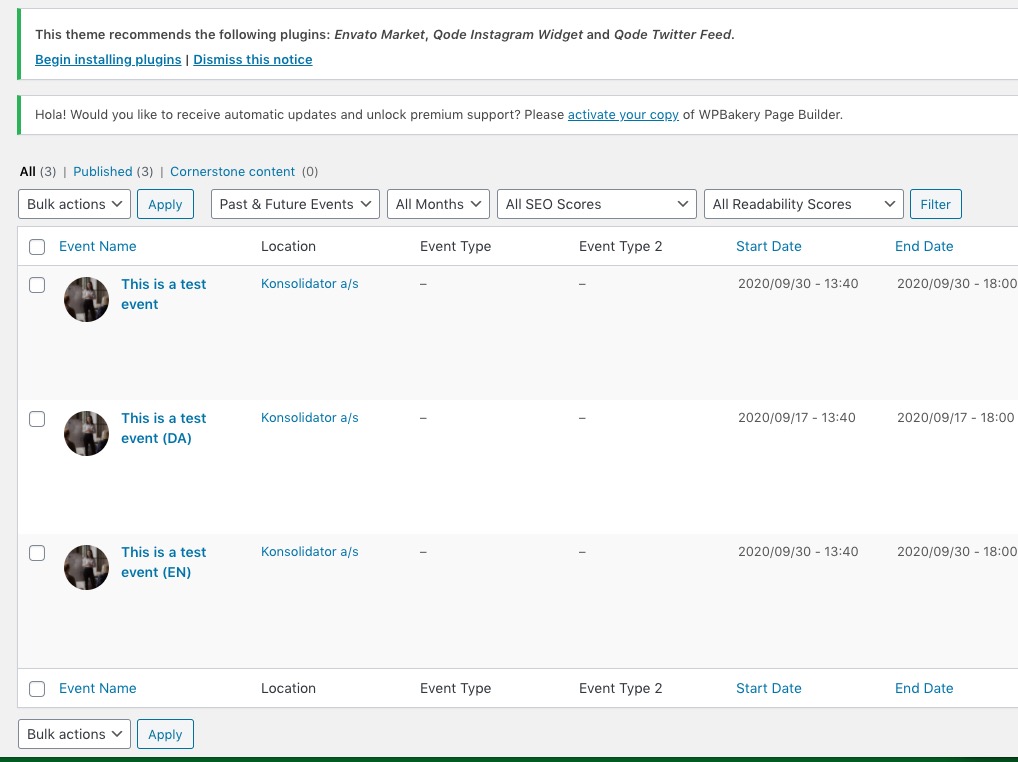
It seems that WPML is deactivated for wp-admin > Events:
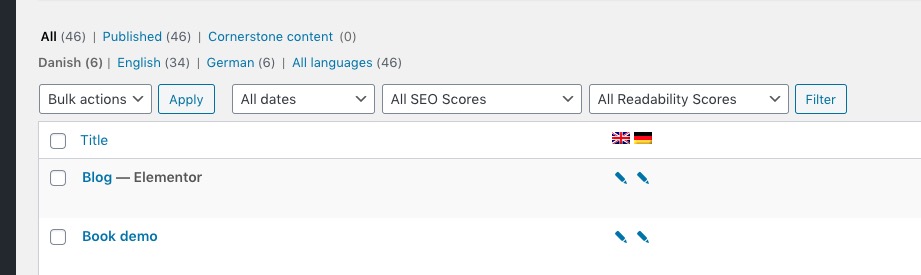
Comparing to Pages:
Could you check WPML options and enable it for EventON’s Events as well?
Hello,
Screenshot 1. If you are using Single Event shortcode you must add Event ID to it:
[add_single_eventon id=”23040″]
The only way of customizing Single Event Page template is through the code by following https://docs.myeventon.com/documentations/customize-single-events-page/. The thing is that you cannot edit it the way so it can be customized using Elementor. It seems that you need to copy the HTML structure of theme’s page.php or single.php and then add elements from Elementor with https://developer.wordpress.org/reference/functions/do_shortcode/, however I am not sure if Elementor supports this.
You can also send us a customization job request by creating a new ticket in here and selecting Customization Request as the category.
In fact, if I set the week view up as this, it works and opens a single event…
Could you tell us how did you set it up before?
What do you mean with “build”. I transfered this wordpress website from another hoster a few months ago, so it is not kind of a siteground build.