Thanks Artem.
Yes as a teacher.
login to https://muhadarah.com/wp-admin/
by a login email gedegypt@mail.ru
and pass: NorA2016@MakSud
Now, I have a problem with zoom, in which the host teacher will go in video to learn students. if . If i added the speaker of the event as the host, it will be as a host in Zoom setting option. As i programmed the zoom meeting to give the host just the ability to share screen. Is the host in Eventon is the same in ZOOM setting?
Tickets add-on can integrate with the local plugin of payment (FAWRY) ?
Thanks for answering in your dayoff.
good evening
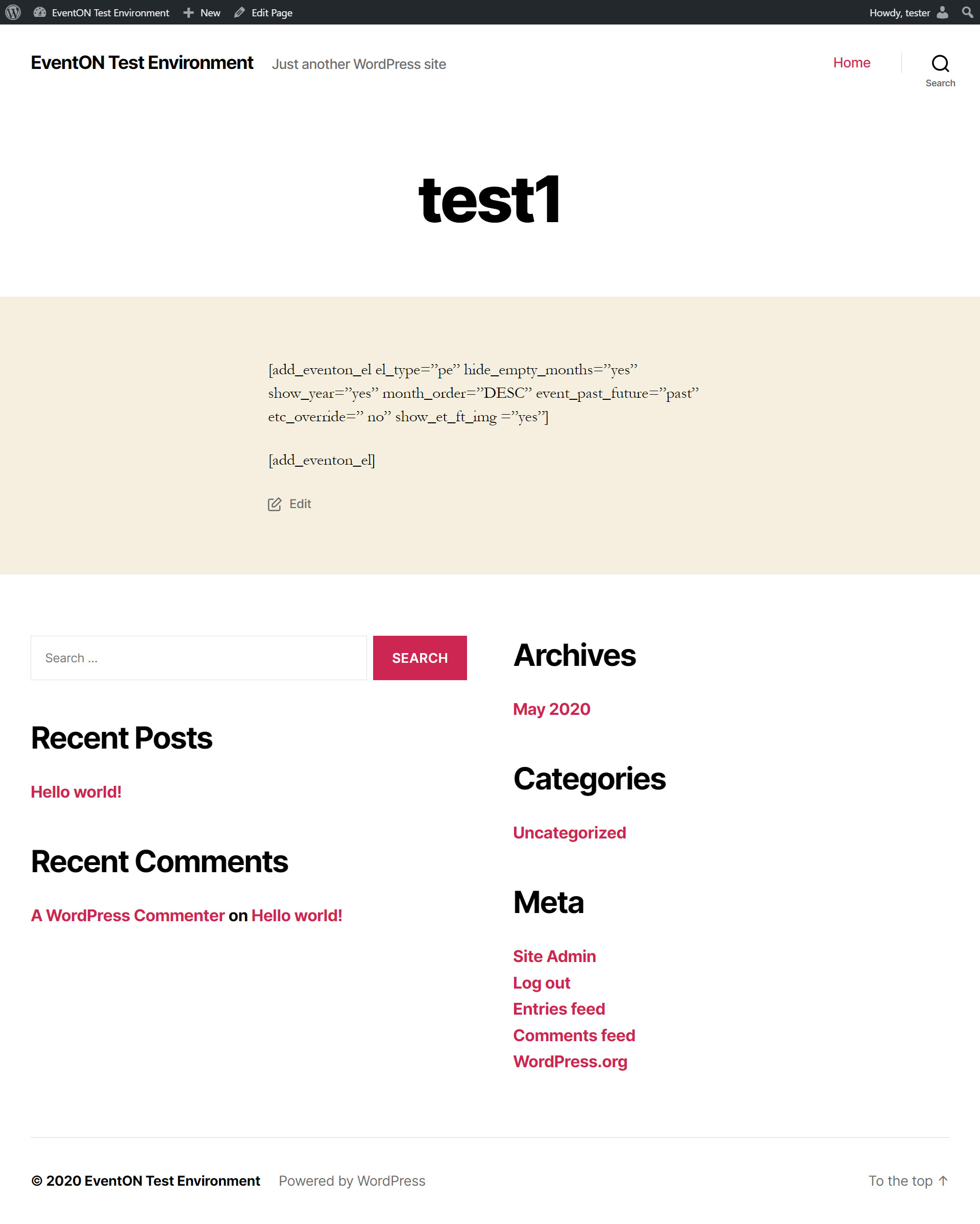
does not upload the images in the help desk, I am attaching as a link what it creates with the code you suggested
https://drive.google.com/file/d/1dGr1MO62D3Y4ftGaw–cMdVS-MuSDnWV/view?usp=sharing
Also when I connected to the server using FTP all can see is: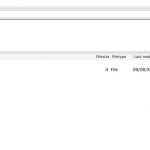
Could you check?
Ashan,
When I use Import Method > Manual import from ICS file URL or Daily Schedule > Run Now:
[06-Sep-2020 20:38:44 UTC] PHP Parse error: syntax error, unexpected ‘=’ in /home4/bluepsb8/public_html/wp-content/plugins/eventon-ics-importer/includes/lib/IcalParser.php on line 140
Hi Steve,
There is no other way unfortunately, I can only edit the event plugin online so I can do the change for you…
Thank you for your messages, I am going to assign this ticket to Ashan and he will be able to take it from here and find you a solution. Please allow some time for him to get back to you, we greatly appreciate your patience and thank you for being a eventon customer! Also please disable any IP blocking on your site if there are any.
Hi Malaga,
You would have to convert those users as Adin, so they can be able to manage all of those user types.
Let us know if you have more Qs’
Hello,
Thank you for your great suggestions, at the moment they aren’t not supported. However please create a new ticket and select Feature Request as category so others can vote on your idea and get it moved into development faster. OR You can send us a customization job request by creating a new ticket in here and selecting Customization Request as the category.
Hi,
thank you. Please click on Add to Cart button then go to checkout page. You will see “Variations for ticket” text on the right side of the page.
Best.
Hi Aya,
You are welcome!
If you have a moment, we would greatly appreciate if you could kindly leave us a review at codecanyon! from your account > downloads. Cheers!