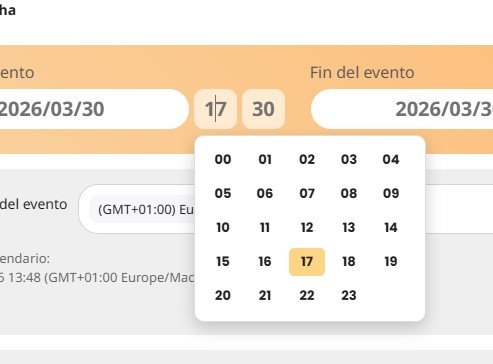
Action User is not responsive in some cases
hello, good day.
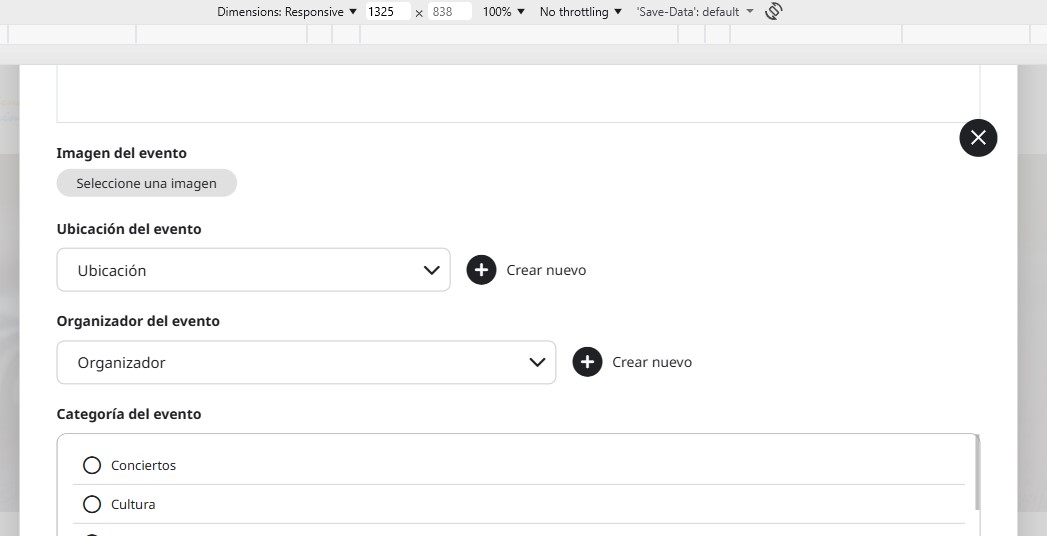
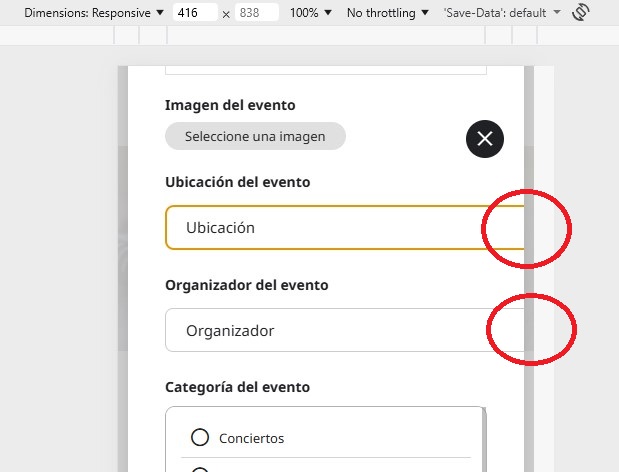
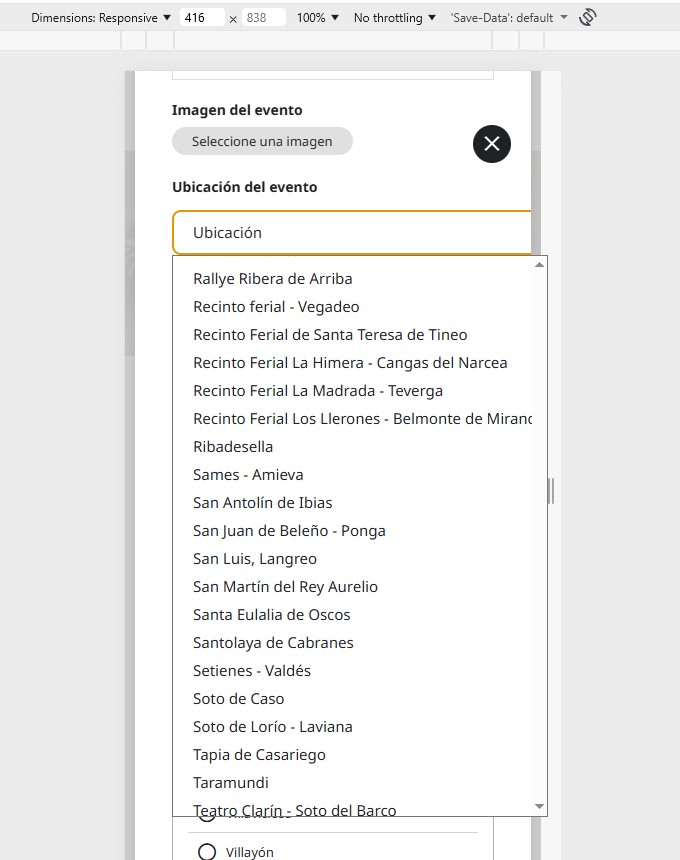
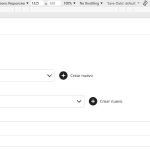
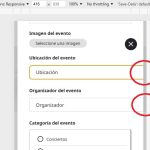
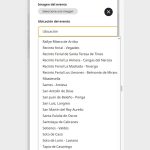
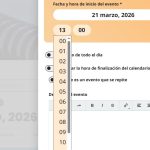
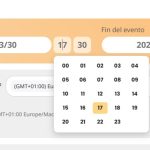
When I send an event from a mobile device, there are two fields that do not appear on the screen. In photo 1 you can see how it should appear and in photo 2 how it appears now on the mobile device. When I access either of those two fields to enter the information, it also appears wrong as seen in photo 3.
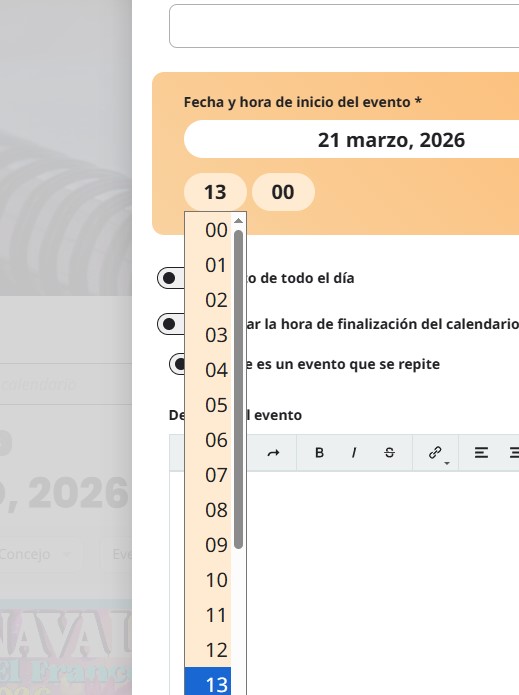
Taking advantage of this, I also wanted to tell you that it would be nice if the times of the dates could be entered in this plugin as in the last Eventon update. See photos 4 (Action User) and photo 5 (Eventon). Thank you so much.
- Mar 21,2026 AT 5:53AM - 19 hours ago-
-
Mar 21,2026 AT 5:56AM -
Posted 2 days ago
- #405543
-
Mar 22,2026 AT 4:04PM -
Posted 1 day ago
- #405571
Hello,
Could you please try the instructions mentioned in this
? I believe that your theme can cause the issue,
Please also add this CSS code to EventON > Styles (If you don’t see any change, EventON > Scripts & Styling > turn off Write dynamic styles to header > save settings > turn on Write dynamic styles to header).
You can also add this code to wp-admin > Appearance > Customize > Additional CSS.
.evoau_select.evoposr { width: 100%; max-width: 100%; } select.evoau_terms_list.evoau_dropdown_trig { width: 100%; max-width: 100%;}
-
Mar 23,2026 AT 4:22AM -
Posted 19 hours ago
- #405591
Hello,
Adding the CSS code to the appearance settings solved the problem.
Thank you so much for your help.
-
Mar 23,2026 AT 6:32AM -
Posted 17 hours ago
- #405602
We are glad your issue is resolved, if you have any further questions or concerns please create a new ticket.
If you have a moment, we would greatly appreciate if you could kindly leave us a review at EventON WordPress Page OR
. Your review helps us a lot in continuing EventON improvements!
-
Mar 21,2026 AT 5:56AM -
Posted 2 days ago
- #405543