Category Coloring
Hey there,
So, i wanted to give a Event of mine 2 Event Status at the sime time. I created, via the .php Code provided in your Knowledge-Base 5 more Status, but i would like to select 2 at the same time. Becuase of this not possible, i decided to go with Categories, but here the Problem is that i cant really select one Categorie for its own per CSS.
So: Is there any way to select 2 Event Status at the same time? Or is there a way to give each Categorie a single CSS-Class?
Best regards!
- Jul 29,2025 AT 8:16AM - 7 months ago-
-
Jul 29,2025 AT 3:00PM -
Posted 7 months ago
- #393318
Hello,
Not possible to select two statutes at the same time without changing the code.
However, when you assign a type, it’s title is being aded to EventTop as evo_TYPE_TITLE:
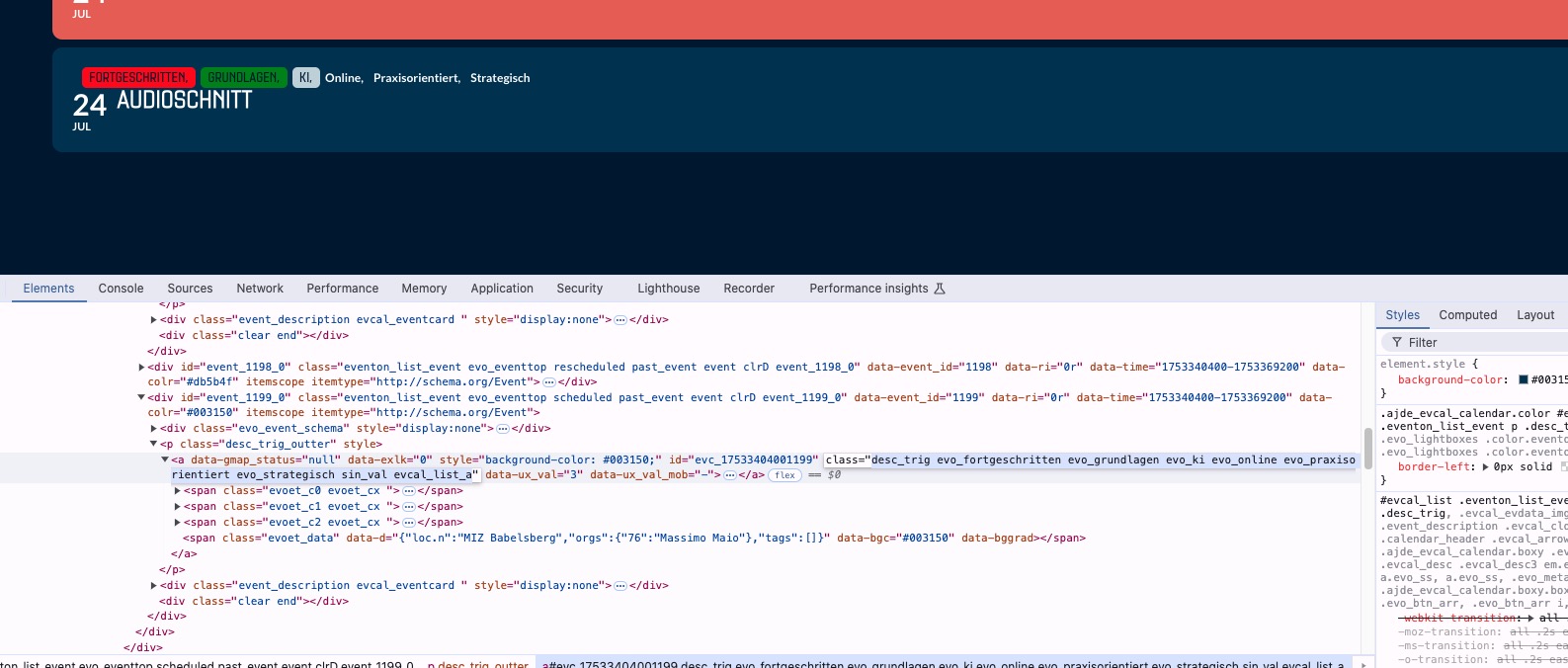
So you can change event’s styling using the class.
Please check and let me know.
-
Jul 29,2025 AT 11:14PM -
Posted 7 months ago
- #393355
Hey,
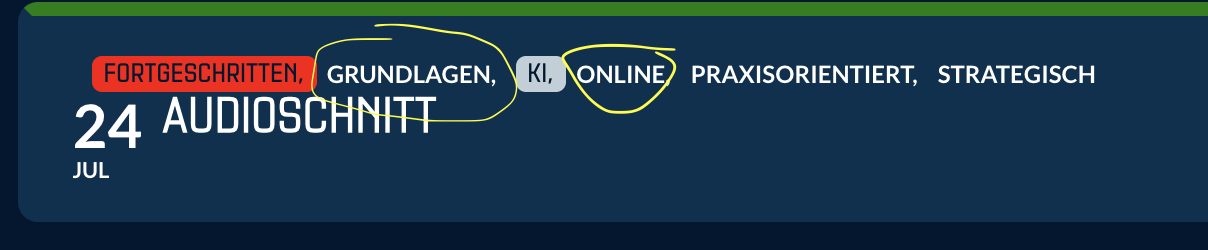
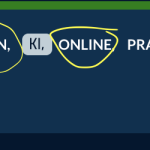
Thanks for the reply, it helps a bit. When i add the CSS Code i do select the whole event, but i just want to adress the names of the types as shown in the screenshot.
Note: I only marked some, i do want to do it for all.
Thanks!
-
Jul 30,2025 AT 3:12AM -
Posted 7 months ago
- #393377
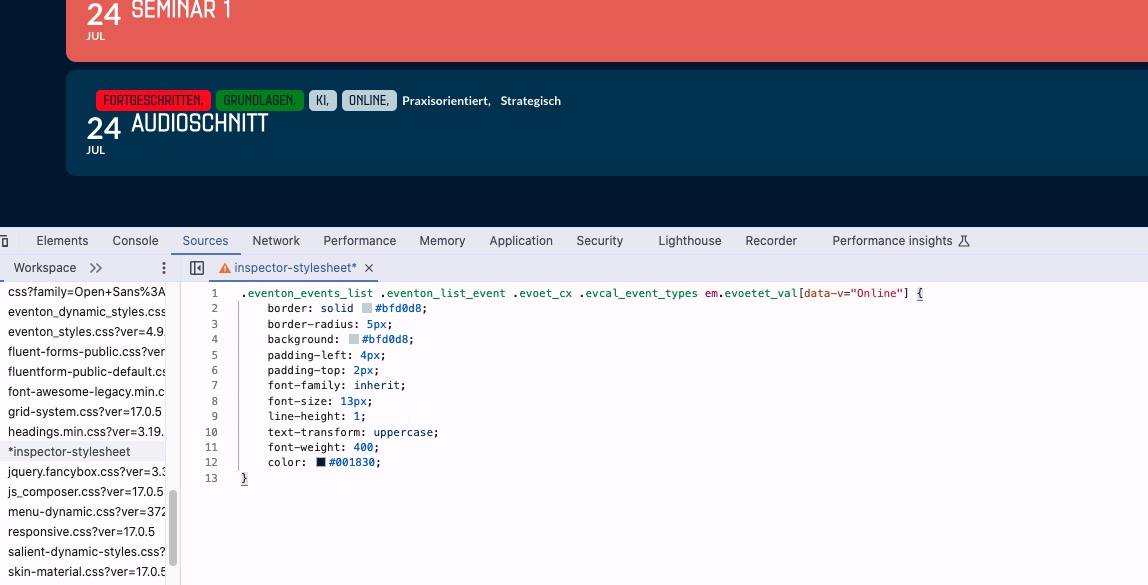
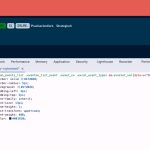
The code that should only affect Online:
.eventon_events_list .eventon_list_event .evoet_cx .evcal_event_types em.evoetet_val[data-v=”Online”] { border: solid #bfd0d8; border-radius: 5px; background: #bfd0d8; padding-left: 4px; padding-top: 2px; font-family: inherit; font-size: 13px; line-height: 1; text-transform: uppercase; font-weight: 400; color: #001830; }
You can use it for other types, just replace “Online”.
-
Jul 30,2025 AT 3:12AM -
Posted 7 months ago
- #393380
Screenshot:
-
Jul 29,2025 AT 3:00PM -
Posted 7 months ago
- #393318