Event Display Issues: Font Visibility & Share Settings
I’m having an issue with the way event posts are displaying. When people submit events, the time shows up in white font, which makes it hard to see against the background. The event name also appears on a white background, which creates another visibility problem. Is there a way for me to control the font color and styling so the text is always readable?
I want to make sure that when someone submits an event, the details are clear and easy to see.
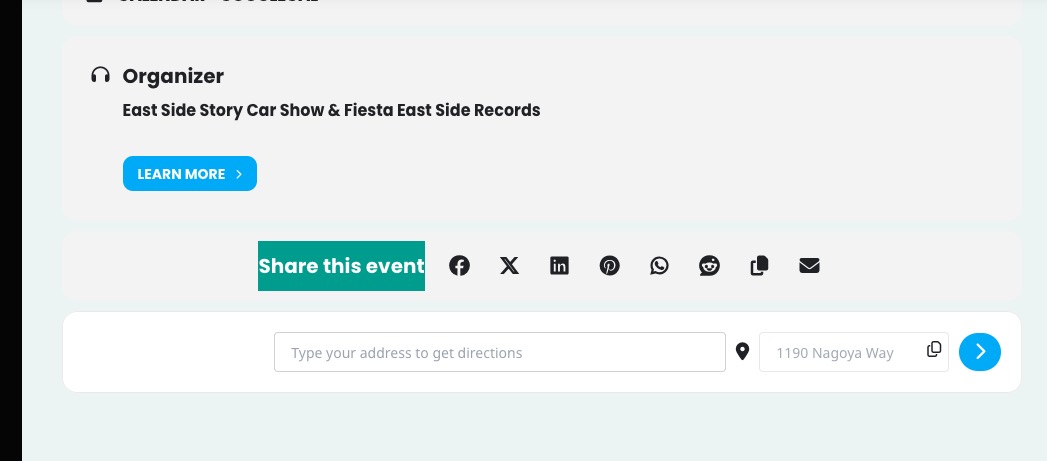
I also noticed there is a section where events can be shared by Facebook, email, and other options. How can I make that appear on every event, whether someone else posts it or I create it myself? Am I missing a setting somewhere?
I’ll send some examples.
- Apr 14,2026 AT 9:16AM - 1 month ago-
-
Apr 14,2026 AT 2:14PM -
Posted 1 month ago
- #406650
Hello,
Please go to EventON > Appearance > EventTop > set Configure text color for colorful & Image eventtops to Auto detect white or black text color for eventtop text based on background.
Now go to Scripts & Styling > enable Write dynamic styles to header.
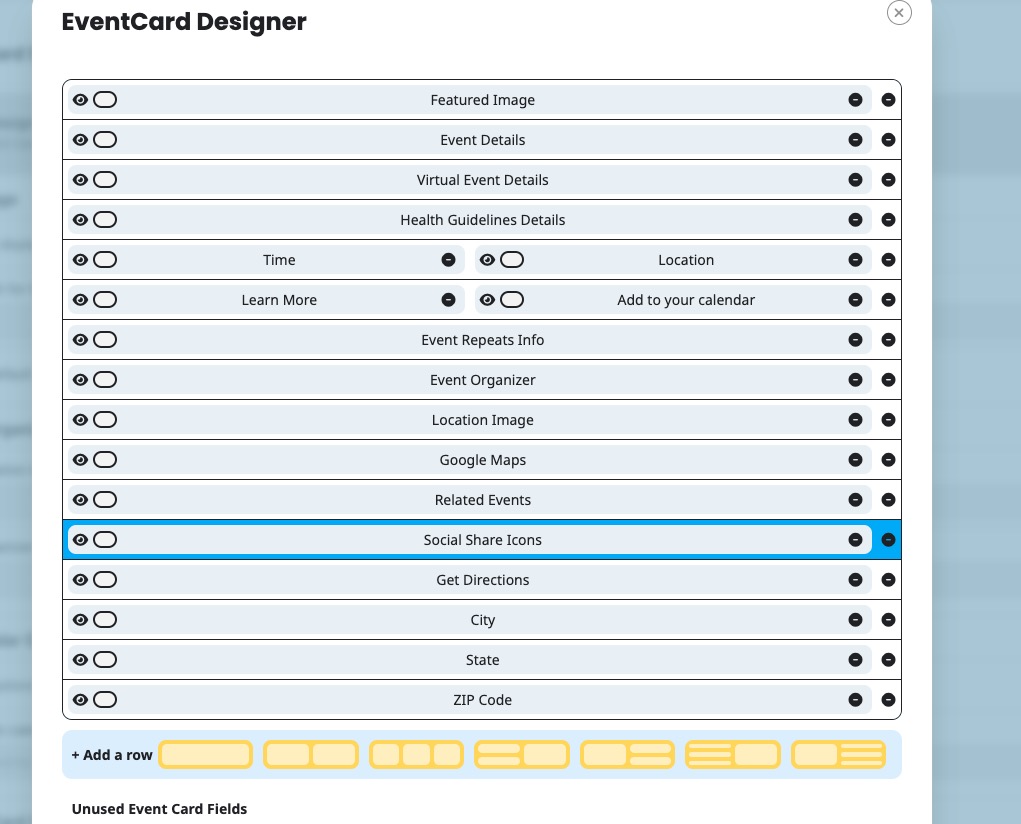
Social Icons section. Please go to EventON > Single Events > enable Shareable Options. Also go to EventON > EventCard > make sure that Social Share Icons is added.
-
Apr 14,2026 AT 3:55PM -
Posted 1 month ago
- #406659
Is this correct also on the EventCard I don’t see any thing that say’s Social Share Icons is added
-
Apr 15,2026 AT 12:15AM -
Posted 1 month ago
- #406684
Social Share Icons were added and are visible on Event Card:

Please check and let me know.
-
Apr 14,2026 AT 2:14PM -
Posted 1 month ago
- #406650