Event Ticket Sales not capturing individual names and emails
When an event ticket(s) is purchased, the name(s) and email(s) entered during Checkout, in the "Additional Ticket Information" is not captured in the Sales receipt, confirmation email or Attendee list for the Event.
Only the name and email of the purchaser is shown for each ticket sold. How do we fix this?
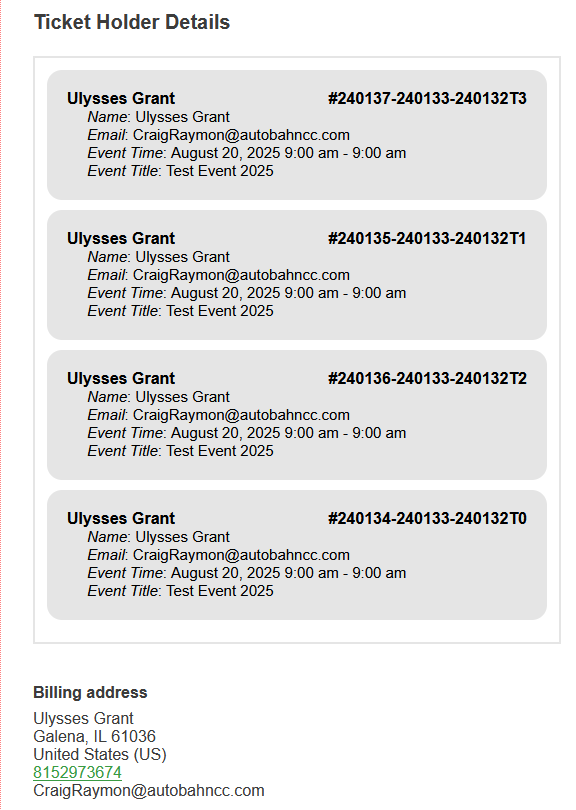
In the attached image, 4 tickets were sold with 4 different names and emails than the purchaser, but only the purchaser name and email are captured. The attendee list for the event shows the same. Four attendees with the same name and email.
- Jul 29,2025 AT 7:55AM - 7 months ago-
-
Jul 29,2025 AT 7:57AM -
Posted 7 months ago
- #393282
-
Jul 29,2025 AT 3:09PM -
Posted 7 months ago
- #393326
Hello,
Please send us wp-admin access to your site from “Access Info” box on right side menu, to further assist your situation.
Are you using the default WooCommerce’s shortcode [woocommerce_checkout] for Checkout or you built it out of blocks?
-
Jul 29,2025 AT 3:09PM -
Posted 7 months ago
- #393328
Please check for latest version of this software
Your issue might be related to an older version you are running and we might have resolved this already in the newer version update. If you are on latest version of our software and the issue still persist please let us know.
-
Jul 30,2025 AT 8:00AM -
Posted 7 months ago
- #393394
Admin access has been shared. Thanks for you help!
-
Jul 30,2025 AT 8:05AM -
Posted 7 months ago
- #393395
I created this event for testing the ticket attendee capture. https://autobahncc.com/events/test-event-2025/
-
Jul 30,2025 AT 9:27AM -
Posted 7 months ago
- #393402
Your versions of EventON and add-ons are outdated. Please update all of them.
To update eventon to latest version: If you are unable to do autoupdate, you can go to codecanyon your account > download and get the latest eventon version as zip file. Then you can go to your website > make sure “Delete eventon settings & data when EventON is uninstalled” is Deslected from eventon settings, delete old eventon, install new one and activate.
will further explain the process it. Also you can follow us on twitter to get real-time announcements on updates!
To update eventon addons: You can download latest eventon addons from
. Then you can go to your website, deactivate old addon and install new one and activate then delete the old addon.
will further explain the process. Also you can follow us on twitter to get real-time announcements on updates!
-
Jul 31,2025 AT 6:37AM -
Posted 7 months ago
- #393474
The EventOn plugin and Addon (Event-Tickets) have been updated and we still have the same issue. Not capturing the individual(s) name and email for the ticket holders. It just takes the order name and email and duplicates that for the ticket holders. Please help resolve. Thanks!
-
Jul 31,2025 AT 11:00AM -
Posted 7 months ago
- #393503
Can you also update WooCommerce?
-
Jul 31,2025 AT 12:11PM -
Posted 7 months ago
- #393520
Woocommerce updated. Thanks
-
Aug 1,2025 AT 4:37AM -
Posted 7 months ago
- #393584
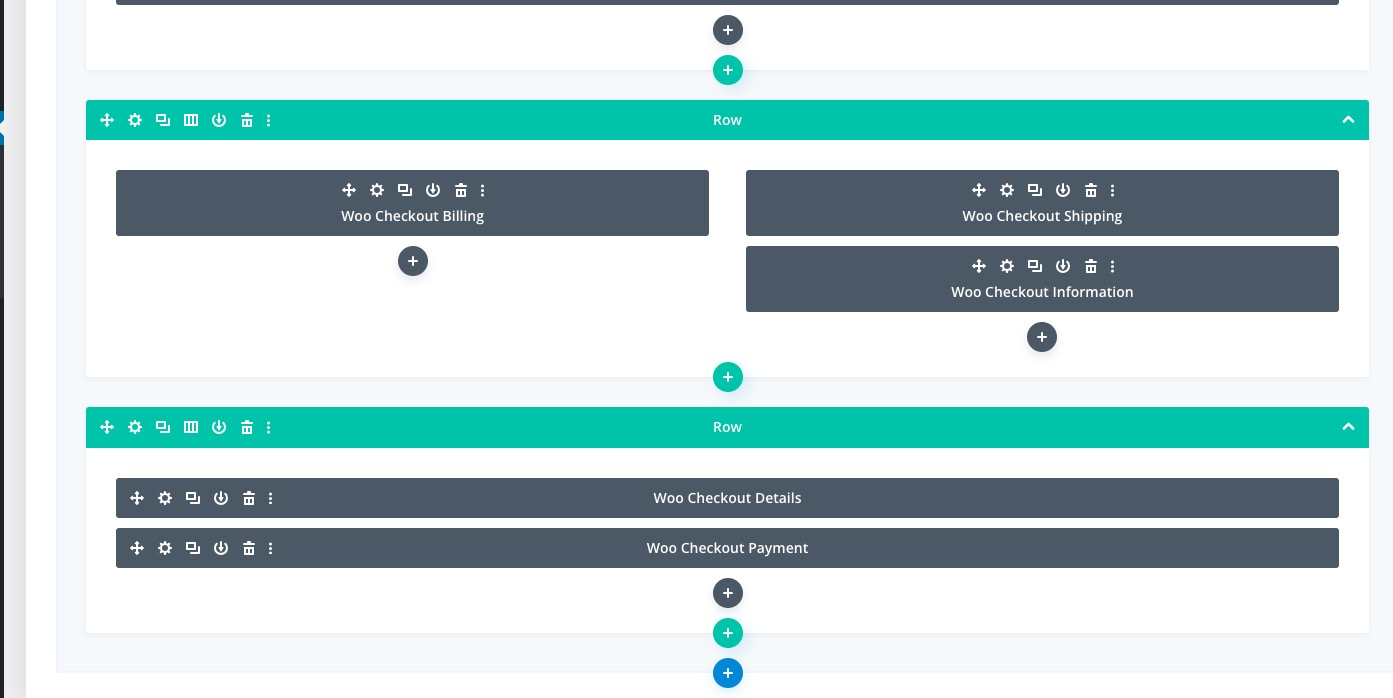
It seems there is an issue with Divi’s WooCommerce’s elements:
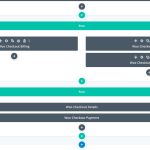
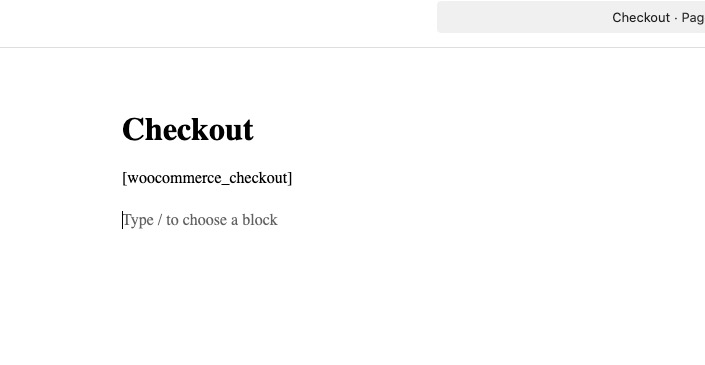
Could you replace it with the default shortcode:
[woocommerce_checkout]
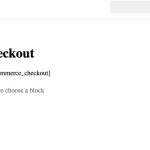
Event Tickets do not support Woocommerce Block cart and checkout at the moment.
-
Jul 29,2025 AT 7:57AM -
Posted 7 months ago
- #393282