Event titles displaying white on single event page (need color override)
Hello EventON Support,
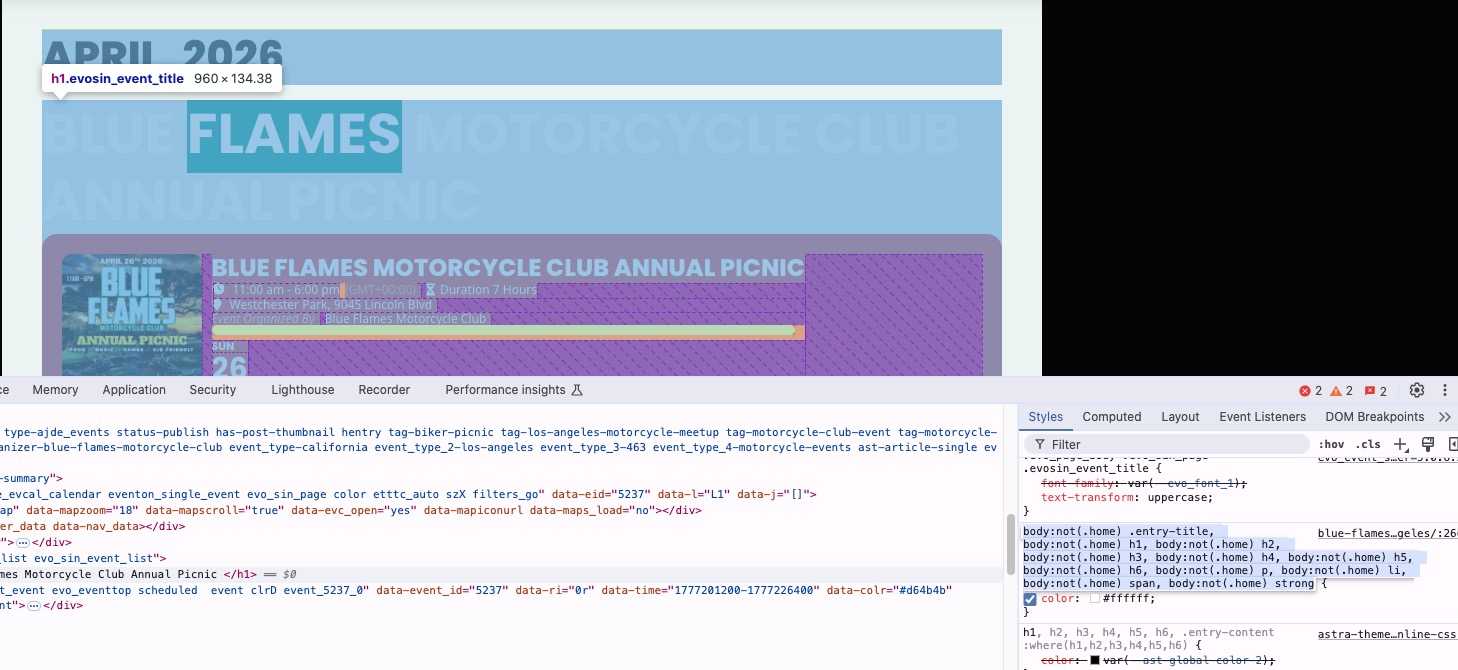
I’m experiencing an issue with my EventON setup where the event titles are displaying in white text on a light background, making them very difficult to read on the single event pages.
Here is an example of the issue:
https://carsoncarclub.com/events/blue-flames-motorcycle-club-annual-picnic-los-angeles/
The title text appears white against a light/gray background. I would like the event titles to display in black (or another darker color) for proper visibility.
I have already attempted to override the styling using custom CSS in Appearance → Customize → Additional CSS, including using !important, but the changes are not taking effect. This leads me to believe the color may be controlled by:
Inline styles
A template override
Or a higher-specificity rule within EventON or my theme
Could you please advise:
The correct CSS selectors to target the event title on the single event page
Whether EventON is applying inline styles that need to be disabled
If there is a setting within EventON to control title colors directly
Or if a template override is required to change this properly
My goal is to ensure all event titles are clearly readable and consistent with my site’s design.
Thank you for your support.
Best regards,
Carson Car Club
-
-
Apr 26,2026 AT 11:57AM -
Posted 1 month ago
- #407066
Hello,
It seems that this styling changes all headers to white:
Please add this CSS code to EventON > Styles (If you don’t see any change, EventON > Scripts & Styling > turn off Write dynamic styles to header > save settings > turn on Write dynamic styles to header).
You can also add this code to wp-admin > Appearance > Customize > Additional CSS.
.evo_page_body .evo_sin_page .evosin_event_title { color: #000 !important; }
-
Apr 27,2026 AT 6:24PM -
Posted 1 month ago
- #407140
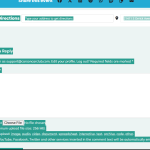
That worked how do I get the rest to do the same
-
Apr 28,2026 AT 6:20AM -
Posted 1 month ago
- #407156
Please add this CSS code to EventON > Styles (If you don’t see any change, EventON > Scripts & Styling > turn off Write dynamic styles to header > save settings > turn on Write dynamic styles to header).
You can also add this code to wp-admin > Appearance > Customize > Additional CSS.
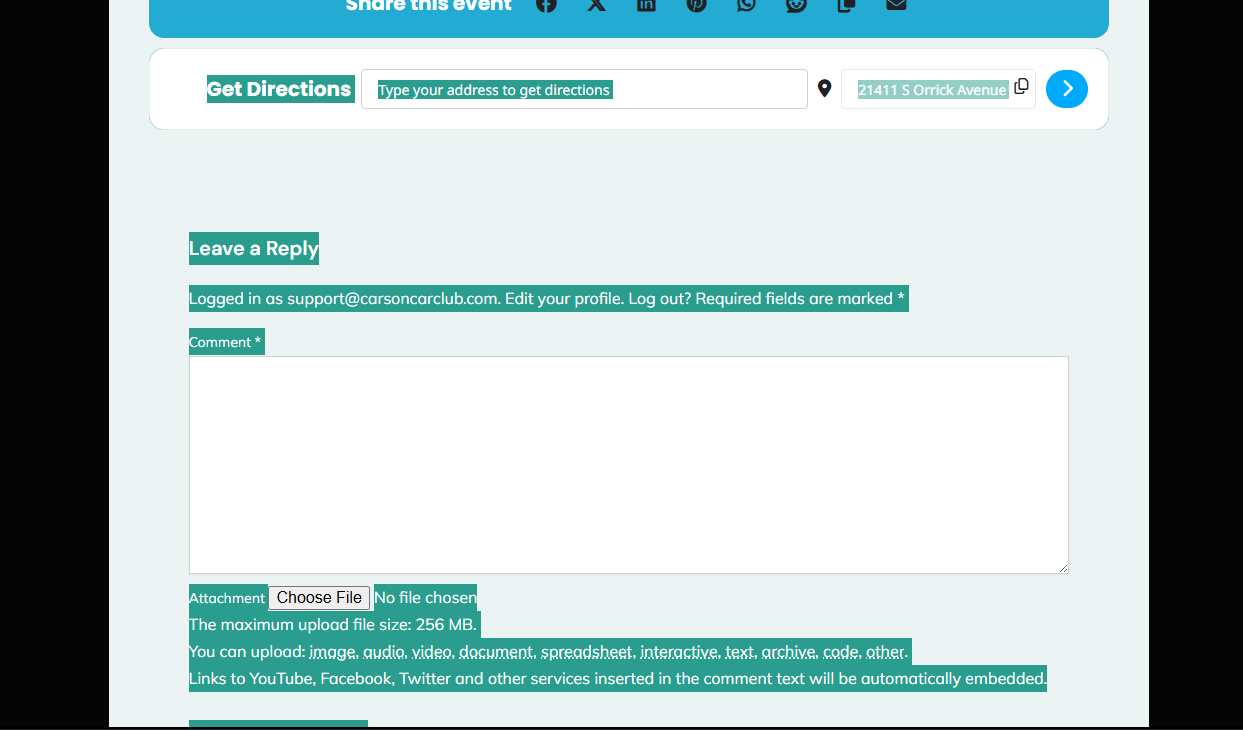
.single-ajde_events .comment-reply-title, .single-ajde_events #email-notes, .single-ajde_events .required-field-message {color: black !important} .single-ajde_events .comment-form-attachment__file-size-notice {color: black !important} .single-ajde_events .comment-form-attachment__file-types-notice {color: black !important} .single-ajde_events .comment-form-attachment__autoembed-links-notice {color: black !important}
-
Apr 28,2026 AT 11:17AM -
Posted 1 month ago
- #407173
is this correct
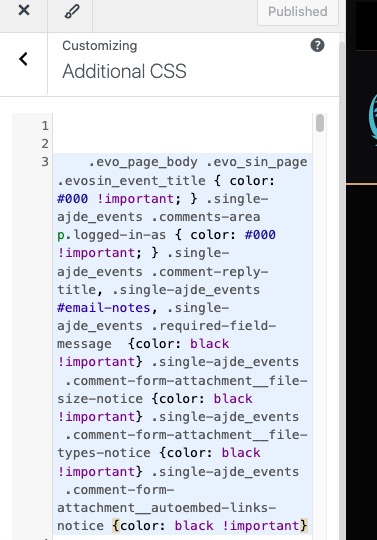
.evoau_submission_form .evoau_table .row .trumbowyg-editor-box p { color: black !important; } .evo_page_body .evo_sin_page .evosin_event_title { color: #000 !important; }
.single-ajde_events .comment-reply-title, .single-ajde_events #email-notes, .single-ajde_events .required-field-message {color: black !important} .single-ajde_events .comment-form-attachment__file-size-notice {color: black !important} .single-ajde_events .comment-form-attachment__file-types-notice {color: black !important} .single-ajde_events .comment-form-attachment__autoembed-links-notice {color: black !important}
-
Apr 28,2026 AT 1:27PM -
Posted 1 month ago
- #407187
I added the code to Additional CSS:
https://carsoncarclub.com/wp-admin/customize.php?return=%2Fwp-admin%2Fadmin.php%3Fpage%3Deventon
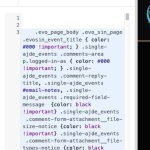
Also added one line to change ”Logged in as…” text.
Please check and let me know.
-
Apr 28,2026 AT 8:34PM -
Posted 1 month ago
- #407217
It worked, just missed one small part . Thank you
-
Apr 29,2026 AT 1:23AM -
Posted 1 month ago
- #407231
Please also add this CSS code to change the rest:
.evcal_evdata_row .evcal_evdata_cell h3, h3.evo_h3 { color: black !important }
-
Apr 29,2026 AT 6:32AM -
Posted 1 month ago
- #407239
Thank you it worked
-
Apr 26,2026 AT 11:57AM -
Posted 1 month ago
- #407066