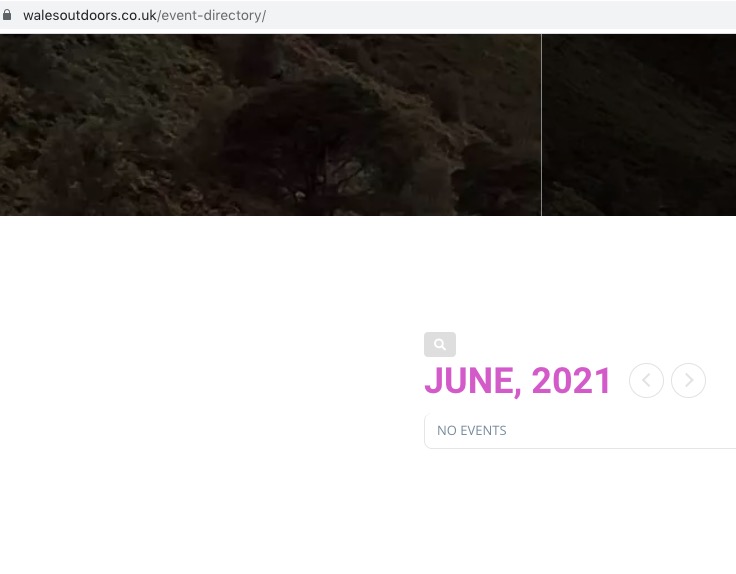
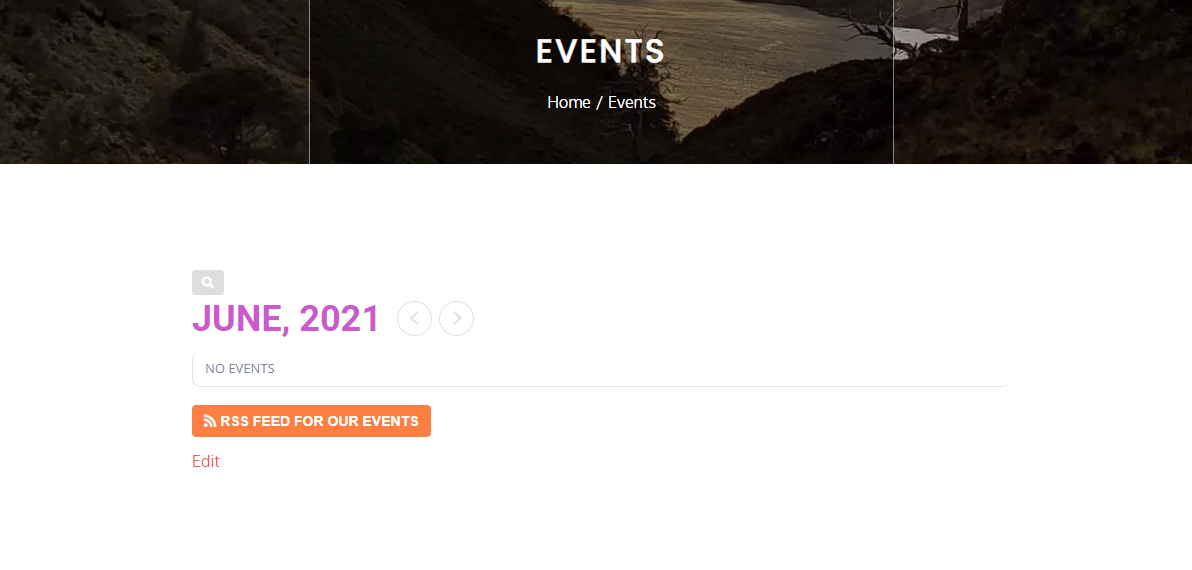
I add this shortcode [add_eventon rss="yes"] to this page https://www.walesoutdoors.co.uk/event-directory/ and it generates 2nd calendar
I add this shortcode [add_eventon rss="yes"] to this page https://www.walesoutdoors.co.uk/event-directory/ and it generates a 2nd calendar as well as the rss button
- Jun 28,2021 AT 3:16AM - 5 years ago-
-
Jun 28,2021 AT 5:59AM -
Posted 5 years ago
- #243243
Hello,
I see only one calendar:

One calendar on our test server as well:
Could you elaborate more?
-
Jun 28,2021 AT 7:08AM -
Posted 5 years ago
- #243251
Yes, that’s because you also don’t see the RSS feed button.
As I have said when I add the rss shortcode the button appears on the web page but another calendar appears too. I deleted it as it looks stupid. All you needed do was test my assertion. I’ve given you access to my site…
-
Jun 28,2021 AT 9:23AM -
Posted 5 years ago
- #243264
Hi Andrew,
I added the RSS button to your current code in https://www.walesoutdoors.co.uk/event-directory/ and only one calendar is displaying on my end. Please take a look.
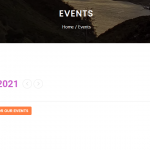
-
Jun 28,2021 AT 9:41AM -
Posted 5 years ago
- #243272
Ahh… you add it within the shortcode that is for the calendar, I see. I added the rrs shortcode as a separate block, that then must have been the issue.
I think you could be a little clearer with the set up instructions to avoid such confusion…
Thank you for your help in this matter and for helping so quickly
-
Jun 28,2021 AT 9:57AM -
Posted 5 years ago
- #243273
We are glad your issue is resolved, if you have any further questions or concerns please feel free to create a new ticket.
-
Jun 28,2021 AT 10:36AM -
Posted 5 years ago
- #243277
I just checked it and it does not work…
I am using feedly and it says ‘
Feed not found
Wrong feed URL or dead feed’I have checked your documentation and can find nothing that tells me what else I need to do. I’m surprised you din’t check this when you were working on it…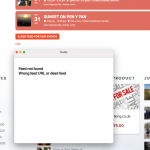
-
Jun 28,2021 AT 12:09PM -
Posted 5 years ago
- #243288
It worked for me on this page: https://www.walesoutdoors.co.uk/8101-2/
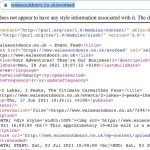
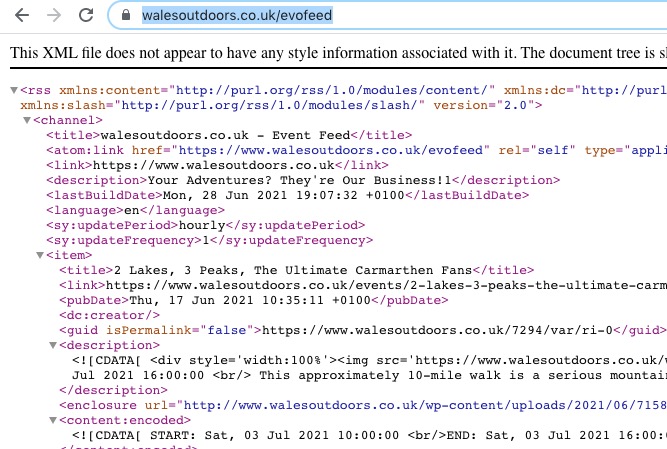
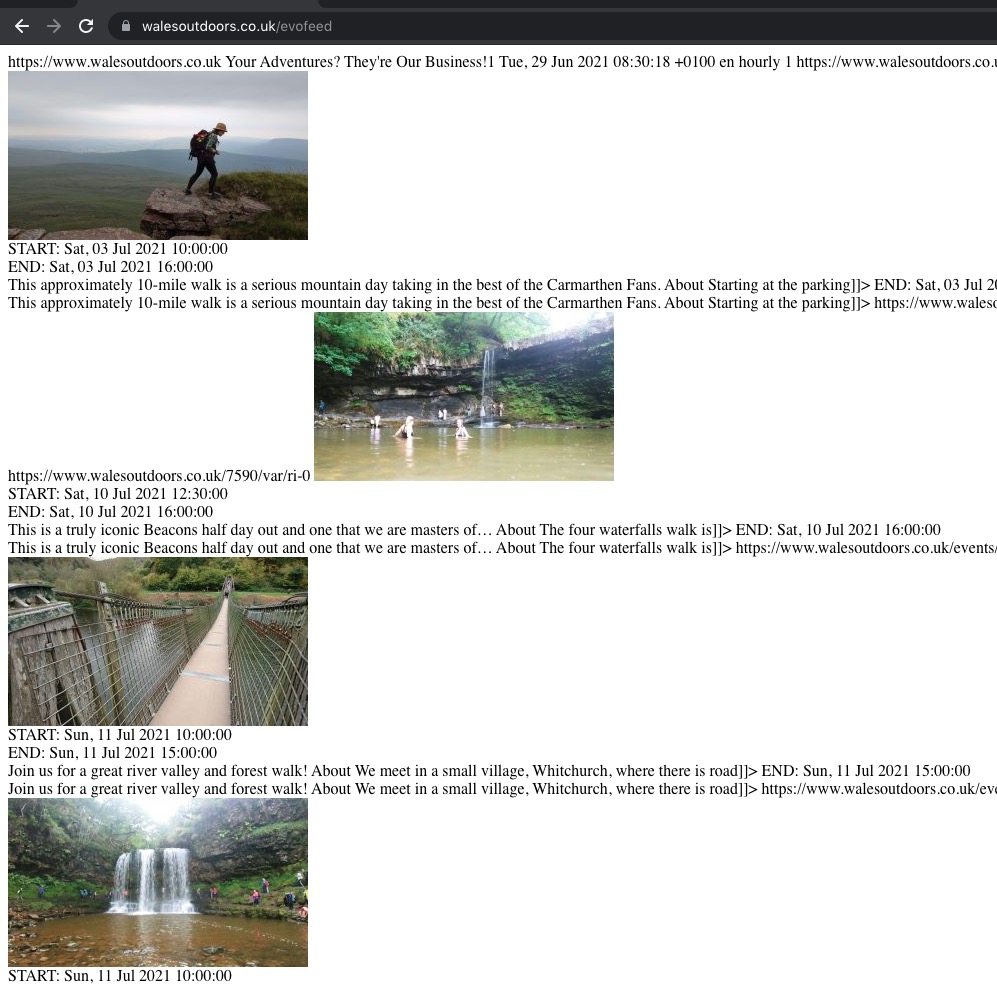
Are you using this RSS link: https://www.walesoutdoors.co.uk/evofeed?
-
Jun 29,2021 AT 12:26AM -
Posted 5 years ago
- #243327
Nope – I have feedly on my Mac and it is not connecting. So I deleted feedly and I get ‘no rss reader installed’
What are you using?
Is there anything I need to be doing – you have access to my settings
-
Jun 29,2021 AT 2:36AM -
Posted 5 years ago
- #243351
When you are not logged-in you see
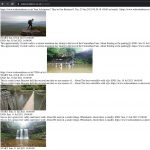
This is not correct because our test server
doesn’t have any issues with both.
Could you please try the instructions mentioned in this
?
-
Jun 29,2021 AT 4:09AM -
Posted 5 years ago
- #243360
I give up – please refund and disable the activation key.
It’s a simple thing. Go into my site and sort it OR provide awe with documentation to follow OR tell me what is wrong so I can sort it.
Your help above makes no sense to me and I am not going to waste any more time on this. Just tried a few things and still not working for me.
I’ve removed the button as it’s confusing to people
Refund please.
-
Jun 29,2021 AT 7:45AM -
Posted 5 years ago
- #243389
Have you tried this suggestion:
Could you please try the instructions mentioned in this
?
There is clearly something wrong with your WordPress environment related RSS add-on. Do you see this when logged-out: https://helpdeskx.s3.amazonaws.com/wp-content/uploads/2021/06/29023510/Screenshot-2021-06-29-at-11.34.09.jpg?
In order to request a refund, please create a new ticket under Billing & Accounts and be sure to include the order ID for which you need a refund for and the reason for requesting a refund.
-
Jun 30,2021 AT 1:13AM -
Posted 5 years ago
- #243550
My problem? Nope – yours. You have no documentation for this add on and you have been unable to resolve my issue. I’ll go for the refund.
-
Jun 30,2021 AT 2:05AM -
Posted 5 years ago
- #243554
May I try the instructions mentioned in this
to show you that the issue is in your side?
-
Jun 30,2021 AT 3:45AM -
Posted 5 years ago
- #243585
No, I expect when buying software for the software to work relatively simply and if there is stuff that I need to do for there to be a decent set of instructions. That is not the case with this plugin. REFUND PLEASE
-
Jun 30,2021 AT 8:03AM -
Posted 5 years ago
- #243598
Hi Andrew,
In order to request a refund, please create a new ticket under Billing & Accounts and be sure to include the order ID for which you need a refund for and the reason for requesting a refund.
-
Jun 30,2021 AT 8:34AM -
Posted 5 years ago
- #243604
It’s strange that your response time to tickets is excellent re problems, not saying you can rectify and make good issues in good time but general response is good, but I have requested a refund and I’ve heard nothing…
-
Jul 2,2021 AT 2:36AM -
Posted 5 years ago
- #243674
I’ve assigned your refund request to Ashan. Please allow some time for him to get back to you, we greatly appreciate your patience and thank you for being a eventon customer!
-
Jun 28,2021 AT 5:59AM -
Posted 5 years ago
- #243243