Search and filter function, would really like to have multiple filter functions
Hi,
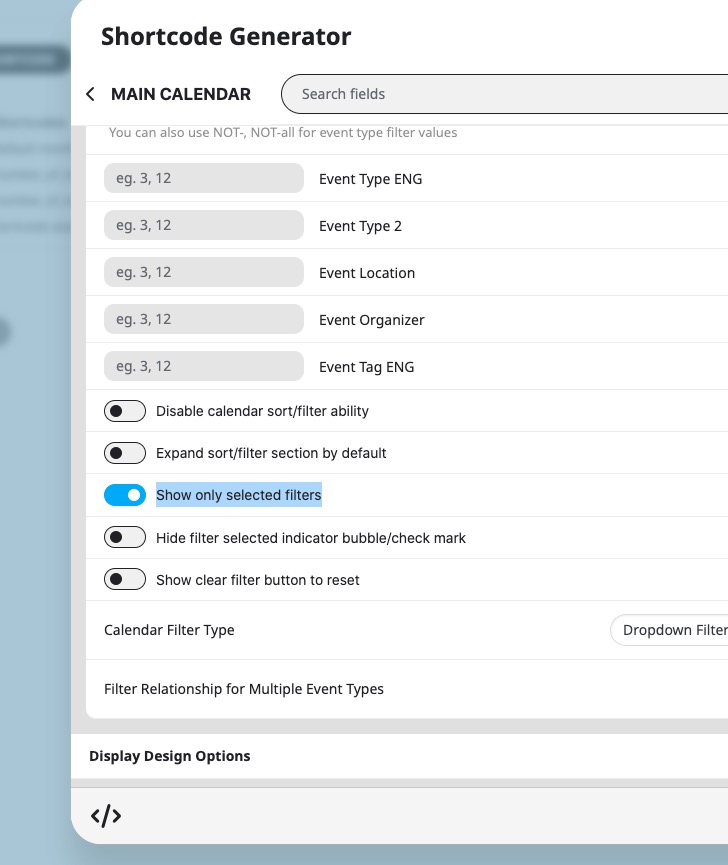
I would really like to have the search and filter functions working in a similar way to booking sites like booking.com or a flight finder website. They have a search filter at the top of the page with multi selections available.
I'd like customers to be able to input multiple selections to be able to search by category, date, location, type of event in a bar and then the events would show underneath.
Can you let me know if this is possible or if it's likely to be added.
Thanks
Helen
-
-
Apr 29,2024 AT 10:04AM -
Posted 1 year ago
- #352345
Hello,
Please take a look at these guides about Event Types:
https://docs.myeventon.com/documentations/confused-event-type-categories/
https://docs.myeventon.com/documentations/how-to-use-event-types-to-do-more/
Also check this add-on:
https://www.myeventon.com/addons/event-lists-items/
Try on
-
Apr 30,2024 AT 4:27AM -
Posted 1 year ago
- #352423
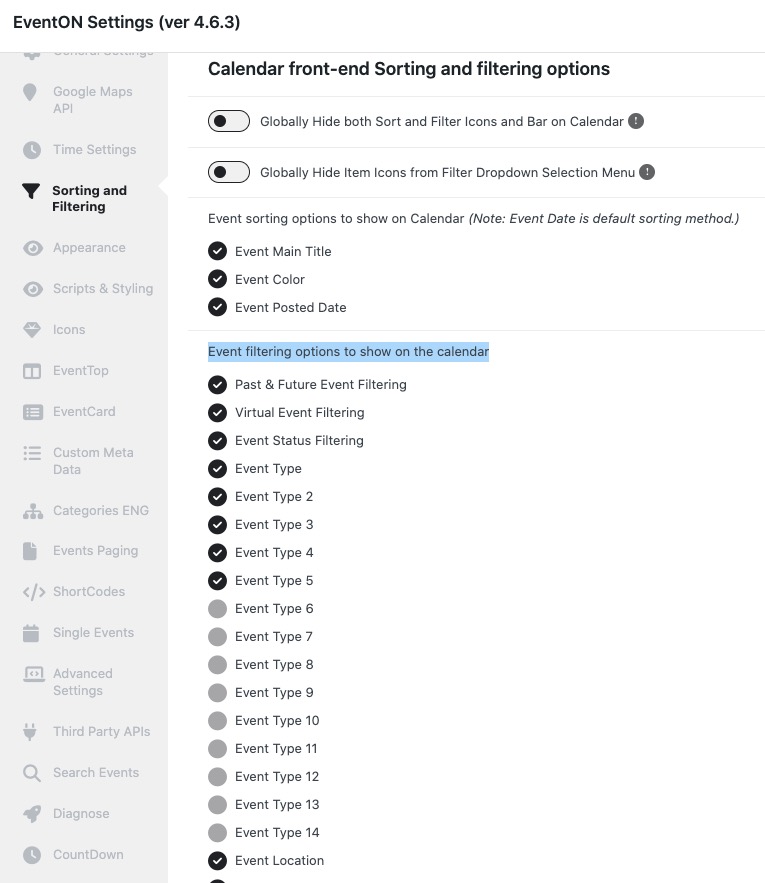
Am I able to select which categories show on the drop down, for example I have a long list of cookery classes but only want to display the parent category or selected items from the list.
If I can’t do this now could you let me know if it’s a function that might be added
Thanks
Helen
-
Apr 30,2024 AT 8:47AM -
Posted 1 year ago
- #352440
Also, do you think there is a way I can have a bar with the filters to save load time, that way users can choose their selection, hopefully including date without needing the whole calendar to load?
Thanks in advance
Helen
-
Apr 30,2024 AT 11:24AM -
Posted 1 year ago
- #352482
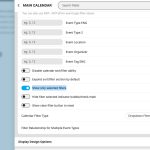
…display the parent category or selected items from the list…
This is the option that is available:
You can also try
For new functionality please create a new ticket and select Feature Request as category so others can vote on your idea and get it moved into development faster.
Also, do you think there is a way I can have a bar with the filters to save load time, that way users can choose their selection, hopefully including date without needing the whole calendar to load?
Not possible, I am afraid.
-
May 1,2024 AT 6:36AM -
Posted 1 year ago
- #352568
Thanks for your help, one last thing.
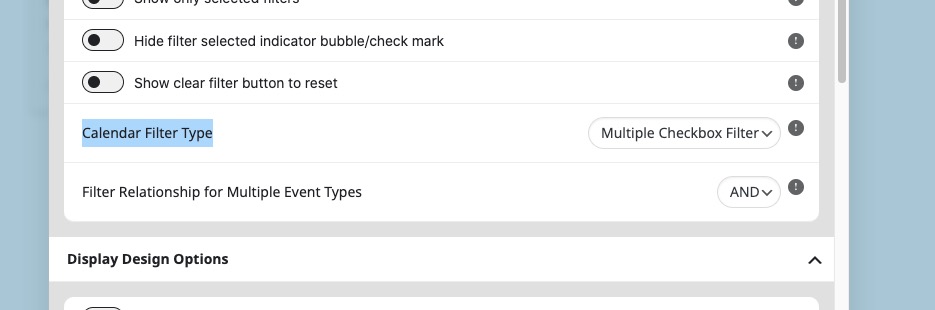
Is there a way to add multi selection to the drop downs and across each of the filters – this way customers can select each of the filters and then apply.
Also, can I change the order that the filters show on the calendar, for example I’d like the event type to be last and event type 3 to be first.
Thanks
Helen
-
May 1,2024 AT 1:06PM -
Posted 1 year ago
- #352611
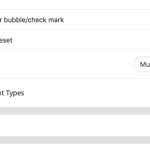
Please use “Calendar Filter Type: Multiple Checkbox Filter”:
Also, can I change the order that the filters show on the calendar, for example I’d like the event type to be last and event type 3 to be first.
Thank you for your great suggestion, at the moment it is not supported. However please create a new ticket and select Feature Request as category so others can vote on your idea and get it moved into development faster.
-
May 2,2024 AT 3:42AM -
Posted 1 year ago
- #352654
Thanks, that’s exactly what I needed – much appreciated
Helen
-
May 2,2024 AT 12:19PM -
Posted 1 year ago
- #352715
We are glad your issue is resolved, if you have any further questions or concerns please create a new ticket.
-
Apr 29,2024 AT 10:04AM -
Posted 1 year ago
- #352345