400573
Start date are not showing from importing addon
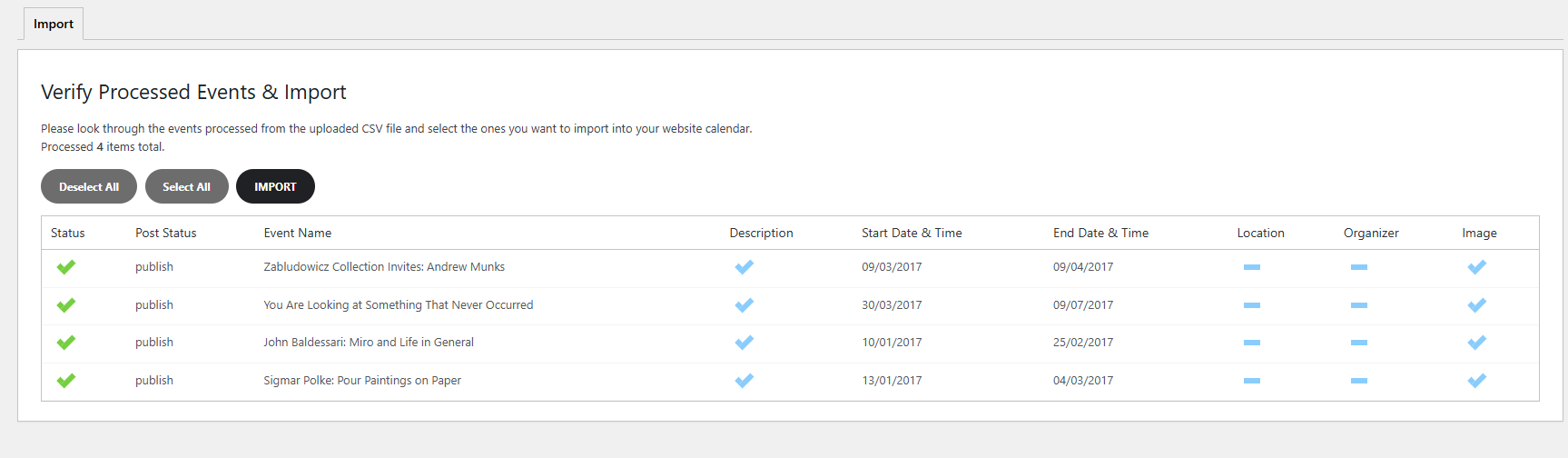
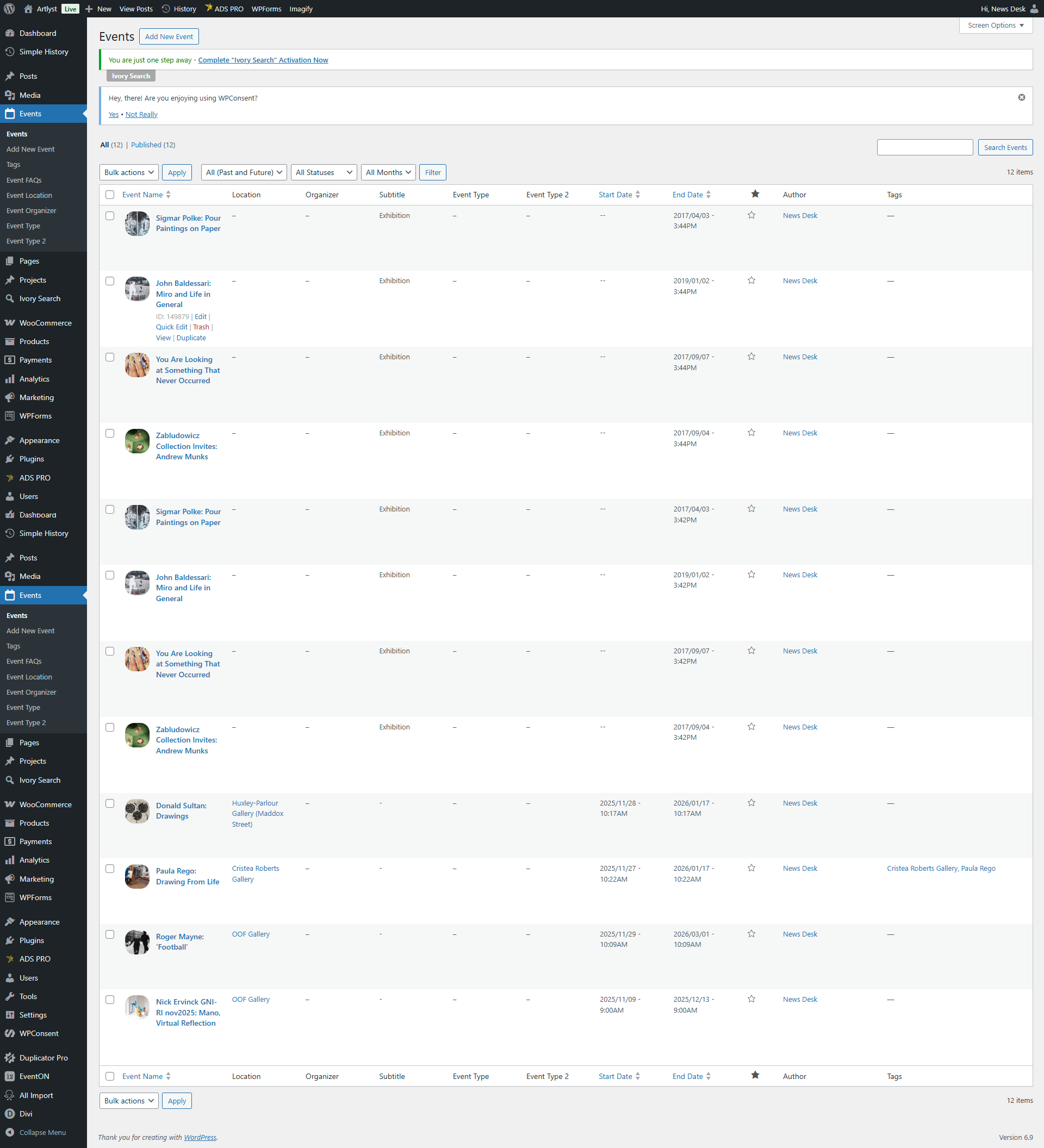
When importing the csv file, it shows the start and end date, but after running the import, the start is missing
- Dec 9,2025 AT 8:51AM - 3 weeks ago-
-
Dec 9,2025 AT 8:52AM -
Posted 4 weeks ago
- #400576
-
Dec 9,2025 AT 8:53AM -
Posted 4 weeks ago
- #400577
You can see the before and after
-
Dec 9,2025 AT 12:11PM -
Posted 4 weeks ago
- #400610
Hello,
No issues on our test site:
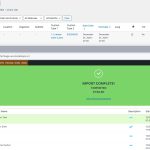
Could you send us a link to the .csv file you are trying to import?
-
Dec 11,2025 AT 1:03PM -
Posted 3 weeks ago
- #400778
Hi,
Sorry, I thought I sent it
https://whitecarrotmedia.co.uk/artlyst1/wp-content/uploads/2025/12/test-101.csv
https://whitecarrotmedia.co.uk/artlyst1/wp-content/uploads/2025/12/Events-Export-2025-December-07-2037.csv
-
Dec 12,2025 AT 8:38AM -
Posted 3 weeks ago
- #400800
Even if your events don’t have Start/End time, you still need to add it to the file.
Please use this format:
event_start_time & event_end_time – Start/End time in format h:mm:AM/PM
And add time as 12:00:AM
Please try and let me know.
-
Dec 9,2025 AT 8:52AM -
Posted 4 weeks ago
- #400576

You must login to reply to this ticket