The Virtual Event - "Join the Event Now" button is point to https://sligochurch.org/events/sligo-service/var/event_access not the URL
Wordpress 7.0.2
Event On: 5.0.12
Website: https://sligochurch.org/
The clickable line generated by all my virtual events "Join the Event Now" buttons points to https://sligochurch.org/events/sligo-service/var/event_access
The button is not linked to URL entered in the virtual event page.
- Aug 5,2026 AT 4:59PM - 3 hours ago-
-
Aug 6,2026 AT 1:04AM -
Posted 1 week ago
- #410477
Hello,
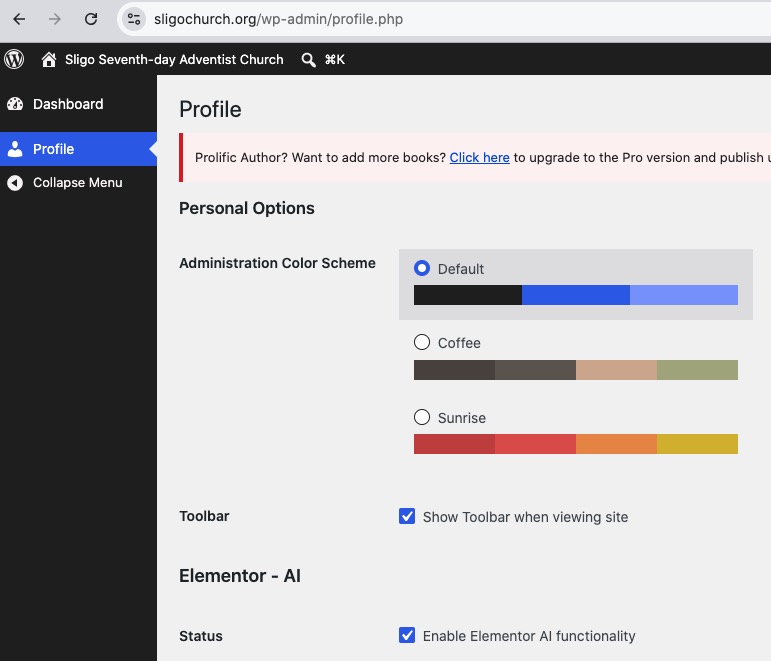
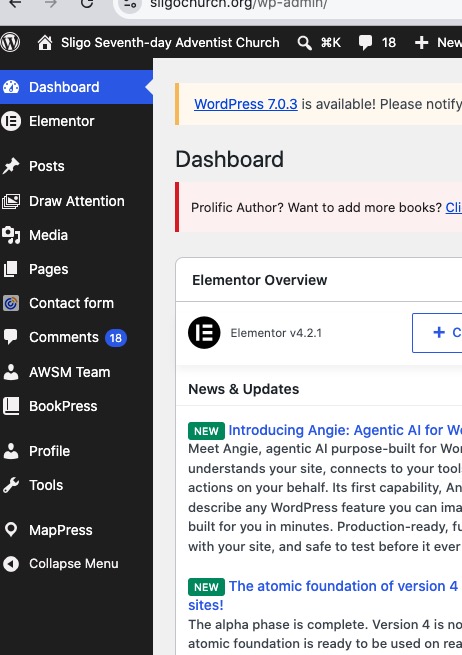
I don’t have full access to wp-admin:
So could you try following this guide:
https://docs.myeventon.com/documentations/single-events-page-not-working-404-error/
-
Aug 6,2026 AT 9:51AM -
Posted 1 week ago
- #410494
Hello Artem, I updated the user access permission to editor, you should now have full site access.
-
Aug 6,2026 AT 3:46PM -
Posted 1 week ago
- #410508
I need to have access to EventON Settings, Events and Settings > Permalinks.
Could you check again and let us know?
-
Aug 7,2026 AT 6:24PM -
Posted 1 week ago
- #410548
Hello Artem, I have allow you full admin access.
-
Aug 9,2026 AT 1:47PM -
Posted 1 week ago
- #410554
We’ve just released EventON 5.0.13. Could you try updating?
I believe that the latest version should fix the issue, because it’s working on our test site:
https://dev2.myeventon.com/events/test-16/
To update eventon to latest version: (If auto update works, please try that from with your website plugins page)
1. If you purchased eventON from codecanyon > Go to
and verify your purchase to get a free copy of eventON latest version and move your purchase over to myeventon.com.
2. If you already purchased eventON from myeventon.com go toand get the latest version copy.
Once you have the latest version zip file. Then you can go to your website > make sure ”Delete eventon settings & data when EventON is uninstalled” is De-slected from eventon settings, delete old eventon, install new one and activate.
will further explain the process it. Follow us on X to get real-time announcements on updates!
-
Aug 11,2026 AT 8:17PM -
Posted 5 days ago
- #410598
Hello Artem, Thanks, updated to 5.0.13 and the links are working.
-
Aug 12,2026 AT 7:41AM -
Posted 5 days ago
- #410622
We are glad your issue is resolved, if you have any further questions or concerns please create a new ticket.
-
Aug 17,2026 AT 1:02PM -
Posted 5 hours ago
- #410707
I have exactly the same issue on thelanguagehub.co.uk and I have updated eventOn to 5.0.13 which has not resolved the problem.
-
Aug 17,2026 AT 3:16PM -
Posted 3 hours ago
- #410717
Hello Iain Graydon,
Please check my reply in your ticket.
-
Aug 6,2026 AT 1:04AM -
Posted 1 week ago
- #410477