Thank you very much for letting us know of this. We are always striving to improve EventON to meet industry standards. With that said, do you have a report of what issues comes up for your website against WCAG compatibility? If you can share that we can directly get those specific items resolved quickly for you.
Archives: Replies
Replies for tickets on suppota
Reply to: tickets(405000)
Hello Raphael, wanted to update we released a new version of the ticket waitlist addon, that fix above mentioned issues, specifically not offering space to next guest.
Here is the changelog:
Reply to: tickets(405453)
Of course I disabled all plugins before and checked them one after the other. The issue is gone when you deactivate the FullCal plugin.
You disabled all other plugin and only left EventON + add-ons? Did you also switch the theme as well?
Could you also send us a screenshot from your mobile with the issue?
Please also check if you are having the same issue with the shortcode on our test site:
https://dev2.myeventon.com/test-192/
Reply to: tickets(405487)
Hello,
Please send us wp-admin access to your site from ”Access Info” box on right side menu, to further assist your situation.
Reply to: tickets(405193)
Which products do you want us to refund?
Please send us Order IDs of your purchases.
Reply to: tickets(405493)
Ashan,
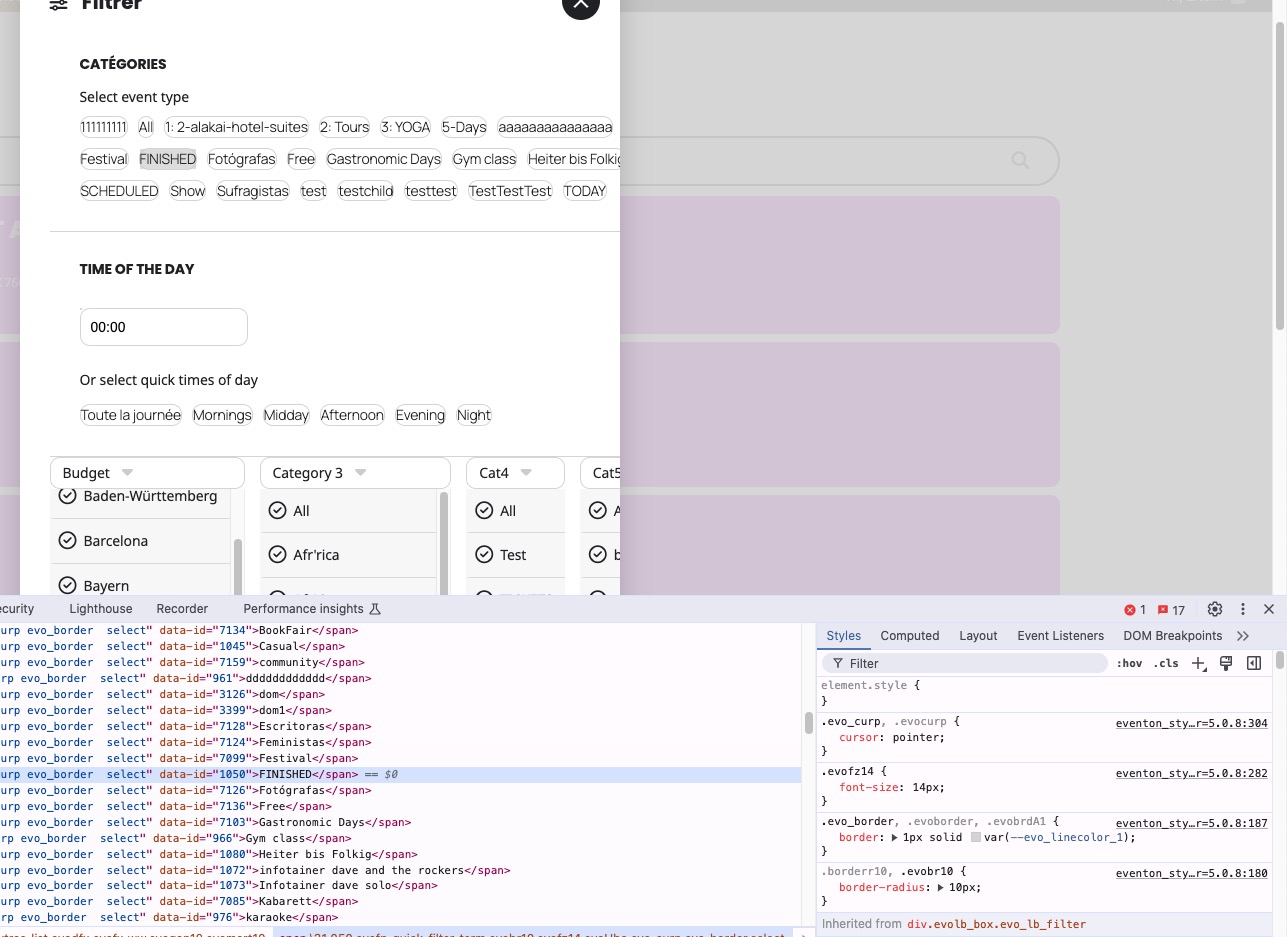
On dev2 I am not sure if the styling is correct:
https://dev2.myeventon.com/test-191/
Reply to: tickets(405493)
Hello,
Thank you for your messages!
I am going to escalate this ticket to development to help in here. Please allow us some time to address this, and we truly appreciate your patience. Thank you for being a valued EventON customer!
Additionally, if your site has any IP blocking or security restrictions in place, kindly disable them temporarily to facilitate our support process.
Reply to: tickets(405494)
Please also make sure to add number_of_months=”12” to the shortcode.
Reply to: tickets(405494)
Hello,
Please send us wp-admin access to your site from ”Access Info” box on right side menu, to further assist your situation.
Reply to: tickets(402484)
Hello,
Please add this CSS code to EventON > Styles (If you don’t see any change, EventON > Scripts & Styling > turn off Write dynamic styles to header > save settings > turn on Write dynamic styles to header).
You can also add this code to wp-admin > Appearance > Customize > Additional CSS.
.eventon_list_event .evoet_in, .evo_pop_body .evoet_in { flex-wrap: nowrap !important; }