Could you update EventON to 5.0.13 and then go to EventON > Time Settings > make sure that Default Event Timezone is the same as wp-admin > Settings > Timezone?
To update eventon to latest version: (If auto update works, please try that from with your website plugins page)
1. If you purchased eventON from codecanyon > Go to EventON Full page and verify your purchase to get a free copy of eventON latest version and move your purchase over to myeventon.com.
2. If you already purchased eventON from myeventon.com go to My Account > Downloads and get the latest version copy.
Once you have the latest version zip file. Then you can go to your website > make sure ”Delete eventon settings & data when EventON is uninstalled” is De-slected from eventon settings, delete old eventon, install new one and activate. This link will further explain the process it. Follow us on X to get real-time announcements on updates!
Please unblock USA and Spain.
You can upload your file to https://wetransfer.com/ or similar website and then send us a link.
Hello,
1. Please update to EventON 5.0.13 that addresses such issues.
To update eventon to latest version: (If auto update works, please try that from with your website plugins page)
1. If you purchased eventON from codecanyon > Go to EventON Full page and verify your purchase to get a free copy of eventON latest version and move your purchase over to myeventon.com.
2. If you already purchased eventON from myeventon.com go to My Account > Downloads and get the latest version copy.
Once you have the latest version zip file. Then you can go to your website > make sure ”Delete eventon settings & data when EventON is uninstalled” is De-slected from eventon settings, delete old eventon, install new one and activate. This link will further explain the process it. Follow us on X to get real-time announcements on updates!
2. Please try updating EventON first and see if it will help.
Hello,
Not possible to hide it with CSS, I am afraid. Also not possible to not to show the dayname with a setting.
However please create a new ticket and select Feature Request as category so others can vote on your idea and get it moved into development faster.
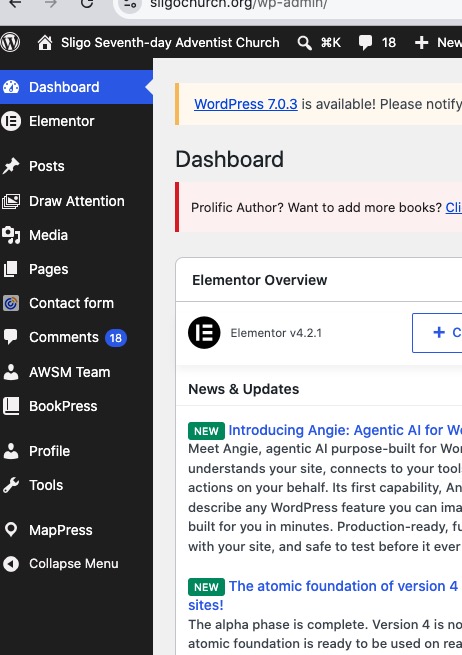
I need to have access to EventON Settings, Events and Settings > Permalinks.
Could you check again and let us know?
Hello,
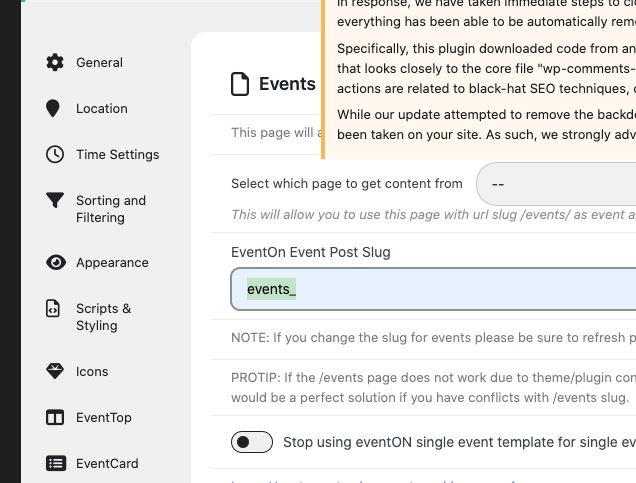
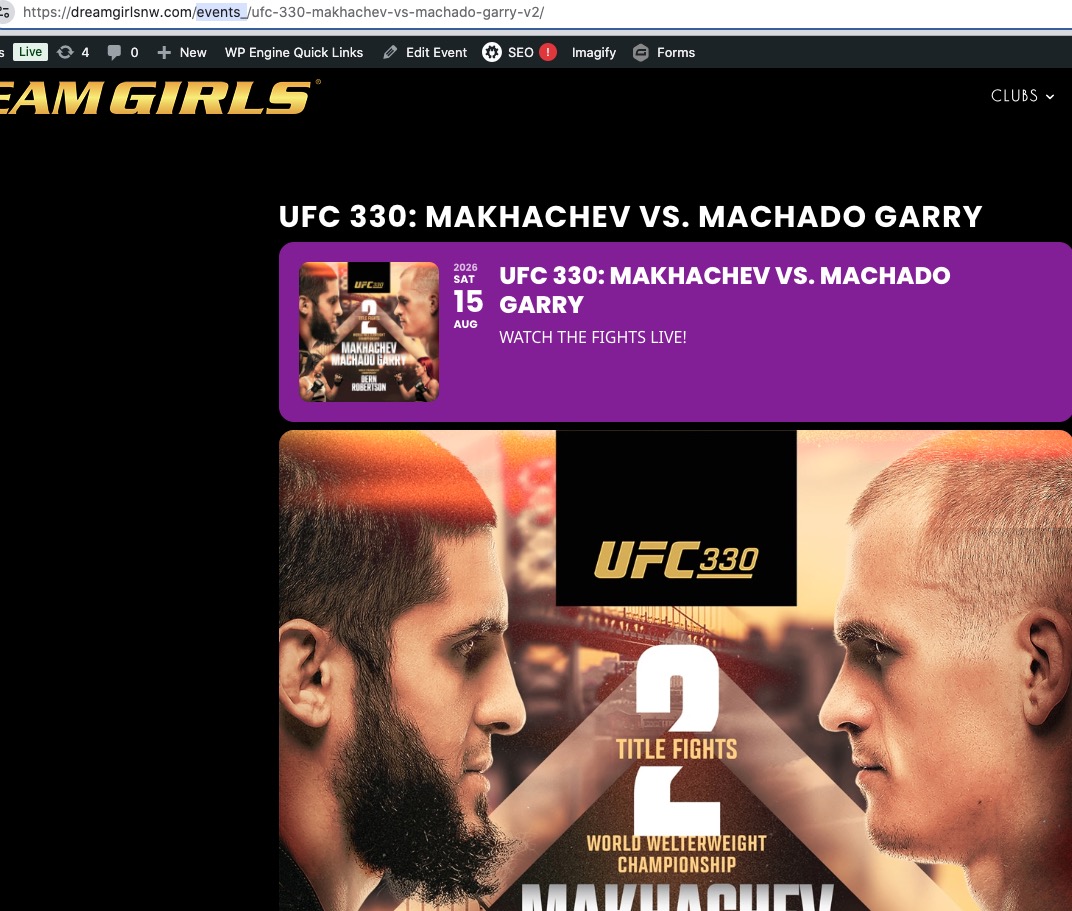
I set Slug to ”events_” and it fixed the issue:
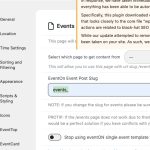

Do you have any other plugin or your theme maybe doesn’t let EventON to use ”/events”?
You can also just replace ”events” slug with anything else to fix the issue.
EventON 5.0.13 is now available and the new version should show child terms correctly 🙂
please go to
Full
and click on ”Verify Codecanyon Purchase” and proceed with the screen instructions. Your previous error messages should be cleared out now.
If this does not work, please share your envato purchase license key and desired email address for myeventon.com account and we can manually create you an account at myeventon.com with latest eventON full version.
False Alarm. It work on the preview but not the live site.
[add_eventon_el number_of_months=”2” cal_id=”test 2” tiles=”yes” hide_arrows=”no” hide_past=”yes” el event_count=”6” tile_count=”3” tile_height=”500” ux_val=”1” evc_open=”no” tile_style=”1” tile_bg=”1” show_limit=”no” filter_type=”select” event_type=”140” ] [add_eventon_el number_of_months=”2” cal_id=”test 2” event_past_future=”future” tiles=”yes” hide_arrows=”no” hide_past=”no” el event_count=”6” tile_count=”3” tile_height=”500” ux_val=”1” evc_open=”no” tile_style=”1” tile_bg=”1” show_limit=”no” filter_type=”select” event_type=”140” ]
Please advise