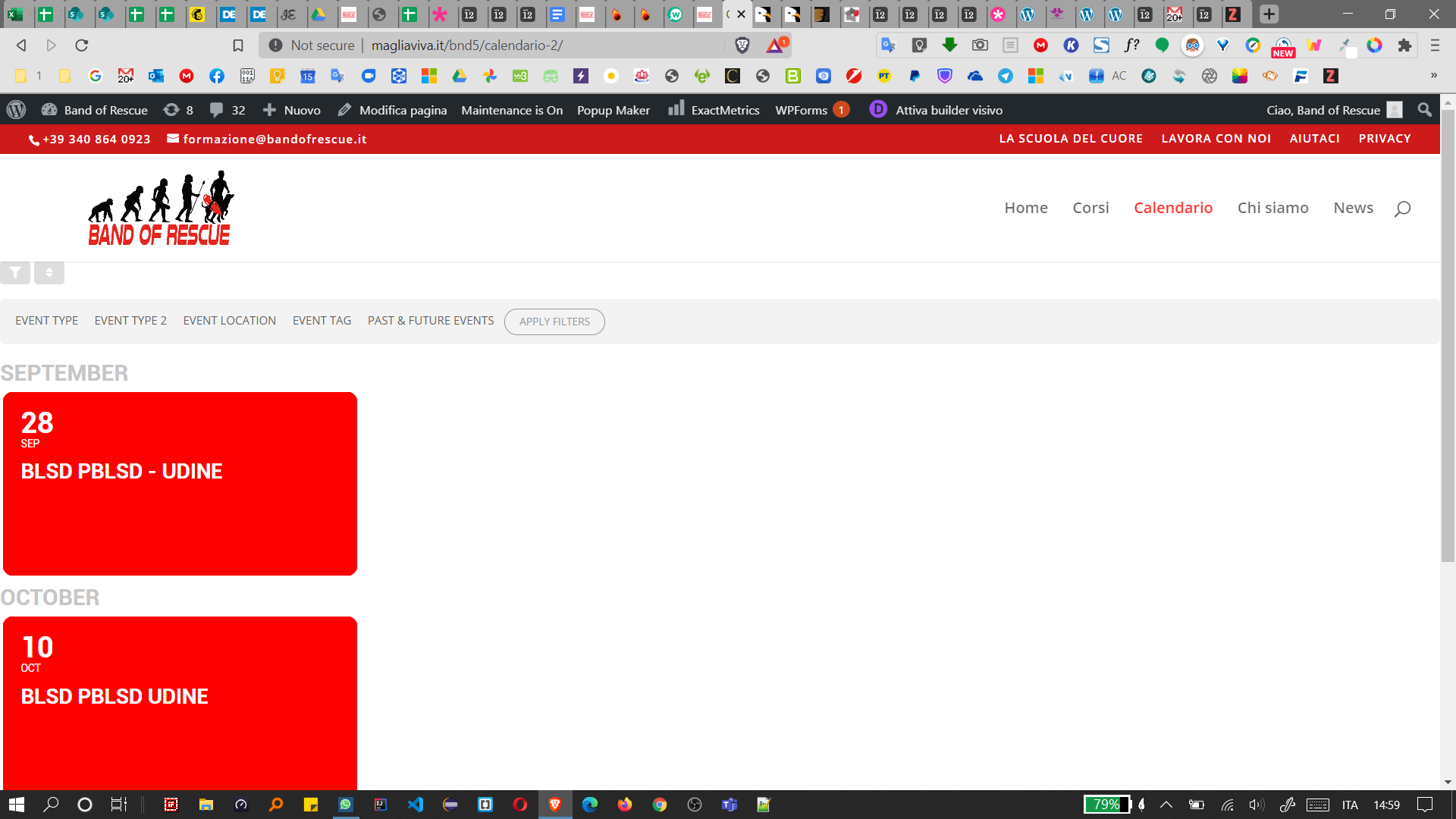
and this is the page
Replies for tickets on suppota
and this is the page
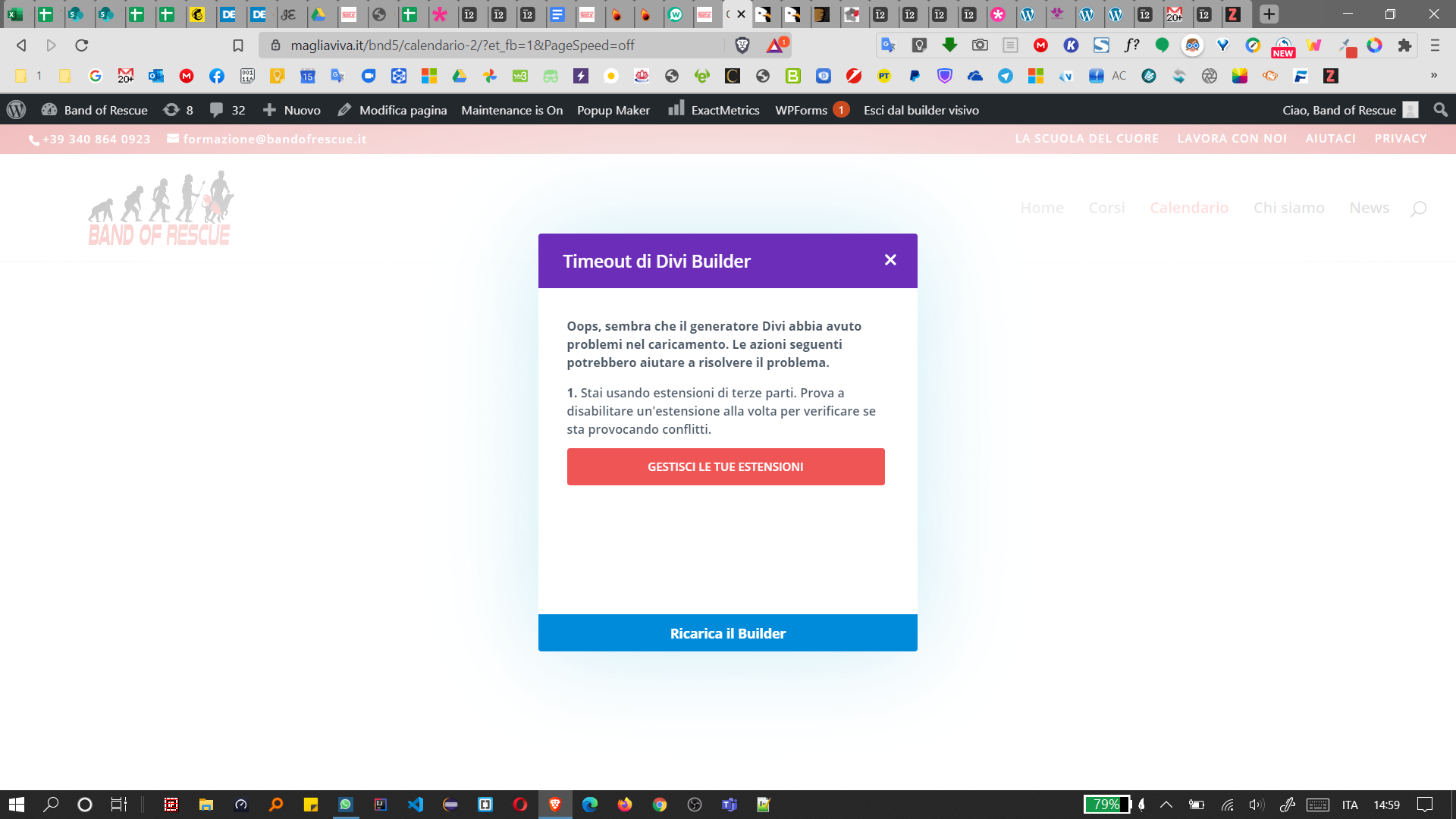
Sorry, not single page event (it has popup and it works fine), but calendar main page (as you can see in the screenshots).
Sorry, its WP. Rocket with lazy load… that causes this problem since the latest update.
i can’t theme single event page, in ex. i can’t select the page without sidebar…
Okay, but then I would still have to use the L1, L2, L3 function?
And then all events won’t be shown in all languages.
If I’m filtering in countries and languages through the Event Type categories, then how can I translate labels without using L1, L2, L3?
Hi, thanks for your help. Have a nice day.
Hello Artem
Thanks heaps. sorry for late reply. I just updated to the latest version of EventOn and I am having issues again as follows:
// Custom styling was gone again, so I did what you suggested above, which fixed it
// Now the icons on the event listing (time etc) are missing?
// Also, we have the issue that the plugin loads incredibly slow on the lightspeed server. Even after installing a caching plugin. Really makes not a difference to the eventon loading. Any insight to that, as my customer is getting very frustrated.
Thanks for your help. Login details in this thread, if you need them.
All the best, Corina
In front-end on the homepage, as EventON module loaded, the RevSlider stops working, (can not switch between slides.) You can see that error in console.
http://zspeter987.kesztyugyar.hu/
If I turn off weekly view plugin the error gone and revslider works fine.
Thank You:
Peter
Hello, Thank you for your reply.
It will not work with the year long event option, if the the event lasts only for one week, and starts one year from now.
One Question: Is it possible to combine the shortcodes from the main calendar, event lists, single event and search events for a given result? Will it work?
Thank you for your help
How is it “their calendar responsibility” if the calendar does not know which time zone the event is created in? Are you saying that all my events should be created in UTC+0 in order for any calendar to load them correctly?
If I create an event with 9am start time in PDT, and you only specify 9am – how will the calendar of someone in London will know that it’s US Pacific time?
That just doesn’t make sense and that’s not how any calendar works.