Hello,
When you are using a plugin that restricts access to any content, you need to configure it correctly otherwise your regular users won’t be able to access any content at all.
Could you tell us which plugin are you using for memberships? Is it SUMO Memberships?
Hello,
Thank you for your great suggestion, at the moment it is not supported. However please create a new ticket and select Feature Request as category so others can vote on your idea and get it moved into development faster. OR You can send us a customization job request by creating a new ticket in here and selecting Customization Request as the category.
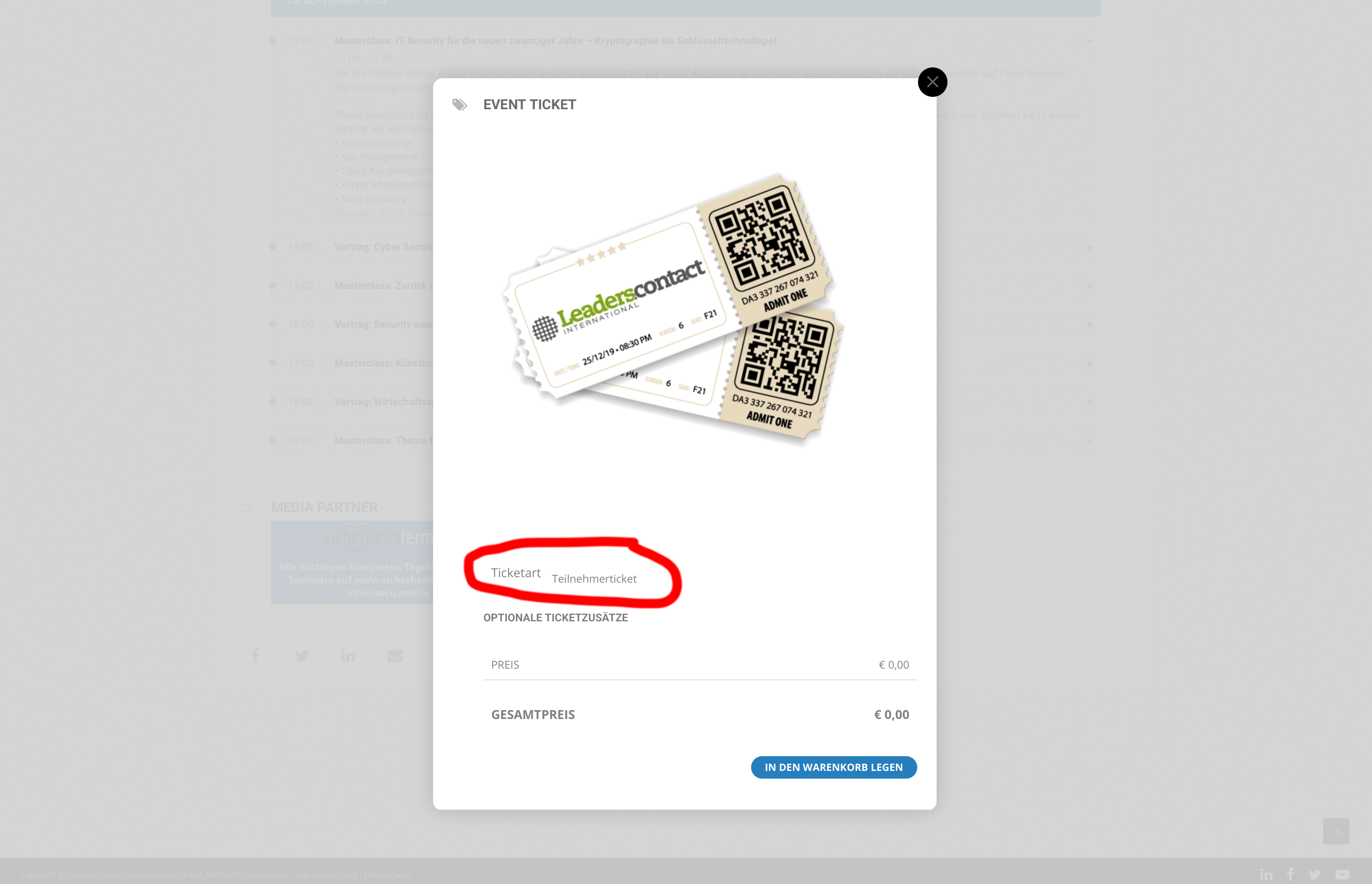
And if possible. How can I make it to show instead of 0,00 € “Free”?
Hello, thank you for the follow up – I have not yet followed the instructions provided by Artem 8/28 but will do that today and update you with my progress. If you could keep the ticket open until then, I would appreciate it. Many thanks!
We are glad your issue is resolved, if you have any further questions or concerns please create a new ticket.
If you have a moment, we would greatly appreciate if you could kindly leave us a review at codecanyon! from your account > downloads. Cheers!
1. Please use 16px instead of 18px.
1. Please add this CSS code to EventON > Styles (If you don’t see any change, EventON > turn off Write styles to header > save settings > turn on Write styles to header):
.eventon_list_event .event_description p, .evcal_list_a .event_description li, .evo_pop_body .evcal_evdata_row .evcal_evdata_cell p {
font-size: 18px !important;
}
2. You added l,g,a,T to Calendar Header month/year format, when you need to add it to Date/Time Format. I moved it so now it should work. Please check and let me know.
Hi,
Thank you for your message.
If you go to the Shortcode generator, after the plugin is enabled, you can check over there to enable the Calendar view based on your needs.
Have you tried to generate a shortcode and it did not work?