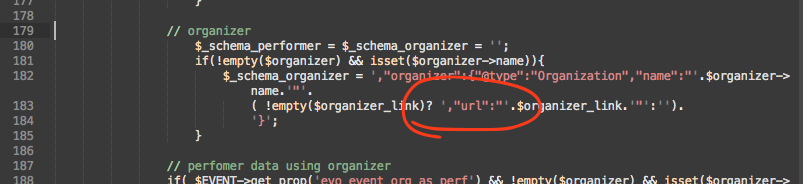
Hey Jake, thank you for sharing the video of your customer. It does look like there is much improvement can be made on the way the ticket email is sent to customer and how it presents itself.
Ok let me work on some magic and see if I can get you a better solution quickly so you can be off to focus on other things 🙂
When is this going to be corrected or maybe it is not working or you have not just had a look at it?
Hey Micke, thank you very much for addressing this issue. The latest version2.9.1 has a fix for this.
If you have more questions, kindly send us a new ticket and we would be more than happy to help you resolve your issues!
You guys are not serious !
Paulo, i have refunded you for actionuser and seats, you still have valid subscription for tickets addon. If you choose to cancel tikcets license subscription please do so https://docs.myeventon.com/documentations/how-to-cancel-addon-subscription-before-auto-renew/
If you have more questions, kindly send us a new ticket and we would be more than happy to help you resolve your issues!
Hi Ashan, thank you for your response and time.
Yes, it was my fault, I didn’t make a backup. Sorry, it will never happen again.
Artem had already helped me get the YouTube video to work.
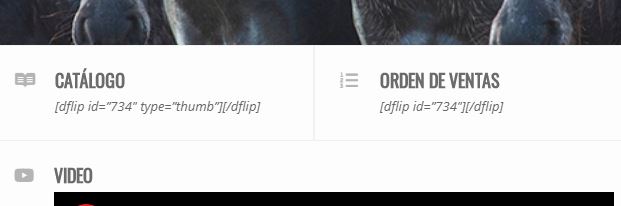
What still does not work are shortcodes for a Flipbook plugin.
They work on the Single event page, but not on lightbox user interaction
Here you can check it:
https://zambrano.com.uy/2020/test
When we tested about a month ago, the shortcode worked fine in lightobx.
I tried the 3 options of the “content filter to select calendar events”.
Anything else you can do?
Thanks
Alvaro
Hello Jared, the reminder emails were sent out 3 days prior giving you time to decide on cancellation or continuing the subscription. Per our refund policy http://docs.myeventon.com/documentations/terms-and-conditions-and-refund-policy/ section 7.5 unfortunately you do not qualify for refund.
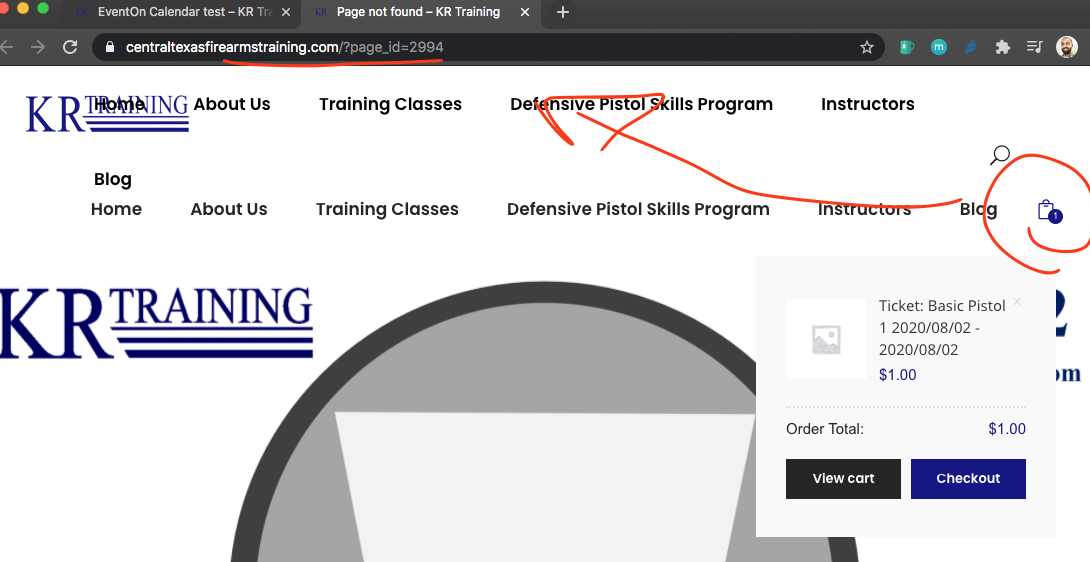
Your cart page is not working.
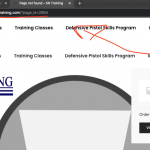
May be try clearing cache in wordpress and refresh permalink. similar to this step https://docs.myeventon.com/documentations/single-events-page-not-working-404-error/
as for making fonts bigger please use this css override guide https://docs.myeventon.com/documentations/change-css-calendar/
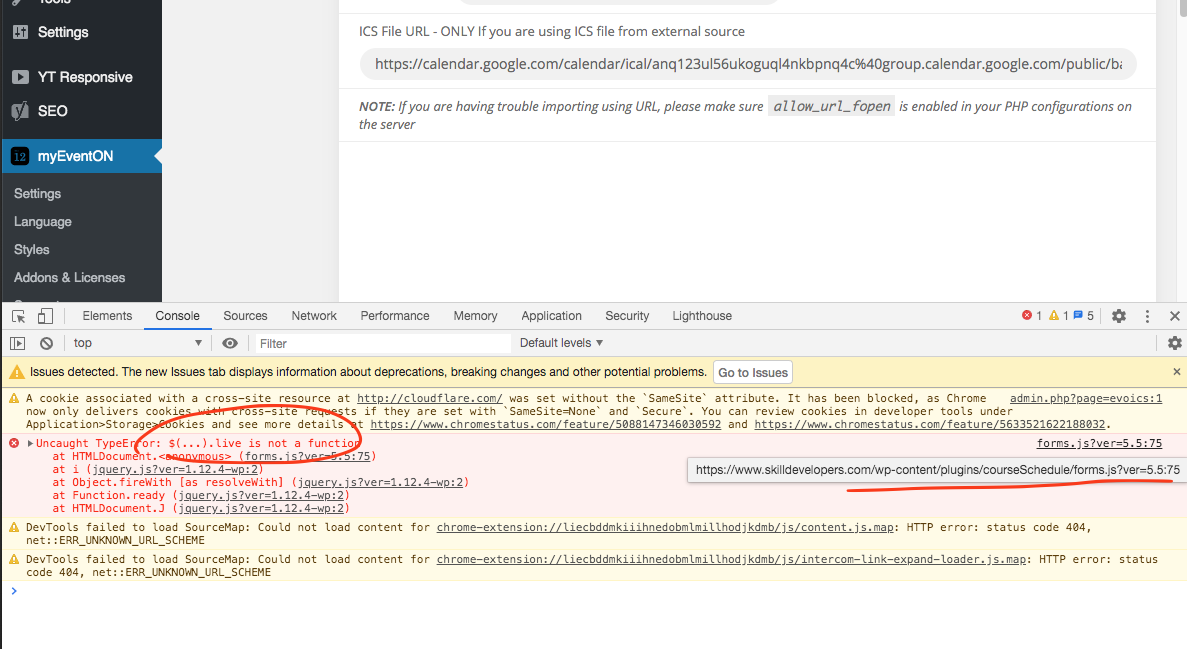
Hey tim so looks like there is an error coming on this page from the courseSchedule plugin as mentioned by artem. and this JS error is stopping everything else working on the page.
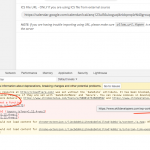
This error need to be fixed for options to work. Please try reaching out to that plugin developer for a solution.
As for time issue: looke like your ICS file is not passing a timezone per each event. they are like this. BEGIN:VEVENT
DTSTART:20200825T160000Z. Thats why the direct 4pm comes from. So there need to be a -4 hour offset. Are you finding that all the events are needing this same 4hr difference?
Do you think if we can set a manual offset value when importing ICS events that would solve this?
Basilis, Can you US resource access the website and trouble shoot the issue .. it has been weeks and the agency can save events to any date except 1/1/1970 … Please help