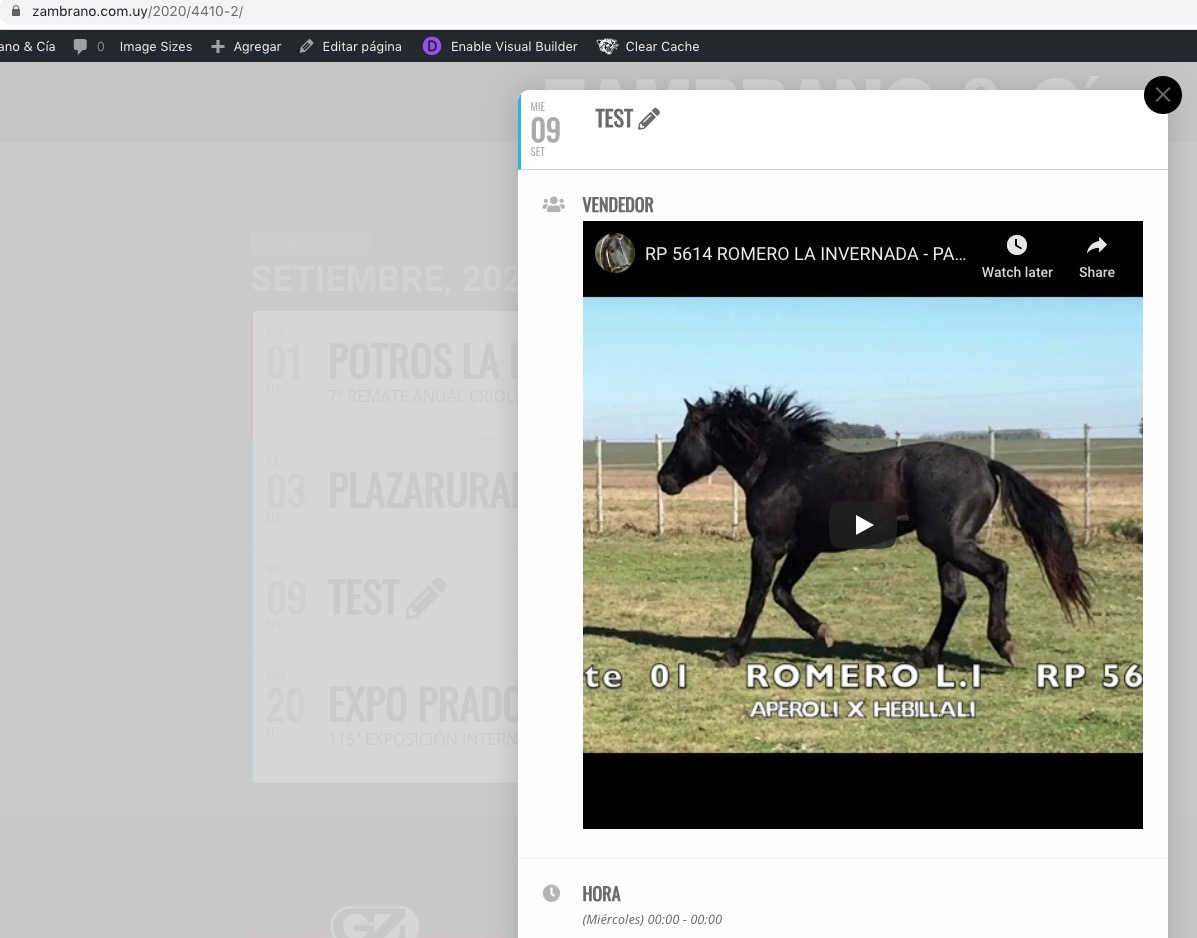
Thanks, now the events are seen adequately.
however, I am unable to complete the registration for the same events … something is wrong
Replies for tickets on suppota
Thanks, now the events are seen adequately.
however, I am unable to complete the registration for the same events … something is wrong
I didn’t know you were in the site and I might have overwritten what you did by accident… but the colors are the teal shades above at the moment. Ideally, I want the background white but when you hover over a day with events, I would like it to turn a light color of blue, teal or gray… something to let the viewer know that there is something there.
thank you

Screenshot of settings
I added the code from “Aug 25,2020 AT 3:18AM – Posted 1 Day Ago – #191273” to EventON > Styles. Days with events are white now:

Please check and let me know.
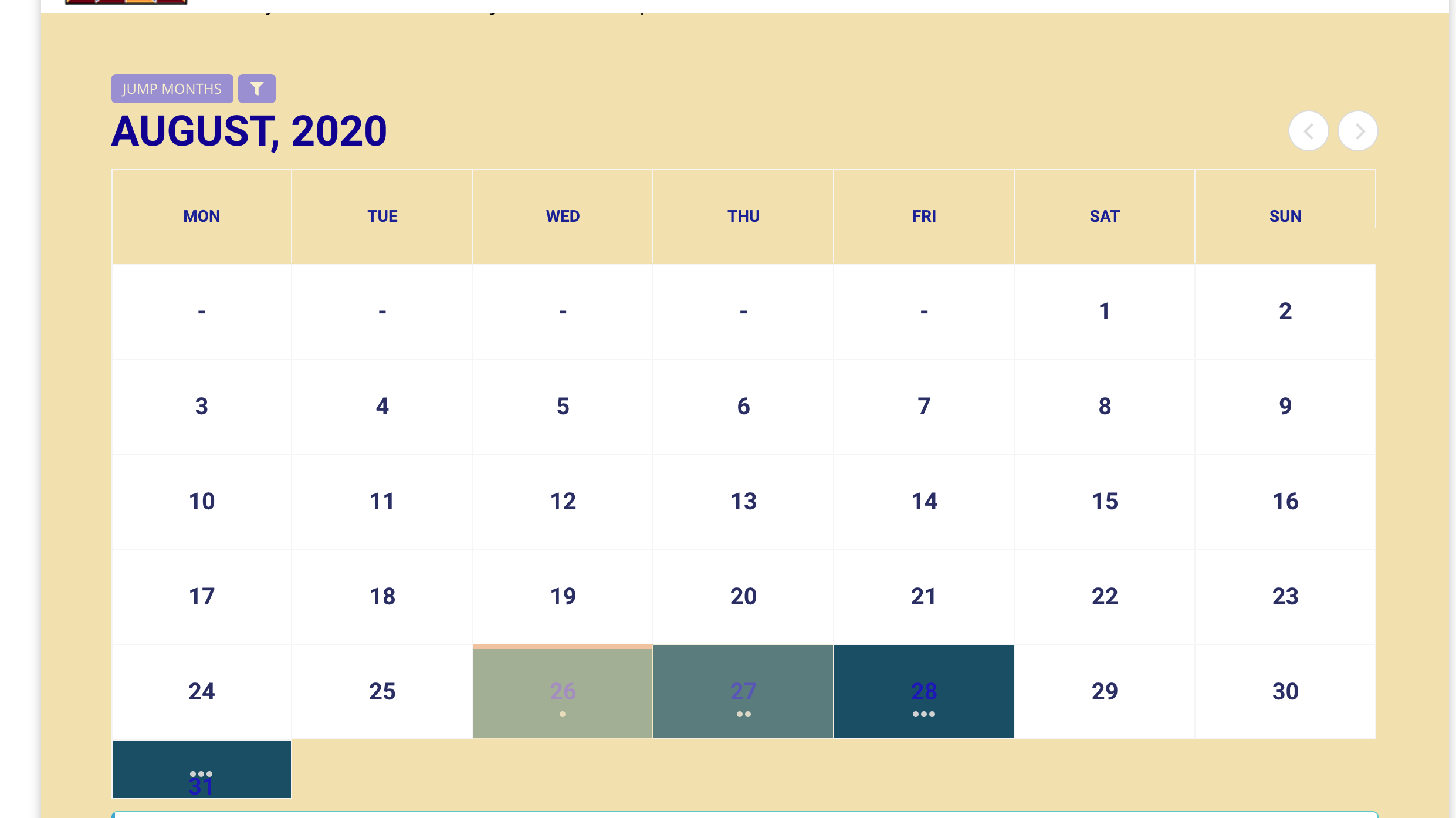
Now I’ve taken out any custom CSS (within “styles” in EventOn) and made sure my “fullcal” settings were the way I want them and THIS is what I get. What is going on here? I’m really frustrated and don’t know how to fix this 🙁
The other strange thing is that I selected this option: Show other future repeating instances of this event on event card, however, the additional dates are nos included in the card, they are placed as additional events on the calendar (See IMAGE2).
This is correct. The option shows instances on Event Card, but it doesn’t remove them from the calendar:

Ashan,
I have a repeating event that it shows as an upcoming event on my webpage but as completed. It has a cross mark over it, how can I reset that event.
I cannot find “Event is Completed” option anymore on Edit Event. It seems that you need to deactivate this in order to fix the issue.
Thank you for your messages, I am going to assign this ticket to Ashan and he will be able to take it from here and find you a solution. Please allow some time for him to get back to you, we greatly appreciate your patience and thank you for being a eventon customer! Also please disable any IP blocking on your site if there are any.
Hello,
Your youtube URL doesn’t seem to be correct. Please check this test event I created: https://zambrano.com.uy/2020/wp-admin/post.php?post=4408&action=edit
As you can see I used https://www.youtube.com/watch?v=W5dlWHeJqCc and it works:
https://zambrano.com.uy/2020/4410-2/