Reply to: tickets(191296)
Replies for tickets on suppota
That has worked, thank you 🙂
1. Event Lists doesn’t allow this. Please check FullCal add-on: https://www.myeventon.com/addons/full-cal/
2. Please add this CSS code to EventON > Styles (If you don’t see any change, EventON > turn off Write styles to header > save settings > turn on Write styles to header):
.eventon_events_list .eventon_list_event .evcal_desc span.evcal_desc2, .evo_pop_body .evcal_desc span.evcal_desc2 { text-transform: none !important; }
The code that I have generated is:
Please check https://www.bthechangemoms.com/1756-2/
You need to add 12 to number_of_months.
I added variations and disabled Sell Price Options as Separate Tickets, so it should work now: http://club-danois.com.php73serv1.workzoneurl.com/wp/events/petanqueturnering/
Please check and let me know.
When I switched the theme to Twenty Twenty it started to work: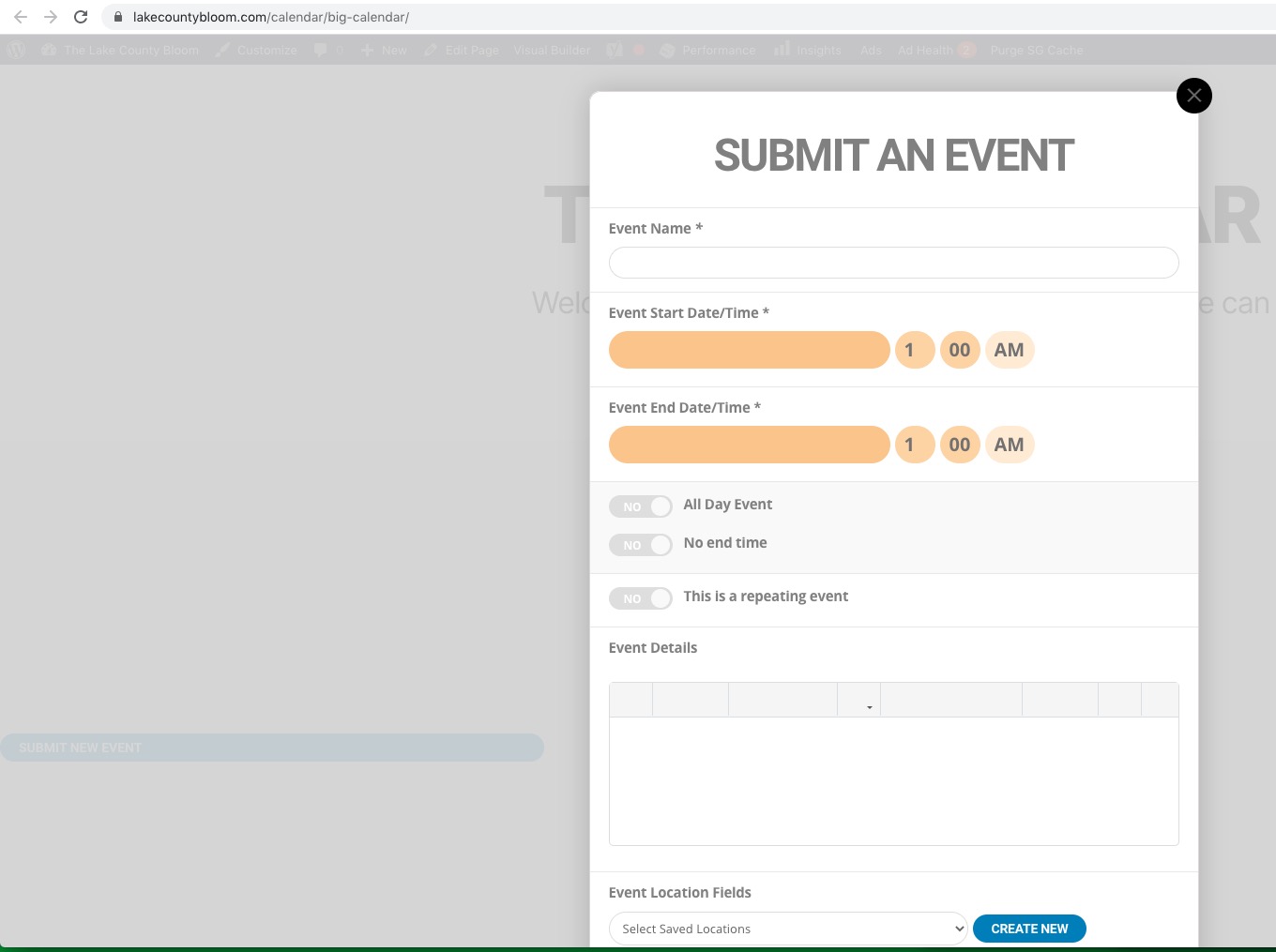
So the problem is in this js error:
Uncaught TypeError: Cannot set property ‘device’ of undefined
at HTMLDocument.<anonymous> (jquery.easeScroll.js?ver=1.0.42:270)
at i (jquery.js?ver=1.12.4-wp:2)
at Object.fireWith [as resolveWith] (jquery.js?ver=1.12.4-wp:2)
at Function.ready (jquery.js?ver=1.12.4-wp:2)
at HTMLDocument.J (jquery.js?ver=1.12.4-wp:2)
from https://www.lakecountybloom.com/wp-content/themes/the-core-parent/js/jquery.easeScroll.js?ver=1.0.42
When you combine the two. You get all free events and all virtual events. All free events are not virtual and all virtual events are not free.
I just realized this solution does not work either, [add_eventon_wv event_type=”63″ event_type=”3713″] because it selected the later variable which is all virtual events even if they were not free. I think I will need to add a new custom field unless you have another solution. Again, it seems that if a field is already marked virtual then I shouldn’t have to indicate it twice.
From this message Aug 20,2020 AT 1:30AM – Posted 5 Days Ago – #190756.
Did you try “Could you please try the instructions mentioned in this documentation to make sure your issue is indeed coming from eventon.”?
I also didn’t receive “Edit Event > Date & Time with opened console.” screenshot. Could you check?
Try again