Hello,
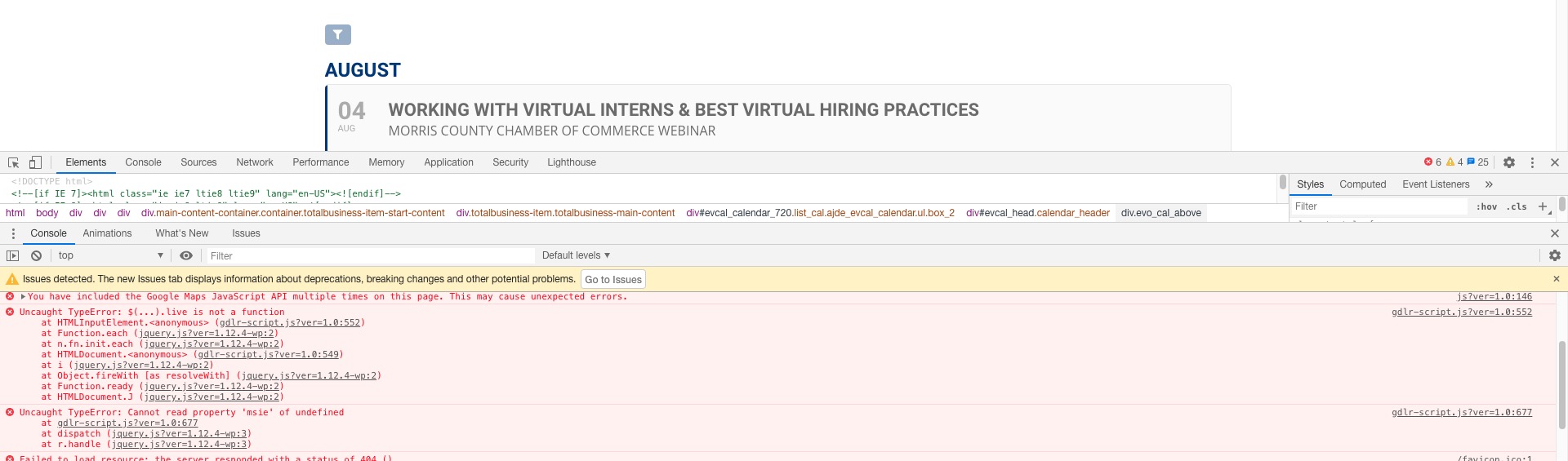
It seems your website have javascript errors caused by other plugins/theme:

You can find and resolve them by following this guide. Once these javascript errors are fixed, eventon scripts will be able to run properly and will resolve your issue.
Please also try updating EventON to 2.9.1.
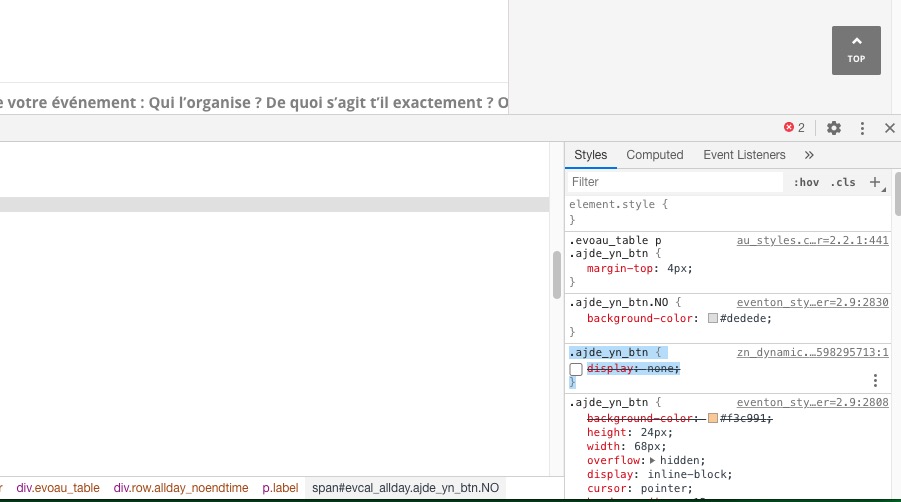
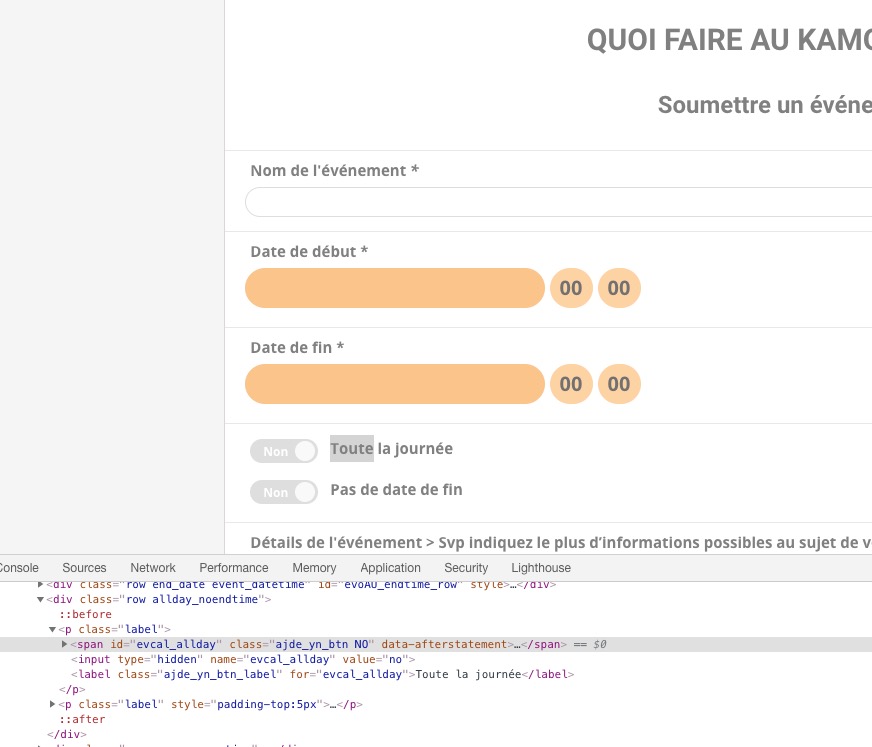
Please remove this code from https://quoifaireaukamouraska.com/wp-content/uploads/zn_dynamic.css:
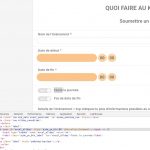
Please update Action User to 2.2.1 and Tickets to 1.8.2. After go to EventON > try disabling Load eventON scripts and styles only on eventON pages.
EventON works with Pages, so if these plugins allow you to add shortcodes to pages then everything should work.
Please add more fields and then activate them from https://athletictestingsolutions.com/my-heartcheck/wp-admin/admin.php?page=eventon&tab=evcal_tx#evotx2a.
I enabled EventON > Tickets > Checkout > Make additional guest names required in checkout so now it should work.
Hello,
Please use Event Type: https://docs.myeventon.com/documentations/how-to-use-event-types-to-do-more/. Add “Virtual” category and then filter events by adding it’s ID to event_type=”1″.
I have edit the plugin files .. we had to make some fixes on the server earlier in the year when the months would not display .. that was captured in another ticket.
I have followed the instructions, and still am having difficulties. Can you look further into this issue?
on this settings EventOn it’s working, but I have problem because some links in my publication are default blue :/
Please rewrite it.
I will pay by paypal.
I need
color: #25a75f; <- in all url except.jrAddListing

and I would like to disable this
#site a:link:not(.jrAddListing)
{
	color: #25a75f;
}

in EventON calendar on my front-end

Could you help me?