Hi,
I have asked our CEO to review this again.
While I do apologise for the delay refund request, I am not sure if he also reviewed it and you are not capable for a refund.
In any case, he will take care of it the soonest.
Replies for tickets on suppota
Hi,
I have asked our CEO to review this again.
While I do apologise for the delay refund request, I am not sure if he also reviewed it and you are not capable for a refund.
In any case, he will take care of it the soonest.
Hi,
That CSS rules are completely wrong, you can not use them.
We need to re-write them if you need.
Hi Kristen,
That will fixed soon, our Developers are working over that structural problem
Ok there is shortcode and there is code but do you agree its not working
I have found your code in function:
// allow shortcodes in tag
add_filter( ‘term_description’, ‘do_shortcode’ );
add_filter( ‘category_description’, ‘do_shortcode’ );
add_filter( ‘post_tag_description’, ‘do_shortcode’ );
add_filter( ‘get_the_archive_description’, ‘do_shortcode’ );
function my_shortcode() {
$url = get_template_directory() . ‘/html/my_shortcode.php’;
$content = file_get_contents($url);
return $content;
}
Hi, so it’s now been 18 days since our request for a full refund from you plus the refund for the purchase made from codecanyon.
I understand that workload is complicated at the moment but we also have our own complications.
We would, therefore, be grateful if you can refund all monies in full by end of the business day this Thursday – which will be 3 weeks after our initial refund request.
Thereafter, we will take action to recover the funds if not received and we shall be obliged to review accordingly to be fair to other potential users.
Regards
Hi Ashish, thank you! customization looks great.
I found only two things to fix.
Step by step example:
Step 1 – Click on a year, example 2018: shows all 2018 events (only the “2018 button” is highlighted).
Everything is fine.
Step 2– Click on Future Events: shows future events (only the “future events button” is highlighted).
Everything is fine.
Step 3– Click on a month, example April: shows the events of April 2018 (only the “April button” is highlighted).
Its fine, because I had clicked in 2018.
Is it possible at that time to also have the year button highlighted?
In the example, it would be to have “2018 button” and “April button” highlighted.
The second thing:
When the calendar loads, it briefly shows the title of the current month, then disappears and the title “Future Events” appears.
I think it is strange that the title of the current month appears and disappears.
Is it possible to start directly with the “Future Events” title?
Thanks a lot
Alvaro
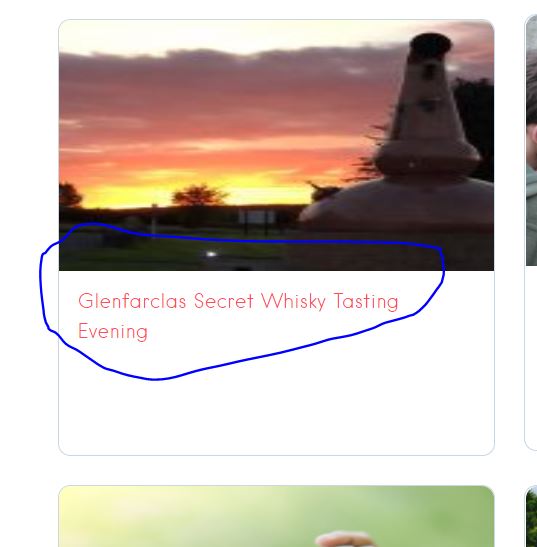
Thank you but as you can see from image it is not working, the only content that is displaying is from the shortcode i put there myself
Could you provide me with function code not sure exactly whats yours and the shortcode added please
What is the status of the work?
Hey Brad,
They did yes and we have assigned your issue to our CEO, with highest priority