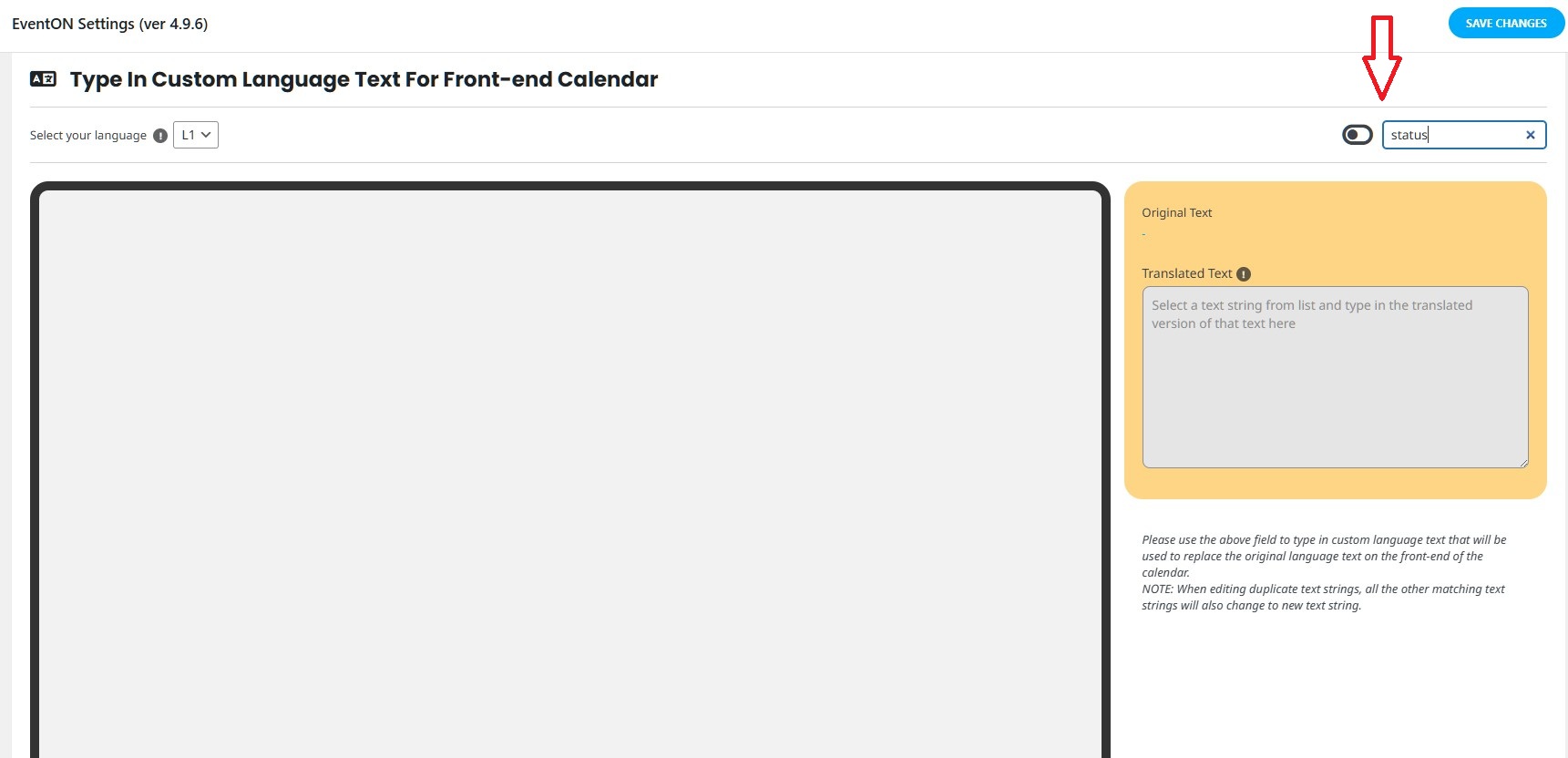
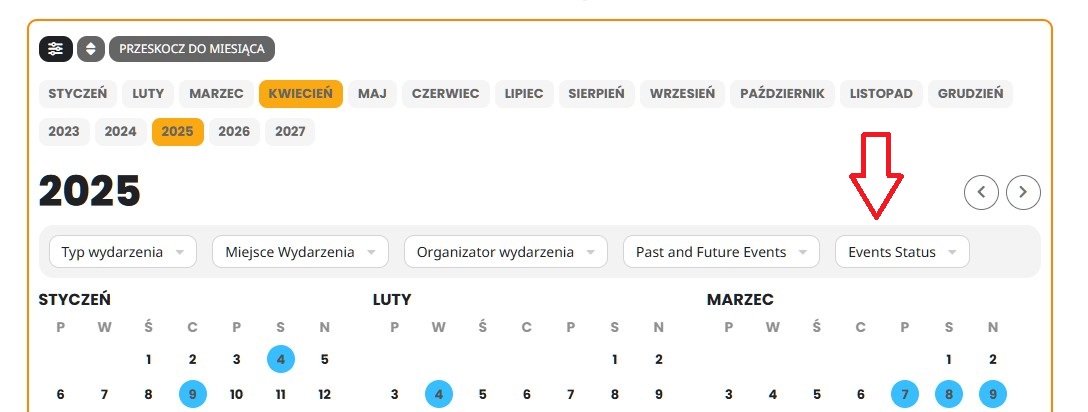
Hello,
Thank you for your messages, I am going to assign this ticket to Ashan and he will be able to take it from here and find you a solution. Please allow some time for him to get back to you, we greatly appreciate your patience and thank you for being a eventon customer! Also please disable any IP blocking on your site if there are any.
Thank you for the help. The culprit appears to be Yoast SEO plugin. It is messing with the rss feed in some way.
Here’s what I’ve tried so far:
-
Stripped Yoast’s RSS hooks and filters in my child theme (removed wpseo_rss actions and related filters).
-
Added a must-use plugin to disable Yoast on any URL containing ?feed=… or /evofeed.
-
Prevented canonical redirects on the evofeed endpoint.
-
Forced a 200 OK status (cleared the 404 flag and explicitly sent a 200 header).
-
Forced the RSS content-type header (application/rss+xml).
-
Added a custom rewrite rule so /evofeed maps to index.php?post_type=ajde_events&feed=evofeed.
-
Finally, short-circuit redirect any request for /evofeed directly to the known-working query-string URL.
Despite all of that, Yoast still somehow intercepts the feed and causes it to 404. I’m on WPEngine with the Salient theme. Do you have any insight on:
-
Known conflicts between EventOn’s feed handling and Yoast SEO?
-
A recommended hook or filter in EventOn I could target to restore my feed before Yoast runs?
-
Any guidance on where EventOn registers and processes the evofeed slug so I might adjust its priority?
Thanks in advance for any pointers—you’ve got a great plugin and I’d love to keep using it alongside Yoast.
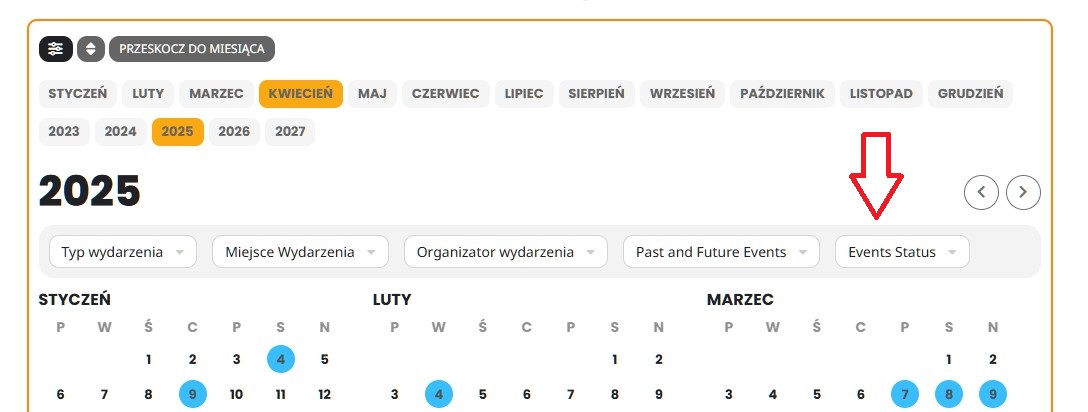
The problem is still not solved
Is there any resolution on this? I need to be able to download an attendee spreadsheet for a client before this weekend.
Thank you. Yes, shortly after I opened this ticket, it suddenly started working.
Okay, it looks like the add calendar works when I am logged in as admin in the site, but when I am not I have the “Invalid nonce”
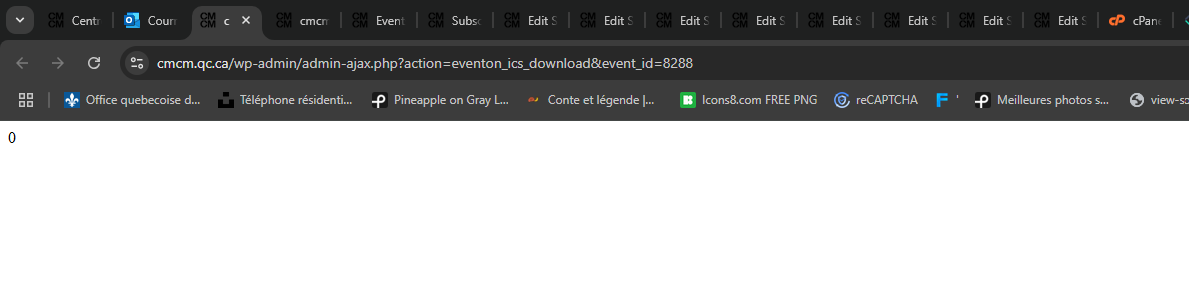
We get the same error like this with the default template