We are glad your issue is resolved, if you have any further questions or concerns please create a new ticket.
If you have a moment, we would greatly appreciate if you could kindly leave us a review at codecanyon! from your account > downloads. Cheers!
Yes, of course. Please keep us updated.
We are aware of this issue. Thank you for your messages, I am going to assign this ticket to Ashan and he will be able to take it from here and find you a solution. Please allow some time for him to get back to you, we greatly appreciate your patience and thank you for being a eventon customer! Also please disable any IP blocking on your site if there are any.
Meanwhile please use ESE as a temporary solution: https://docs.myeventon.com/documentations/use-eventon-shortcode-executor-widget/
Thank you for your great suggestion, at the moment it is not supported. However please create a new ticket and select Feature Request as category so others can vote on your idea and get it moved into development faster. OR You can send us a customization job request by creating a new ticket in here and selecting Customization Request as the category.
Maybe Custom Fields can help: https://docs.myeventon.com/documentations/setup-use-custom-meta-fields-events/? When event is past you can add a link to a custom field to show it on Event Card.
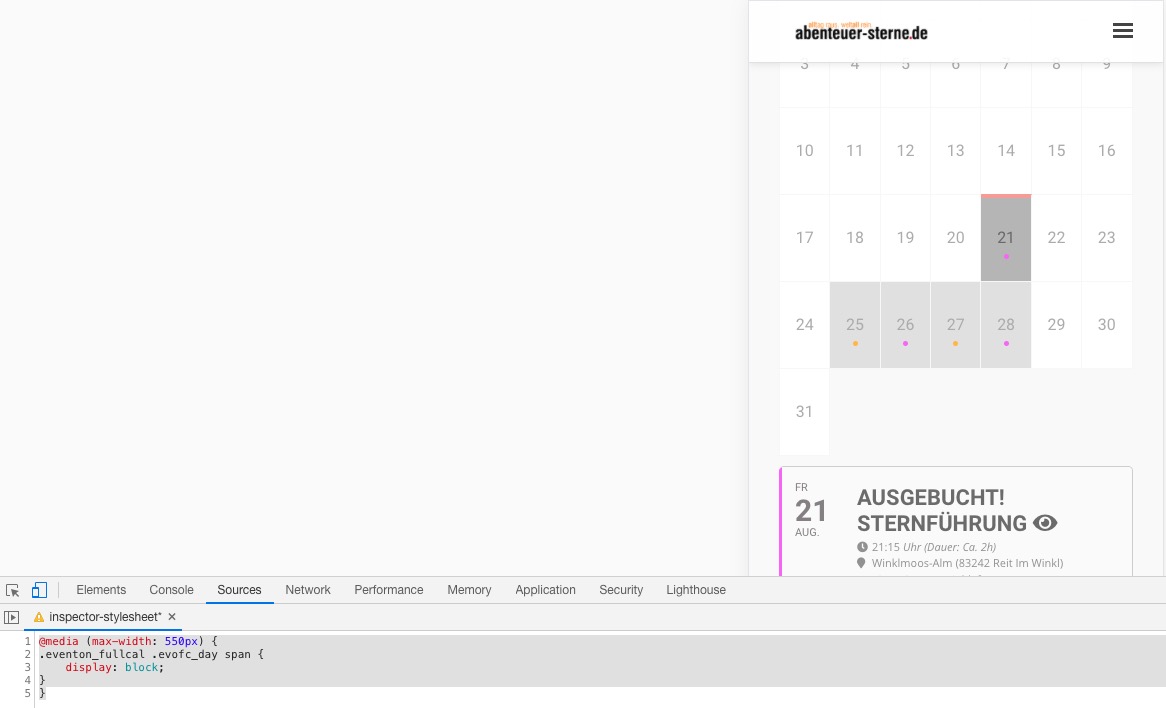
Please add this CSS code to EventON > Styles (If you don’t see any change, EventON > turn off Write styles to header > save settings > turn on Write styles to header):
@media (max-width: 550px) { .eventon_fullcal .evofc_day span { display: block; } }
The page worked for me now too.
Thank you!
Hello,
Please send us wp-admin access to your site as a private message for us to further assist your situation.
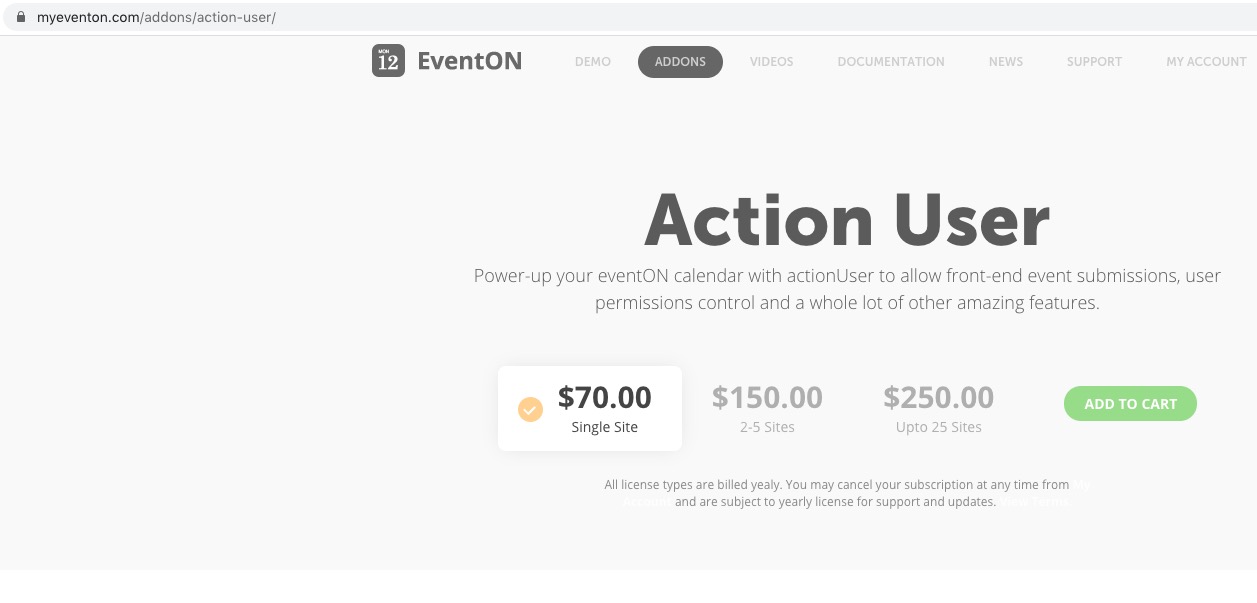
Unfortunately, you need to purchase the add-on first.
Add-on page is working from my side: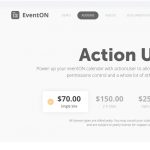
Hello,
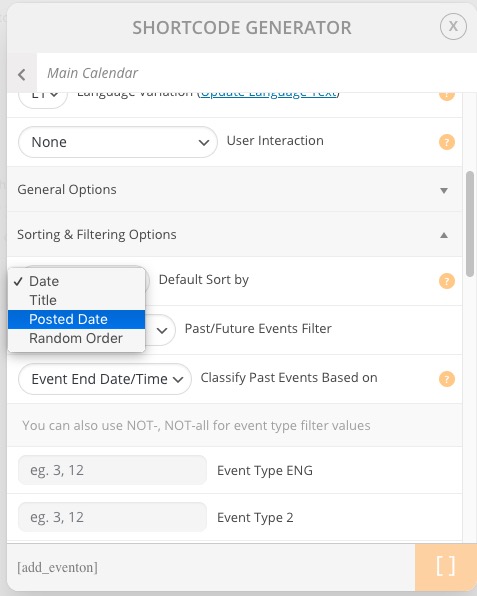
Please check Default Sort option:
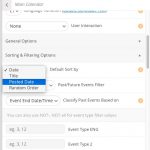
Try adding sort_by=”sort_posted” event_order=”DESC” to the shortcode.