Hello,
Please go to EventON > Time Settings > disable Allow universal event time format on eventCard.
Replies for tickets on suppota
Hello,
Please go to EventON > Time Settings > disable Allow universal event time format on eventCard.
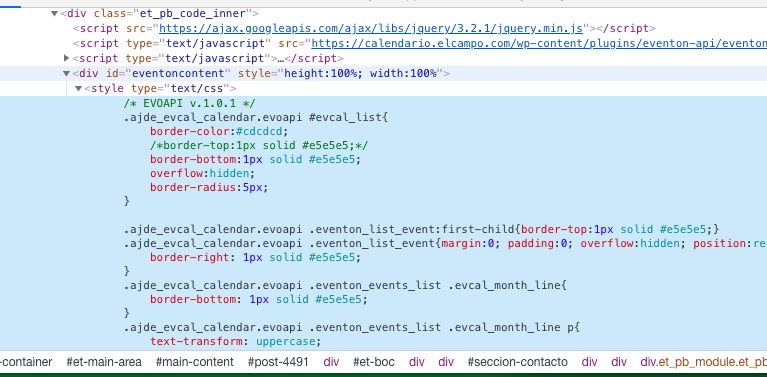
The only problem seems to be the lack of proper style in
Please send us wp-admin access to your site as a private message for us to further assist your situation.
I found another bug -very related- as you can see at RELATED EVENTS zone, the CANCELLED event ALSO appears as NORMAL -on the main site.
Related events don’t have any custom styling at the moment. It just shows Title and Date. However please create a new ticket and select Feature Request as category so others can vote to get this moved into development faster. OR You can send us a customization job request by creating a new ticket in here and selecting Customization Request as the category.
Hi Artem,
I had it working for a little bit under /events by using the shortcode in my custom built page. It’s important to me to have the /events slug for my events page because it’s alot easier to use in conversation/marketing than having to say /events-directory or similar.
I don’t know if caching or something took awhile to catch up and that’s why it worked before and not now but I would have assumed there is the opportunity to move EventOn to a different slug/url and not interrupt my set page as per the Events Paging section or is it impossible to move EventOn from that URL?
From “Jul 31,2020 AT 6:05AM – Posted 6 Days Ago – #188494” message the problem is in the theme. Unfortunately, we unable to help with this from our side.
Could you also try this suggestion:
PROTIP: If the /events page does not work due to theme/plugin conflicts, create a new page, call it “Events Directory” Insert eventon shortcode and use that as your main events page which will have a URL ending like /events-directory. This would be a perfect solution if you have conflicts with /events slug.
Great! Please keep us updated.
Hi Basilis,
This is definitely not a server issue. It only happens when EventOn is activated. It’s been ongoing too…
I won’t need the Archive Page I just want to use the shortcodes and put them into my own pages, I just need to get back my isaaclomman.com/events page
Thank you for your messages, I am going to assign this ticket to Ashan and he will be able to take it from here and find you a solution. Please allow some time for him to get back to you, we greatly appreciate your patience and thank you for being a eventon customer!
Is this the correct order:
#91044 completed
Speakers & Schedule – Single Site
Thank you for your messages, I am going to assign this ticket to Ashan and he will be able to take it from here and find you a solution. Please allow some time for him to get back to you, we greatly appreciate your patience and thank you for being a eventon customer!
check out this video (thats not my voice)
PHP Fatal error: Allowed memory size of 268435456 bytes exhausted
Please follow https://docs.myeventon.com/documentations/increasing-wordpress-memory-limit/