Hi, Artem!
Thank you so much for the help! I can’t believe it was such a small change that made it work!
THANK YOU!
Replies for tickets on suppota
Hi, Artem!
Thank you so much for the help! I can’t believe it was such a small change that made it work!
THANK YOU!
Hi,
Thanks for your reply, but it seems like you didn’t read or at least acknowledge what I wrote above.
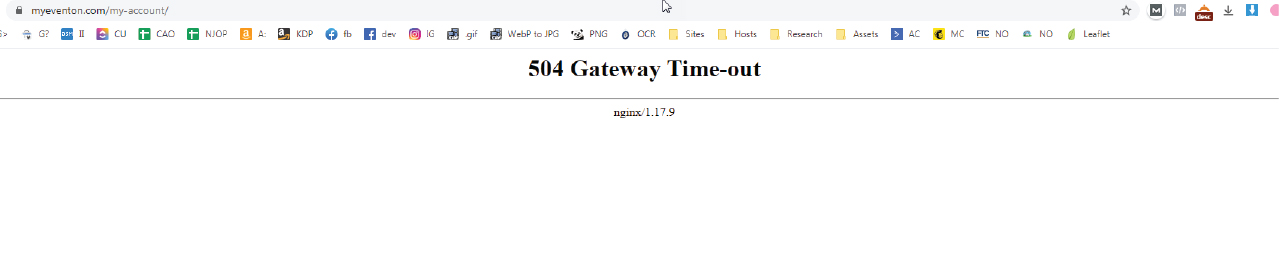
Step one of your link’s instruction is to go to https://www.myeventon.com/my-account/, however, that link does not work for me.
The browser ends up showing me a 504 Gateway Timeout. (Screenshot attached)
(Using the latest Google Chrome on Windows).
Are you able to visit it? With an independant checker I can confirm its not just me who can’t get to the site. Please cancel the subscription for me.
Thanks again.
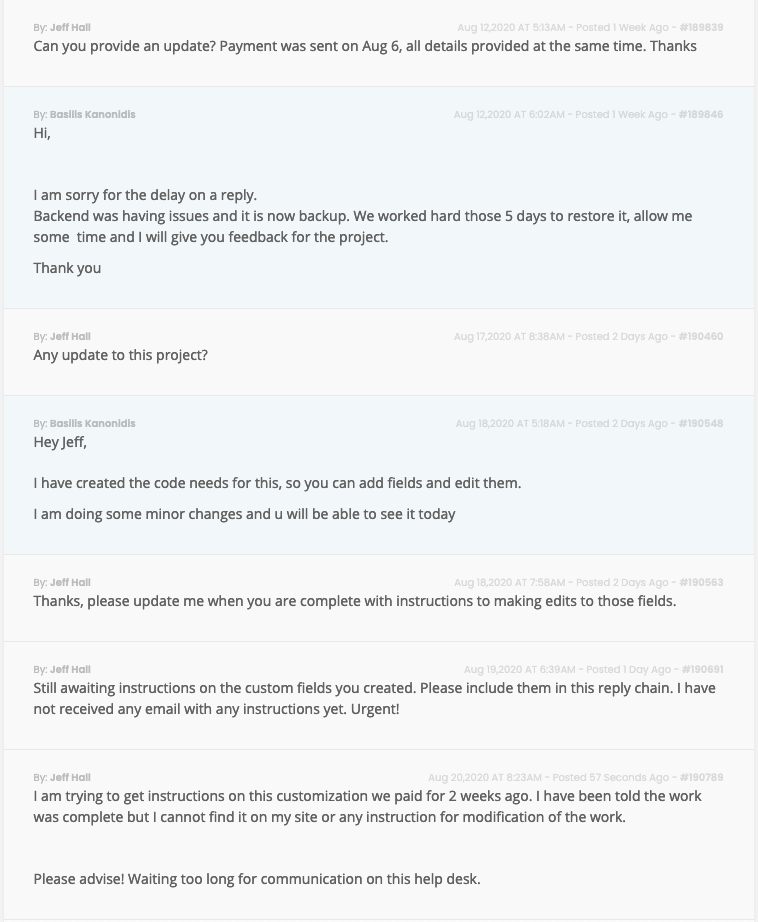
I am trying to get instructions on this customization we paid for 2 weeks ago. I have been told the work was complete but I cannot find it on my site or any instruction for modification of the work.
Please advise! Waiting too long for communication on this help desk.
Thank you.
I have been having a lot of trouble connecting to your site. Is this an issue on your end? It’s been that way the last few days.
David
We are glad your issue is resolved, if you have any further questions or concerns please create a new ticket.
If you have a moment, we would greatly appreciate if you could kindly leave us a review at codecanyon! from your account > downloads. Cheers!
OK, I will follow up to the tickets for you then.
Hi Teresa,
Sorry but with the portal updates you most probably do not see my replies. I posted almsot a month ago, that I have applied a soluton where the field is now protected with JS and it should work.
Please do clear cache and review it.
Hi,
I have tested it and it works!
Let me know if something not.
It’s showing now thanks.
What was the problem? I have to add image fields too so I need to know.
Also, can you tell me how to display these on the event cart.
I want to display option to download the PDF and view images on the event card?
Thanks