also see video below
Archives: Replies
Replies for tickets on suppota
Reply to: tickets(383456)
When I check the website in Troubleshooting Mode, it works: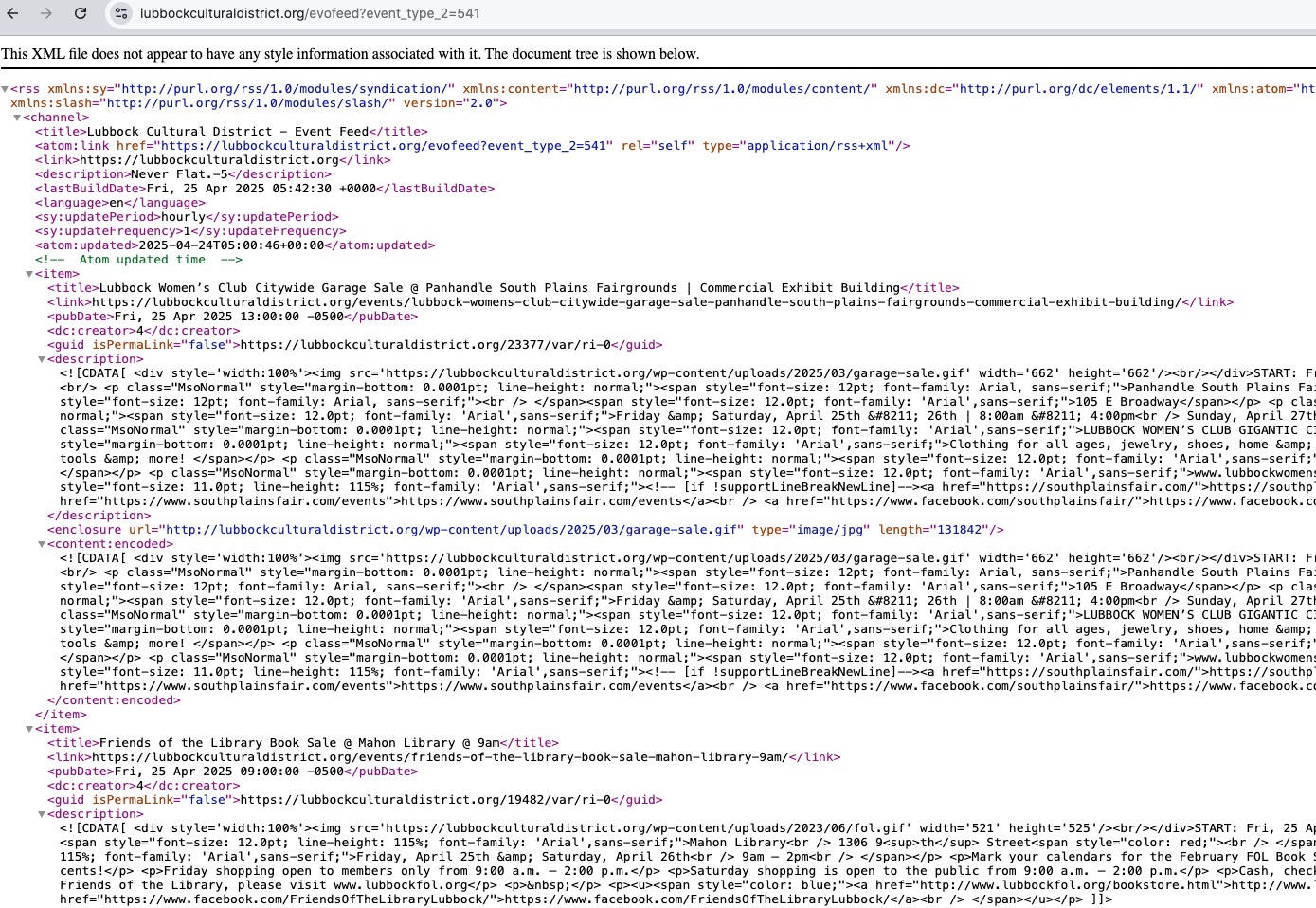
Could you please try the instructions mentioned in this documentation?
debug.log doesn’t have any errors related to the issue.
Reply to: tickets(385163)
I was able to submit this event
https://wnyfundraiser.com/events/daves-test/
(i set it to way into the future)
and I could edit it in the event manager and also in the backend no issues
Reply to: tickets(383616)
Thanks Ashan
The latest update appears to have resolved it.
Best Regards
Reply to: tickets(383069)
Just for a test, if you completely remove your custom email template and try the default Subscriber template, does it work?
Reply to: tickets(381705)
You have this custom styling: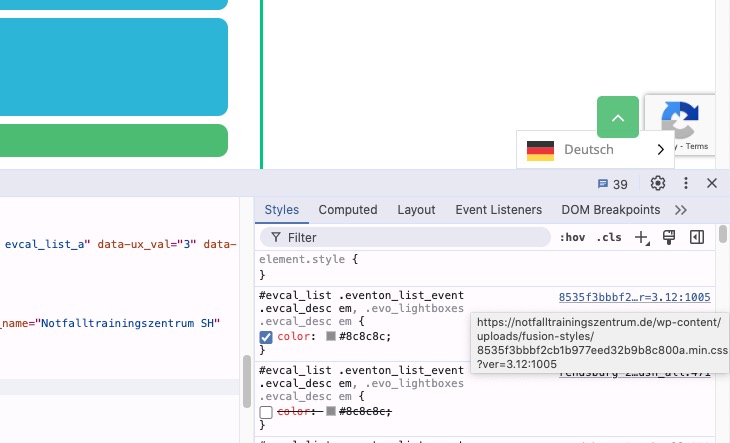
Could you disable it for a test?
Reply to: tickets(385592)
Hello,
Seems to be working on my side:
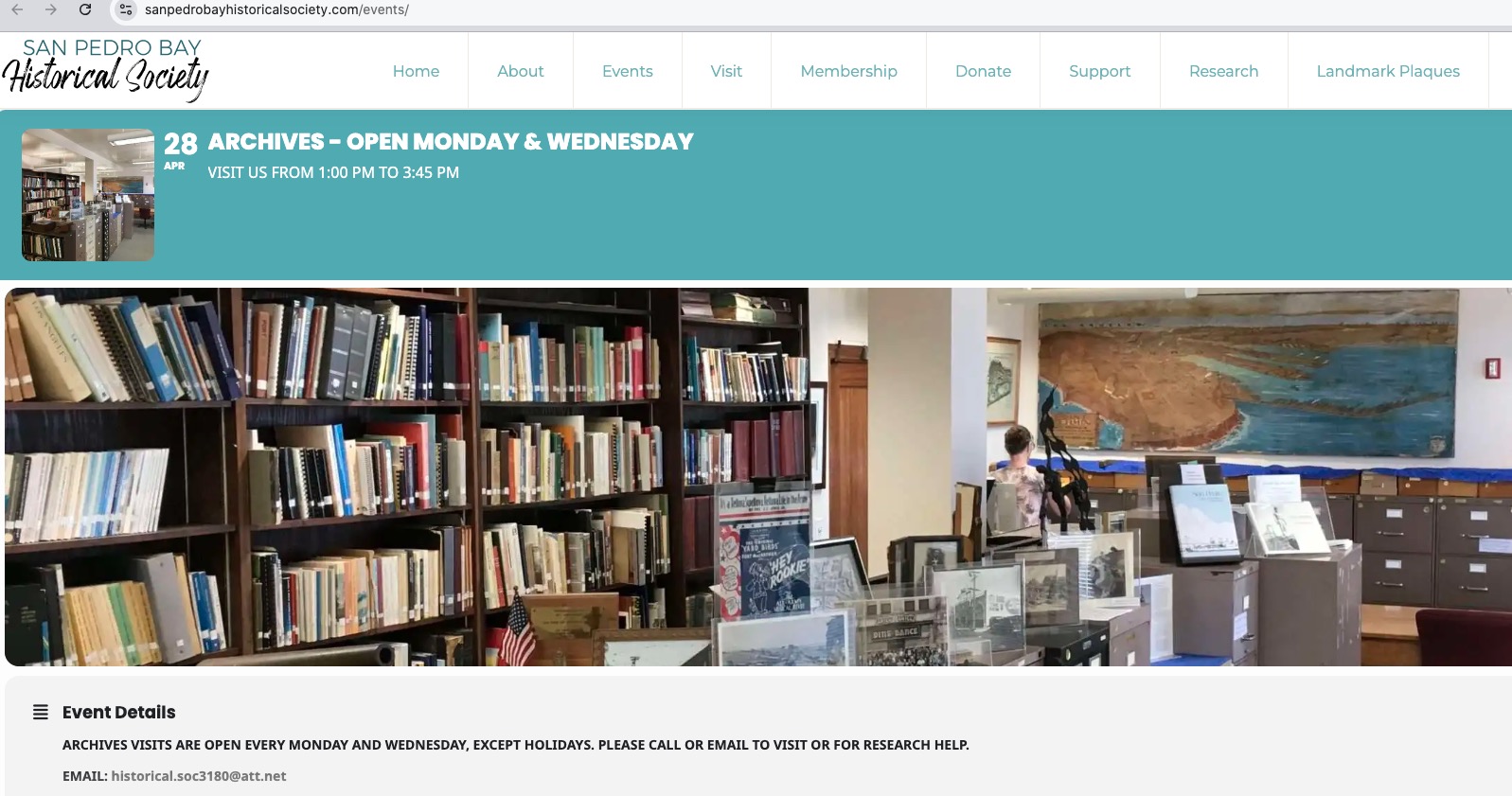
Could you try manually clearing your browser cache?
Please also try updating EventON to the latest version.
To update eventon to latest version: If you are unable to do autoupdate, you can go to codecanyon your account > download and get the latest eventon version as zip file. Then you can go to your website > make sure “Delete eventon settings & data when EventON is uninstalled” is Deslected from eventon settings, delete old eventon, install new one and activate. This link will further explain the process it. Also you can follow us on twitter to get real-time announcements on updates!
Reply to: tickets(354427)
During the creation of ticket you added this info:
Username
tschroeder
Pass
Qaf2t18W!Vyf13JZsU!
Could you send us the shortcode you are using?
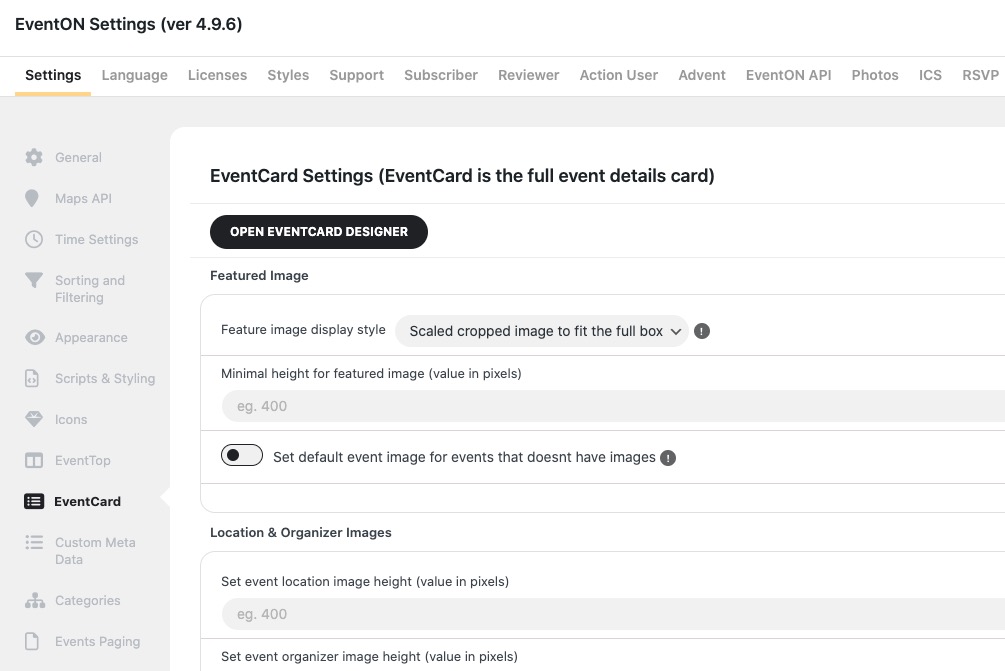
If you re referring to this part, then saving Event Card settings isn’t going to help, I believe:
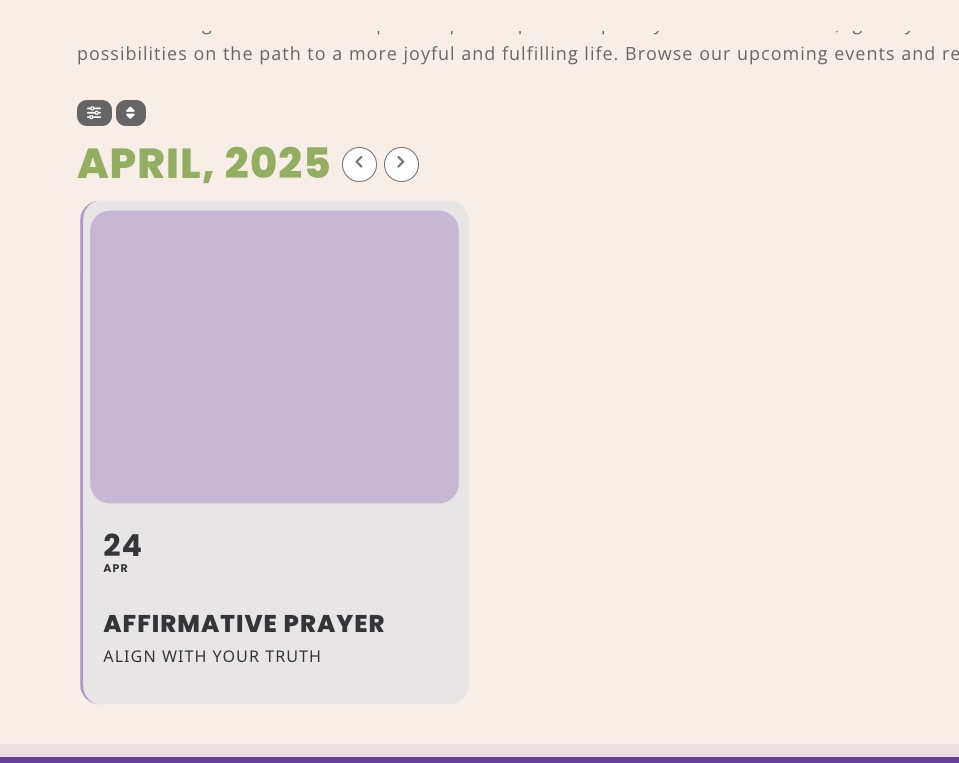
However, if you still want to check them, please go to:
Reply to: tickets(385594)
Hello,
Could you go to EventON > Tickets > make sure that “Auto re-stock tickets when orders are refunded or cancelled” is enabled and also “Select a grace period for restocking failed orders: Immediately”?
Reply to: tickets(385598)
Hello,
I cannot find any purchases with order number #207826. Could you check and let us know?
Also please let us know more about your issues with add-on. Maybe we can help?