Thanks, it worked. Here is the code for people who might not have time to rewrite it :))
$nonce = wp_create_nonce(‘export_event_nonce’);
$__ics_url = home_url(“/”. EVO()->cal->get_ics_url_slug().”/{$EVENT->ID}_{$EVENT->ri}/?nonce={$nonce}”);
echo EVO()->get_email_part(‘header’);
and I changed the code with the href link like this:
<a style='<?php echo $__styles_button;?>’ href='<?php echo $__ics_url ?>’ target=’_blank’><?php evo_lang_e(‘Add to calendar’);?></a>
What is the order ID Melody for the order you are trying to resubscribe to?

This is it:
EVORESCRUBME
Also, see attached screenshot.
Absolutely Melody we can get this for your client! What was the coupon code you or your client used at the checkout?
Hello,
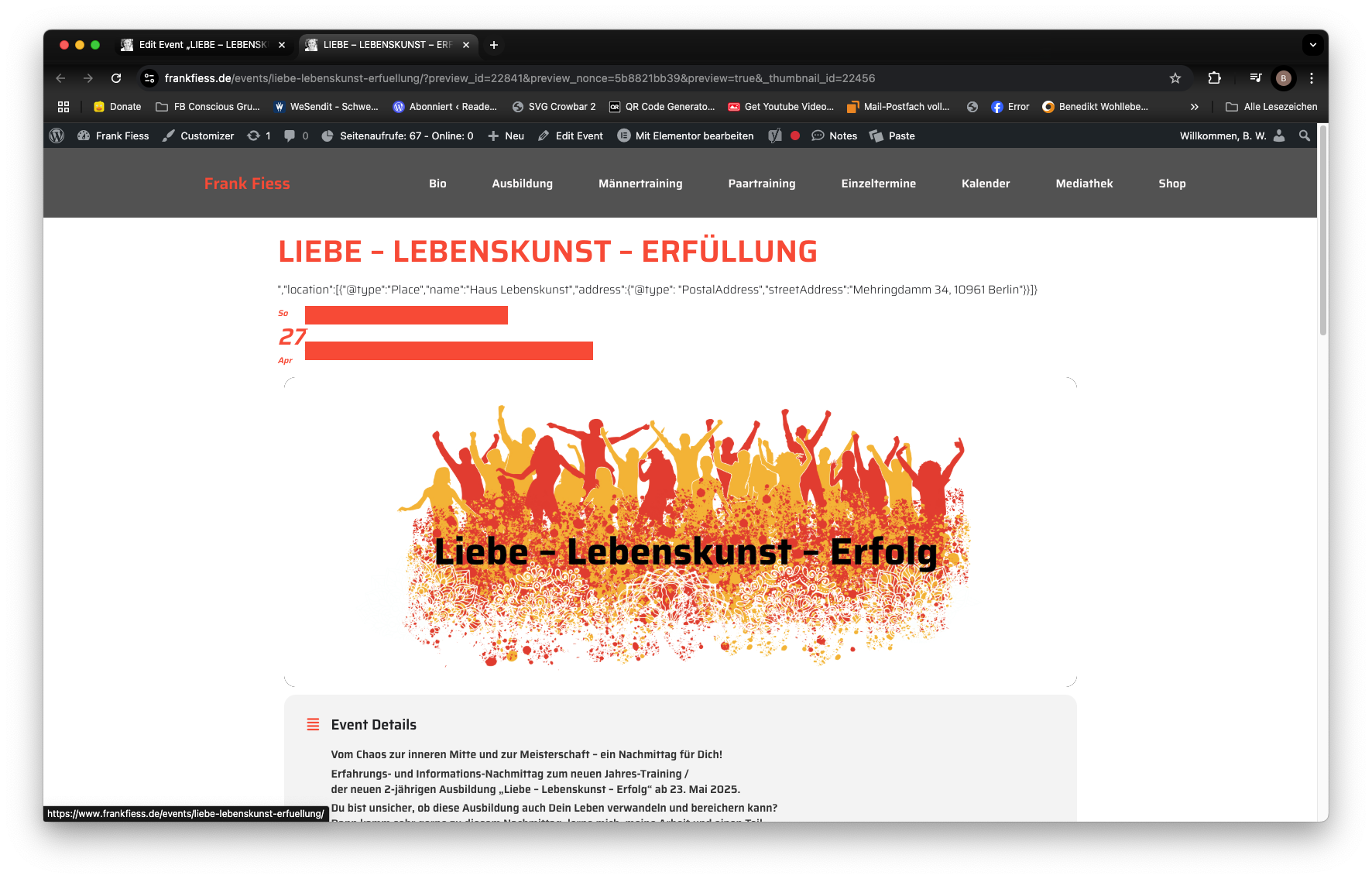
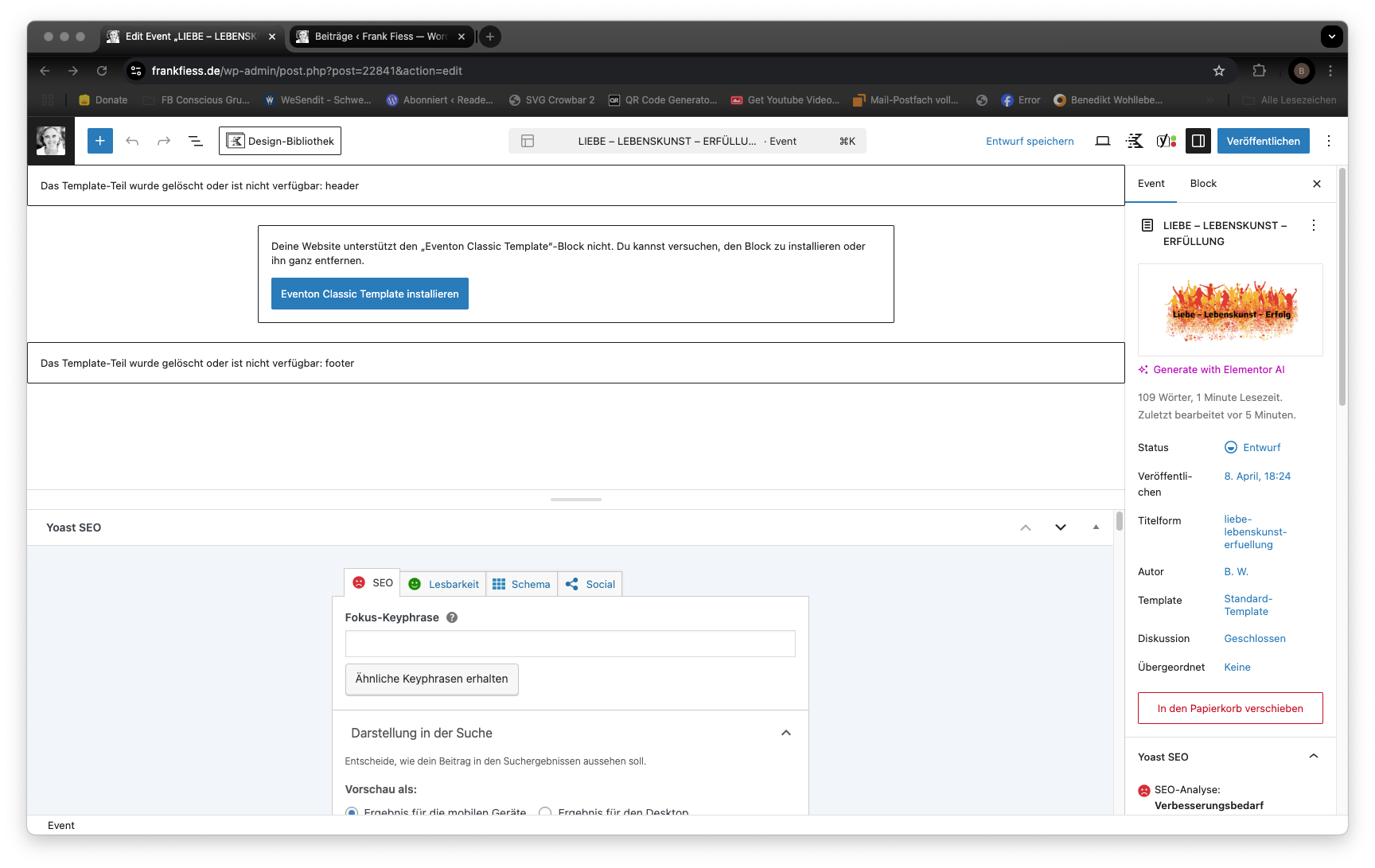
I tried to Select a different calendar event content filter type. Now I cannot edit my event pages anymore.
I get the error message “Your website does not support “Eventon Classic Template Block” You can try to install it or remove it completely.
Great Support!
Thank you very much!
It’s working now, thank you!
Will it get overwritten if we update the plugin?
Got it figured out. Sorry about the issue with the latest update there was some mishaps in the algorithm 🙂
please update to the latest version of RSVP addon 3.0.8 — should resolve this 🙂
https://docs.myeventon.com/documentations/changelog-rsvp-events/