Please let me know if we are able to use the 25% promo code discounts for all 3 plugin subscriptions we have.
Archives: Replies
Replies for tickets on suppota
Reply to: tickets(384044)
Hello Ashan,
I’m paying for the RSS Addon, the file necessary to export the Events from my EventOn to the Google calendar, but it is not supported on Google because of the way your code is written, and the OP explains why.
Can you please give priority to this? It has been over 15 days, and if you guys can not fix it, please let me know. I can go with another option, I have a deadline.
Thank you
Reply to: tickets(385126)
Reply to: tickets(385126)
Hello,
please find attached the screenshot.
Reply to: tickets(384112)
Hello Jean-jacques we are testing this at the moment will let you know once we have implemented proper solution that will create tickets for express checkout.
Reply to: tickets(379318)
Also wanted to mention in version 4.9.5 we added to eventON the ability to enable WP object cache on events for the calendar. Which will load WP_Query of events data from object cache instead of pinging the database everytime.
Reply to: tickets(379318)
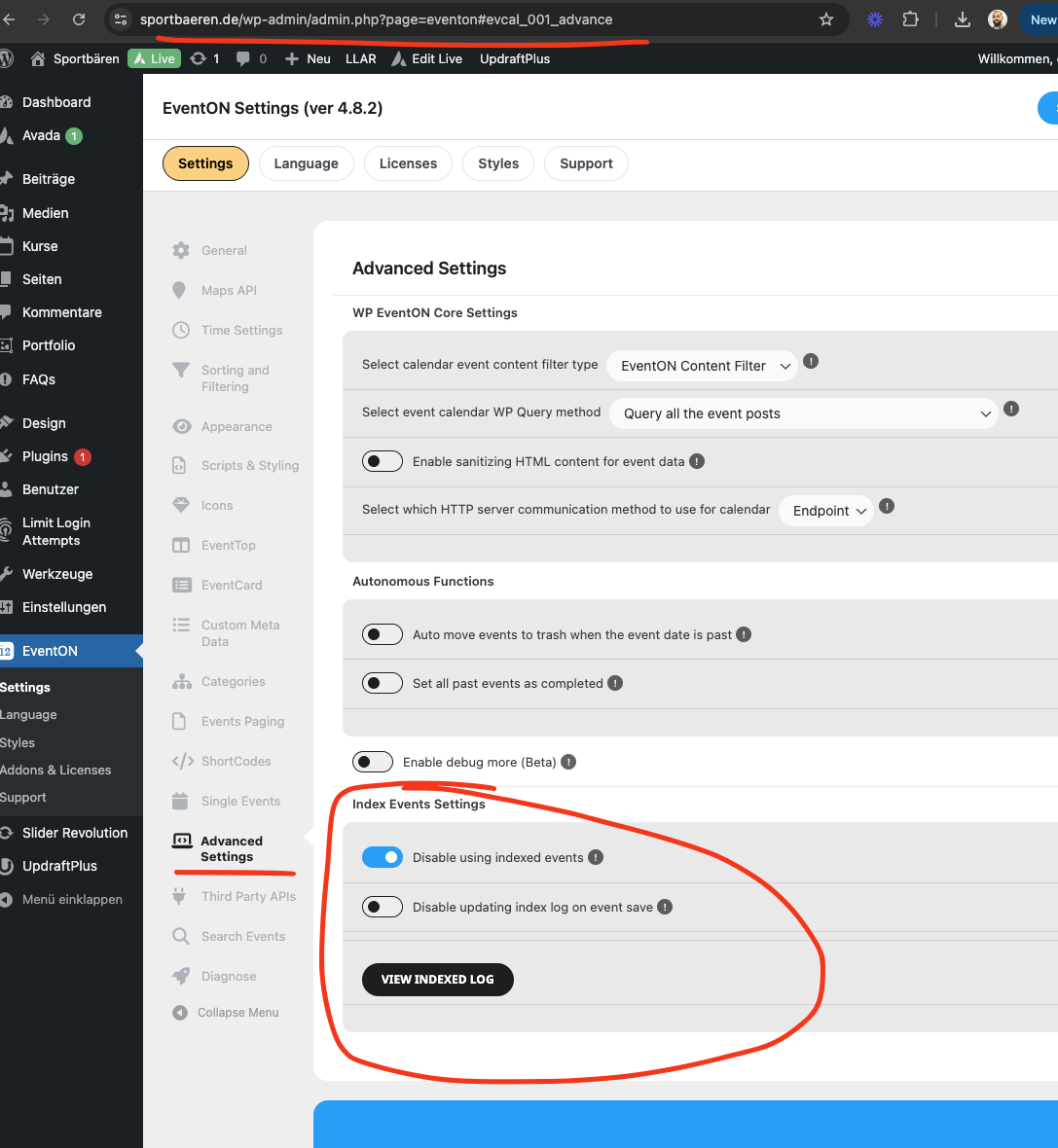
Good morning Bodo. Ok I have installed our Index Events addon in your website. It is not publicly available yet. We have been doing tests on it still.
It create a separate database table with indexed event data, so all the event posts are not loaded when loading events into calendar, and suppose to use the index table to get event ids and then load just those event posts from wp_posts table, which should cut down on load time.
And I feel you would be a perfect candidate for this addon as you are experiecing memory issues.
Ok So I installed the addon, but I have not ran the indexing yet. I will leave it for you to run a manual index to load data into tables and then enable the using of index events. And then you can try switching to new php version and see if you will still get the memory errors.
Sounds good 🙂
Reply to: tickets(385265)
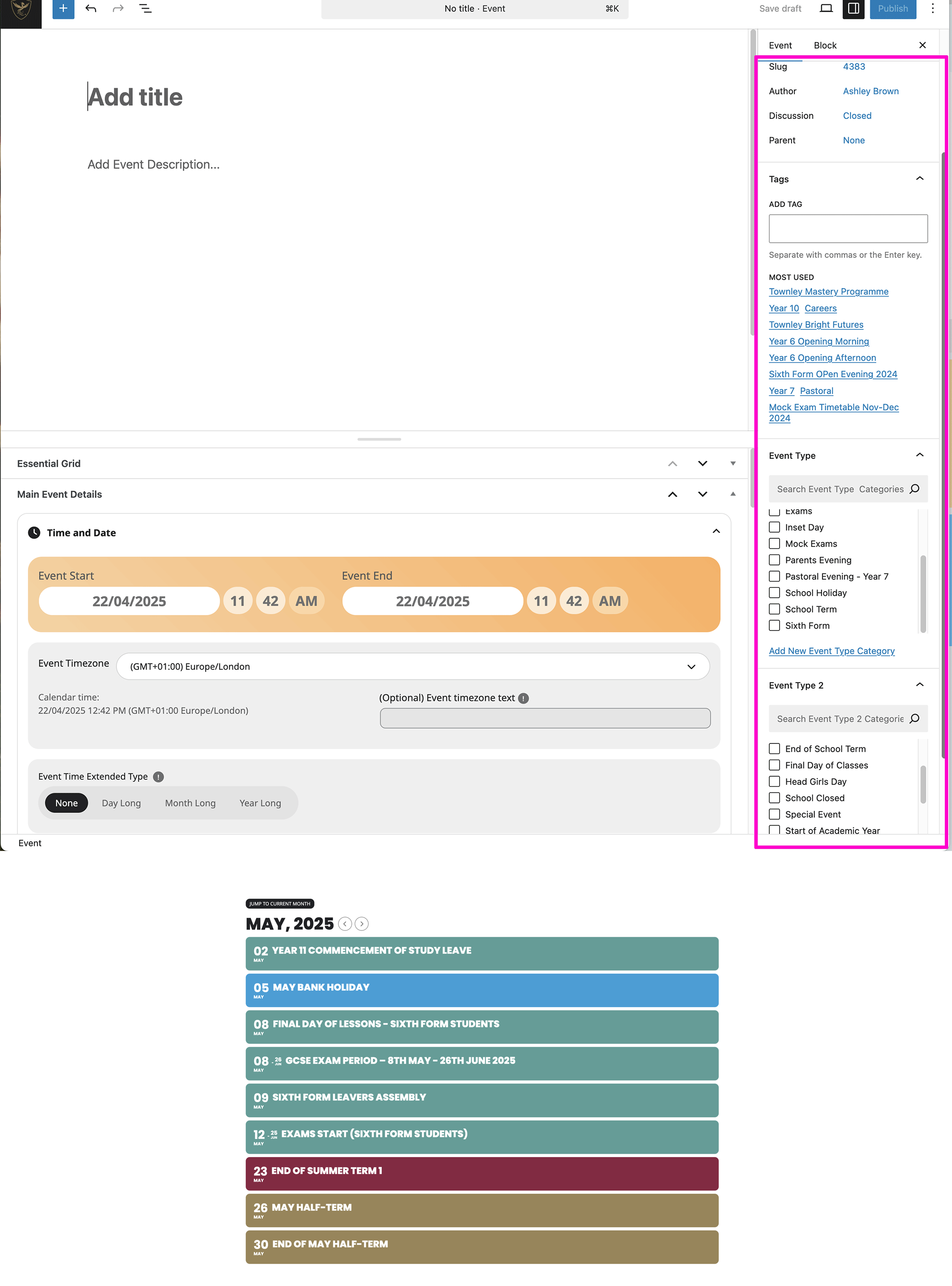
I’ve attached a screenshot explaining the issue, the highlighted panel on the right had a section where I could choose a colour to categorise events, its disappeared?
Reply to: tickets(385210)
Perfect! If you have any further questions or concerns please create a new ticket.
Reply to: tickets(385193)
Ashan,
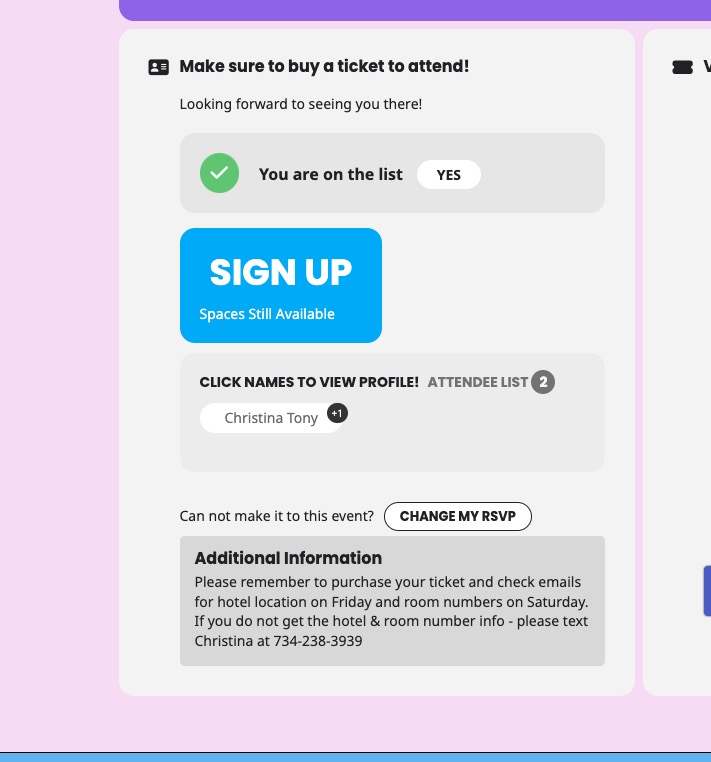
When “EventON > RSVP > Allow only logged-in users to submit RSVP: Select only certain user roles with RSVPing capabilities” all are deselected, it causes this issue:
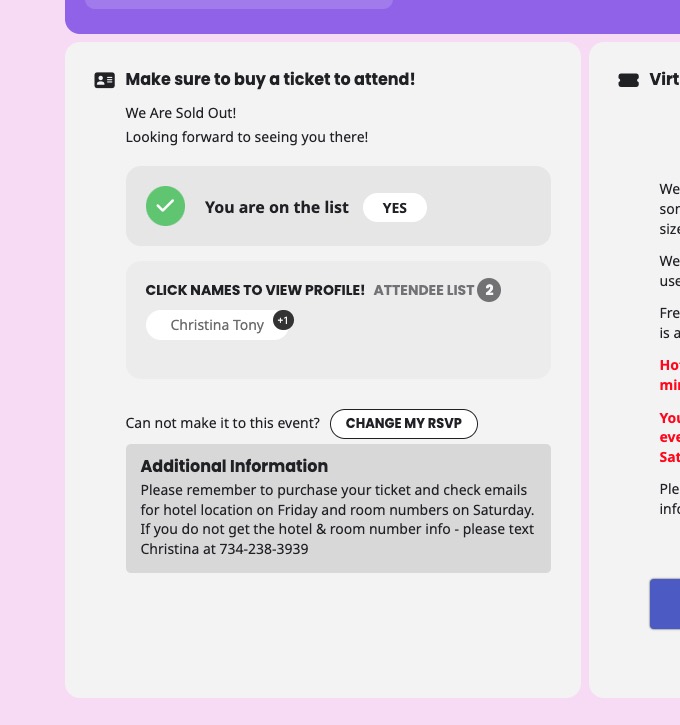
When Admin is selected:
On dev2: