Thank you for your messages, I am going to assign this ticket to Ashan and he will be able to take it from here and find you a solution. Please allow some time for him to get back to you, we greatly appreciate your patience and thank you for being a eventon customer! Also please disable any IP blocking on your site if there are any.
It seems there is an issue with EventON > RSVP > Allow only logged-in users to submit RSVP: Select only certain user roles with RSVPing capabilities. Please try selecting all roles you want to allow to RSVP to events. I believe that there is an issue when they all are deseleted.
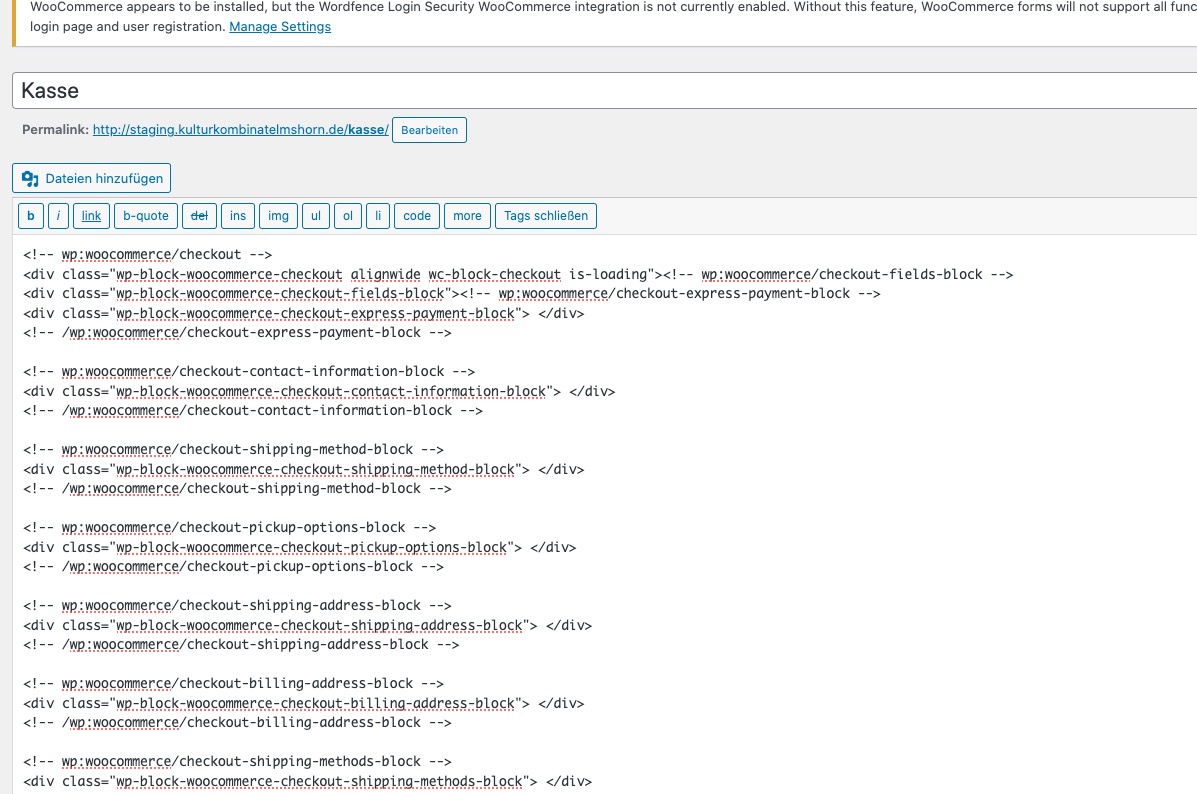
Your Checkout page is made out of blocks.
Tickets add-on doesn’t support this, so please replace it with the default WooCommerce’s shortcode:
https://woocommerce.com/document/woocommerce-shortcodes/#doc-title
You can show them by using EventON Settings on EventTop by going to EventON > EventTop > add Event Type.
With the guides above, you can show them on EventCard. But either by customizing the code or manually with Custom Meta Fields.
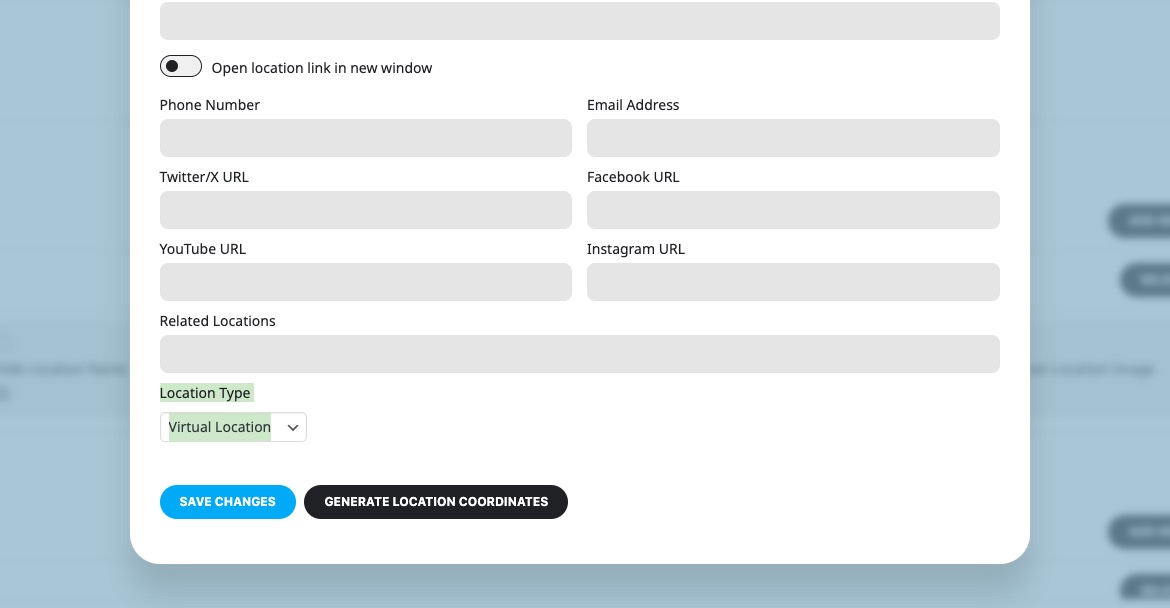
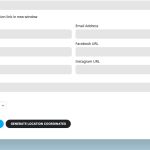
You can use Event Location as well. Please go Add/Edit Location > select “Location Type: Virtual Location” > now create all your virtual locations:
We are glad your issue is resolved, if you have any further questions or concerns please create a new ticket. If you have a moment, we would greatly appreciate if you could kindly leave us a review at Codecanyon. By going to your account > Downloads. We are very grateful for your kind review!
Thank you for the info! Ashan will check this ASAP.
Hello,
1. In order to override event colors with event type colors please follow this guide:
https://docs.myeventon.com/documentations/override-event-colors-event-type-colors/
You need to add etc_override=”yes” to your shortcode:
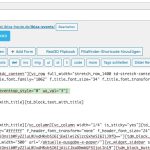
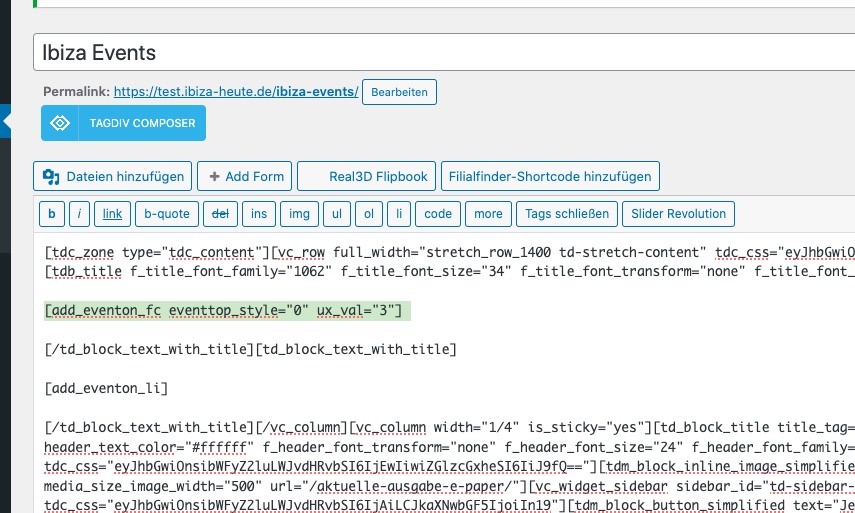
2. Please remove eventtop_style=”0″ from your shortcode. Then go to EventON > EventTop > set “Select Default Calendar EventTop Style: Clear with left border colors and gaps”.
https://datagrafik.de/download/colours1.jpg
https://datagrafik.de/download/colours2.jpg
https://datagrafik.de/download/colours3.jpg
https://datagrafik.de/download/colours4.jpg
Perfect, thank you.
By the way I found a bug in your latest version. Making it unable to export the participants to csv.
In file class-admin-ajax.php line 341 I had to use $TN in the foreach loop like so:
// CSV rows
foreach ($TN as $ticket_number => $data) {
that fixed it.
And please have a look at my feature request. This is also a ‘one-liner’.
I saw that the code moved to class-integration-woocommerce_extrafields.php.
On line 232 just add the options.
Here is the complete woocommerce_form_field code(the added line in bold):
$result = woocommerce_form_field(
‘tixholders[‘ . $event_id . ‘][‘ . $RI . ‘][‘ . $Q . ‘][‘ . $_event_instance . ‘][‘ . $key . ‘]’,
array(
‘type’ => $data[‘type’],
‘class’ => array(‘my-field-class form-row’),
‘label’ => $data[‘label’],
‘placeholder’ => $placeholder,
‘required’ => $data[‘required’],
‘options’ => $data[‘options’],
‘return’ => true
),
Thanks a lot!