I am not sure what’s going on. I added Test event and you can see it: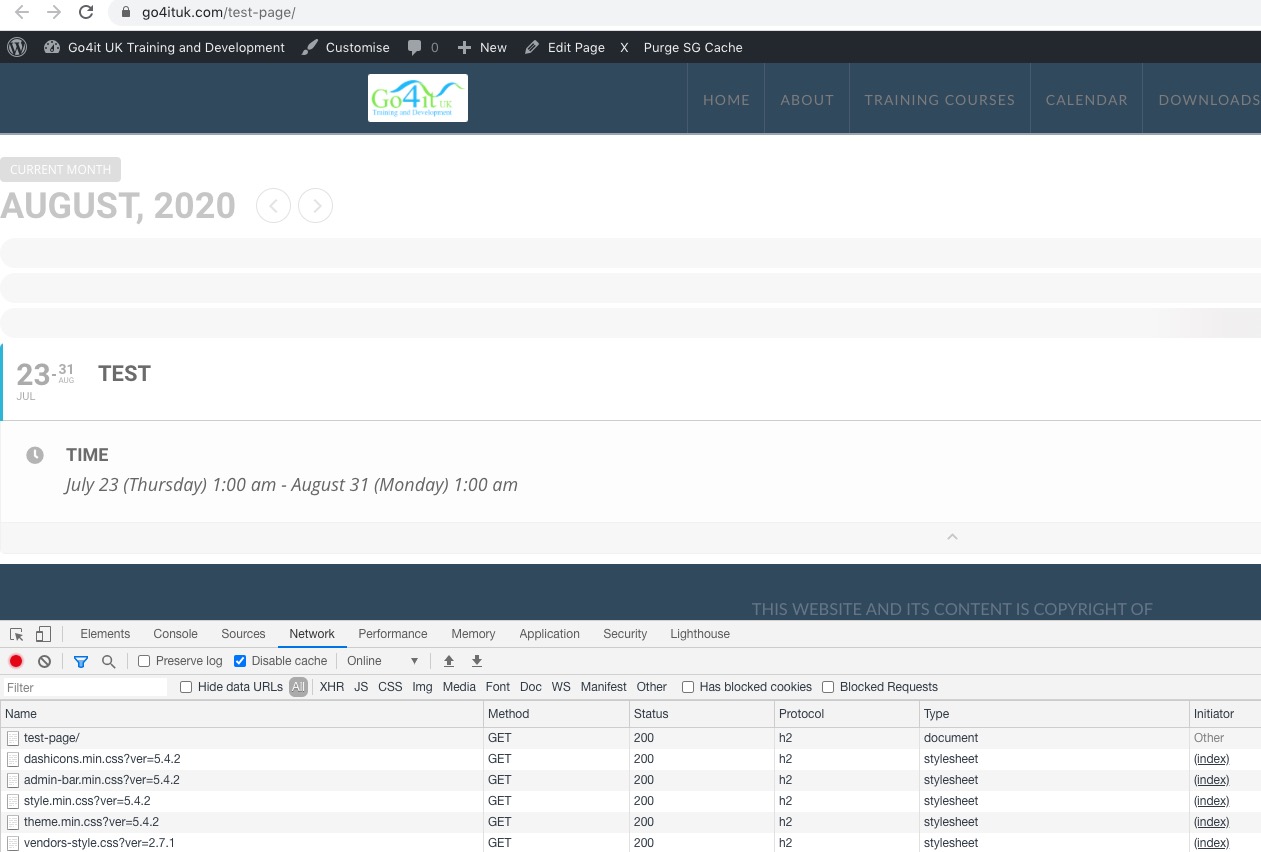
However, I still cannot make the calendar to load.
May I please try the instructions mentioned in this documentation? Or this all happens because of Highfield LMS PLugin?
Replies for tickets on suppota
I am not sure what’s going on. I added Test event and you can see it:
However, I still cannot make the calendar to load.
May I please try the instructions mentioned in this documentation? Or this all happens because of Highfield LMS PLugin?
worked for me in my test: http://explorepeoria.com/eventon-submit-event-test/
see video- password: daveiscool
https://vimeo.com/439346029
I created a new author and was able to add an event no issue
P: mhG#TcrlzYhAERs$)lDBnL%(
U: eventontester
so, what page do you have your submit event form on?
I did find this, but how make sure that EventON uses this template and not the one from it’s own folder. Could you elaborate more?
Hopefully there is no bug in the admin reply being public but this guy is just being stupid
Ashan,
This happens from time to time, but quite hard to catch.
Hello,
Thank you for your messages, I am going to assign this ticket to Ashan and he will be able to take it from here and find you a solution. Please allow some time for him to get back to you, we greatly appreciate your patience and thank you for being a eventon customer! Also please disable any IP blocking on your site if there are any.
Hello,
Thank you for your messages, I am going to assign this ticket to Ashan and he will be able to take it from here and find you a solution. Please allow some time for him to get back to you, we greatly appreciate your patience and thank you for being a eventon customer!
Thank you for your great suggestion, at the moment it is not supported. However please create a new ticket and select Feature Request as category so others can vote on your idea and get it moved into development faster. OR You can send us a customization job request by creating a new ticket in here and selecting Customization Request as the category.
Please follow the instructions in this documentation to activate debug in your site to see any PHP errors recorded that can provide insight on to whats going on. Please reply with a link to debug.log file. If you are not able to do this please send us FTP access to your site so we can do this for you.
So what is the best way to ensure that the EventON .ics export is converted to the correct timezone when importing into a user’s personal calendar?