So, yo want to be able to show dates on some events and hide them on others?
Archives: Replies
Replies for tickets on suppota
Reply to: tickets(185223)
Hello,
Please update the main plugin and all other addons. The message will go away.
Reply to: tickets(185230)
Some slider events posted and live don’t appear in the rotation. I can sometimes see them if I playa round with the arrows but they don’t appear in the auto scroll or when i try to arrow to them.
Reply to: tickets(185232)
I have rearranged the order of the slider events so in descending order by end date on the back end but they don’t appear like the site. The order number is the correct order.
Reply to: tickets(185185)
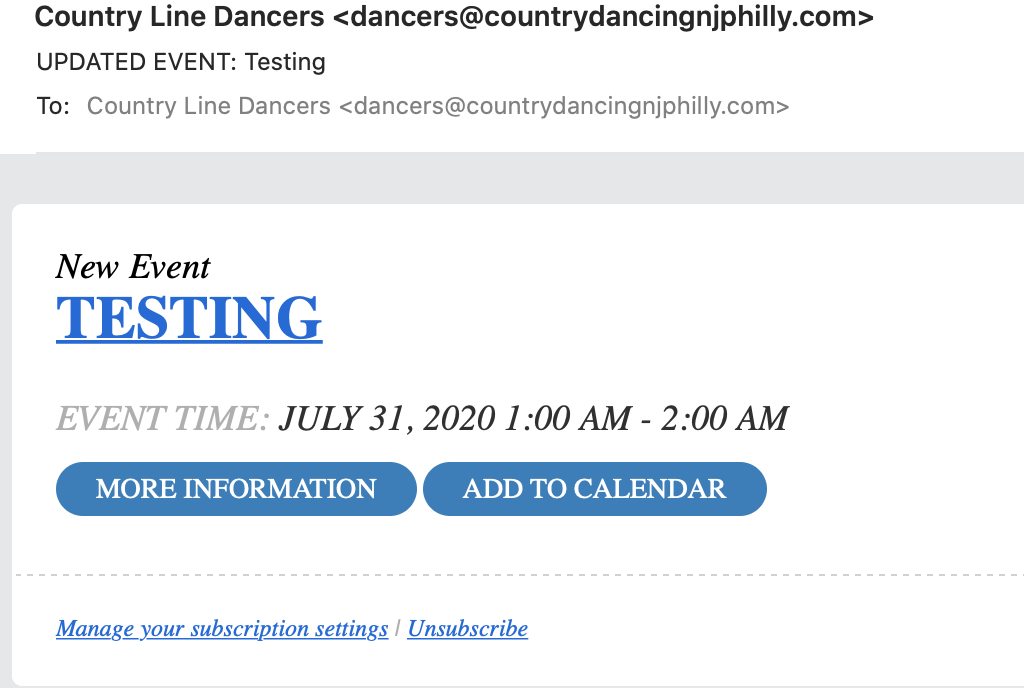
Thank you,
I have confirmed the issue with the notification. I created an event. The subscriber received a “New Event” email. I edited the event and clicked the CANCELLED on the status and hit update. I received the same “New Event” email. (see attached)
Regarding the Subtitle. I would like to have the string value written in the “Event Subtitle” appear in the email. This way I can use this field to say a schedule has changed as I am not aware of a different template used for an event edit.
Reply to: tickets(185069)
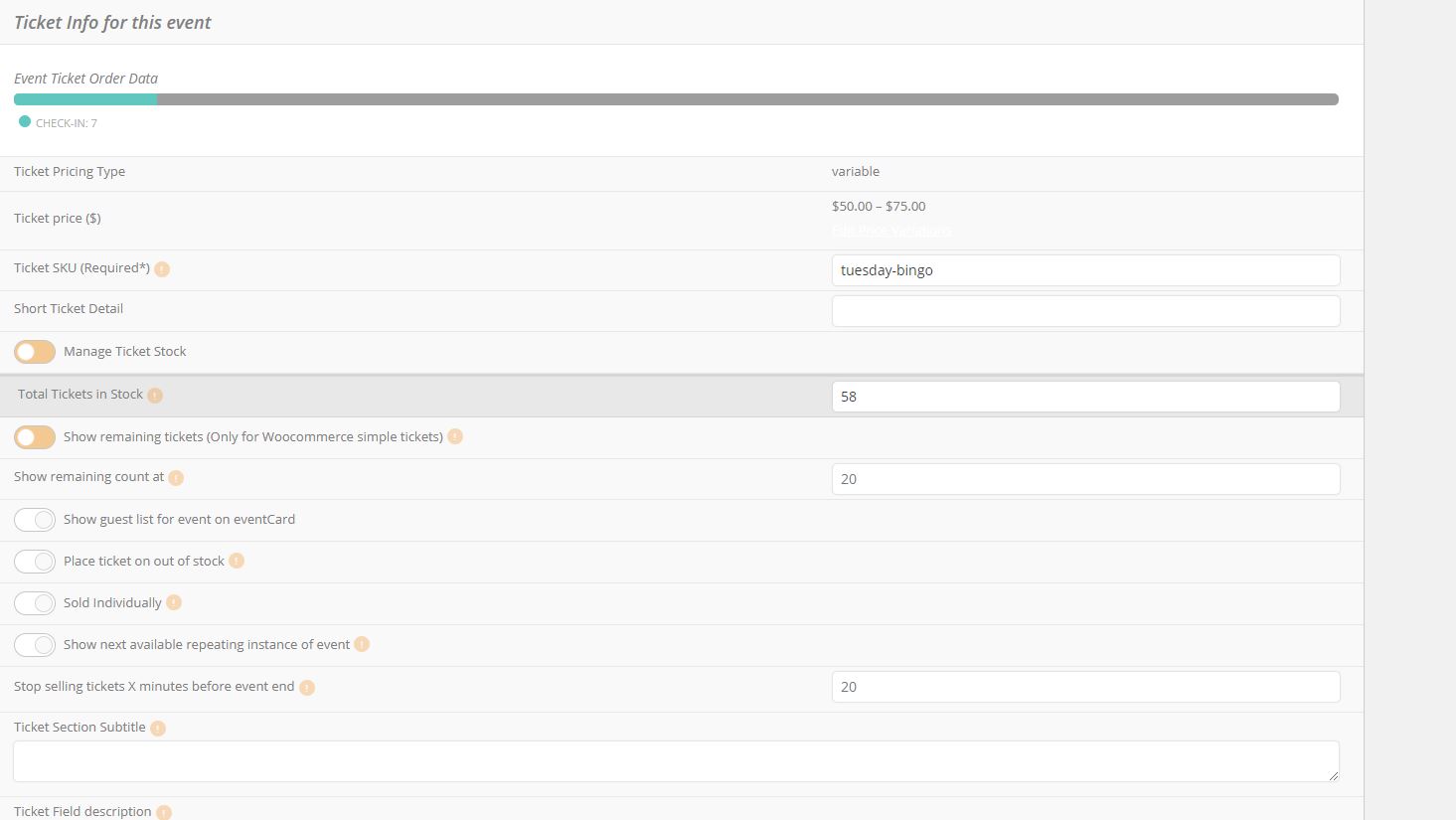
I dont see the option for ‘Manage capacity seperate for each repeating event’ See attch..
Reply to: tickets(185138)
Thanks, Artem.
We already have Action User installed. What I’m asking is if it’s possible for a custom user role (or any role for that matter) to edit event details the same way they were submitted — that is, to click on any event, even events created by other users (including non-admins), and bring up a window that looks like the front-end Submit Event popup. Is this possible? Even as an Admin, I have to visit the Dashboard to edit someone else’s event. I’d like to be able to edit someone’s event entirely on the front end (even if it loads on a new page).
Thanks!
Reply to: tickets(182651)
Hmm its updated now to 2.9, but still no distance between the blocks. Do I need to add it anywhere?
Reply to: tickets(185141)
Also .. very important that no data is lost, as we have clots to 100 events listed by different users already and they cannot be lost. They are all linked to different accounts.
Reply to: tickets(185141)
Ok so let’s clear this.
You will modify the events module on my site so that.
All events in
1. shooting tab/button
2. Shows/Fairs
are displayed together for all months and all years.
Being displayed month descending, January, February, March, April etc … but all visible at first view.
And showing years descending, 2020 – all months then into 2021 and so on.
Then filters can be applied at top buttons if wanted.