Thank you so much
Archives: Replies
Replies for tickets on suppota
Reply to: tickets(180541)
I update all location address with this php snippet from my function php files:
Reply to: tickets(182910)
Hi,
not quite sure what you mean there but I’m assuming you mean if I add a tag to an event in event on, it shows on the woo commerce product tags?
Reply to: tickets(183534)
Yes. Go for it.
Reply to: tickets(183279)
I’m really stupid apparently. I didn’t realize that Bookings doesn’t work with repeating events.. Again, this is on me. Sorry for the inconveniences.
-Trent
Reply to: tickets(183746)
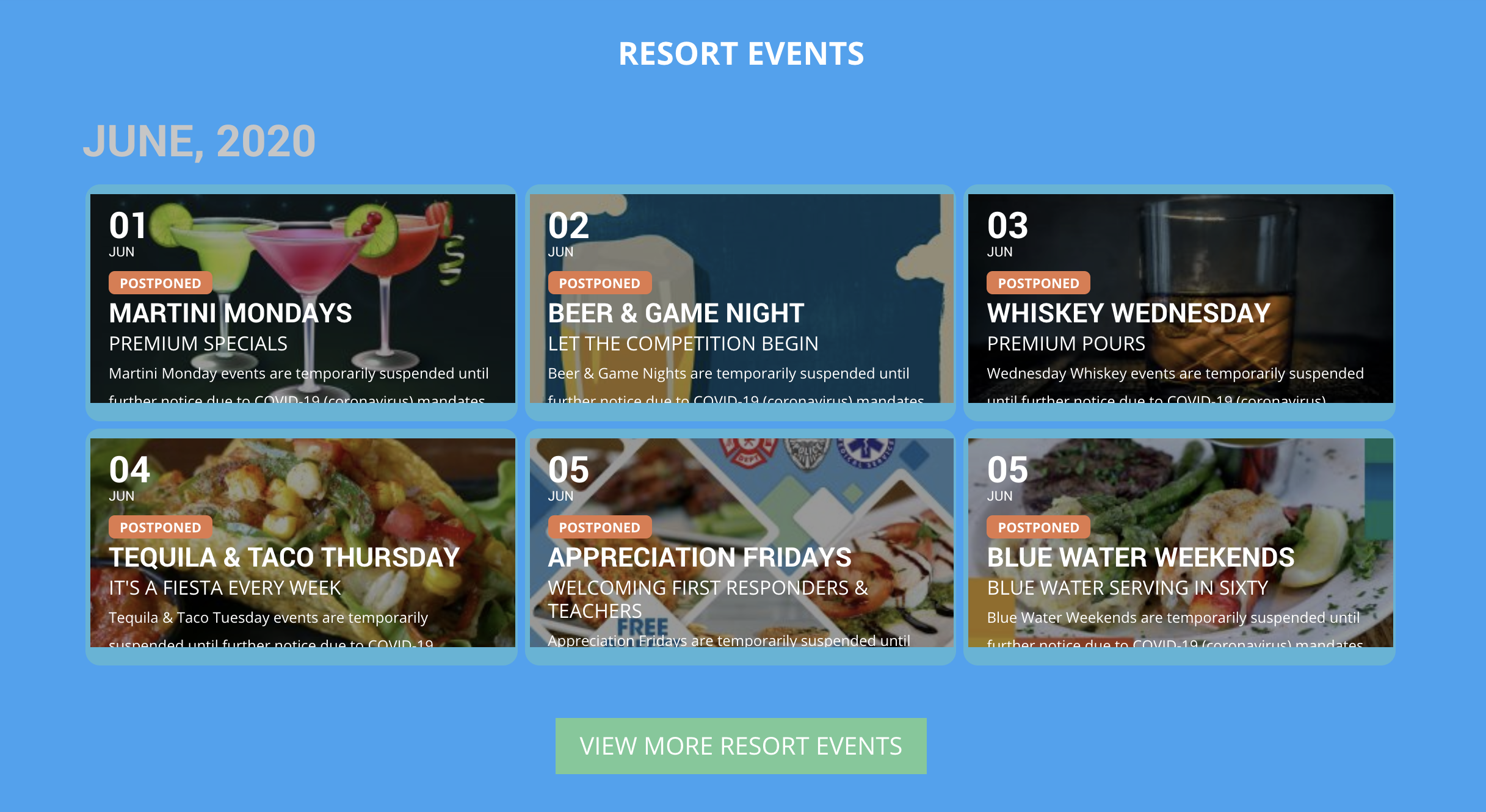
I apologize, but I cannot share the admin access as I am not permitted to do so.
Here is the current shortcode I am using for the feature:
[add_eventon cal_id=”withIMG” tiles=”yes” tile_count=”3″ number_of_months=”2″ event_count=’6′ hide_arrows=”yes” hide_so=”yes” show_et_ft_img=”yes”]
It seems that near the end of any given month, the calendar may revert to the beginning of the month, until the actual date is the 1st of the new month. Perhaps I am wrong, but essentially, I want to show the calendar the way it is showing, but show the next 6 upcoming events as tiles and it seems to be stuck in the current month.
Please help ASAP!
Reply to: tickets(183279)
Hello,
I’ve purchased the Ticket add-on and activated all plugins. I’m able to enable ticketing in an event, however, there’s no options for adding booking anywhere. I’ve tried to follow the docs and I’m not having any luck locating such features in the WP backend. Please advise ASAP as my customer is wanting to go live quickly.
Reply to: tickets(182910)
Hi Angus,
Any update for us?
Reply to: tickets(180674)
Hi Ben,
Any update?
Reply to: tickets(183415)
Direct link to Event is:
https://paepvanmeinecom.be/?post_type=ajde_events&p=101985&preview=true