Ashish has accepted the job for 200
Archives: Replies
Replies for tickets on suppota
Reply to: tickets(182709)
The only way is to customize the source code. Please send us a customization job request by creating a new ticket in here and selecting Customization Request as the category.
Reply to: tickets(183132)
We are glad your issue is resolved, if you have any further questions or concerns please create a new ticket. If you have a moment, we would greatly appreciate if you could kindly leave us a review at codecanyon! from your account > downloads. Cheers!
Reply to: tickets(181692)
We are glad your issue is resolved, if you have any further questions or concerns please create a new ticket.
If you have a moment, we would greatly appreciate if you could kindly leave us a review at codecanyon! from your account > downloads. Cheers!
Reply to: tickets(183193)
Hello,
Please add this to the shortcode:
hide_arrows=”yes”
Or go to EventON > Appearance > Hide month navigation arrows.
Reply to: tickets(183109)
Hello,
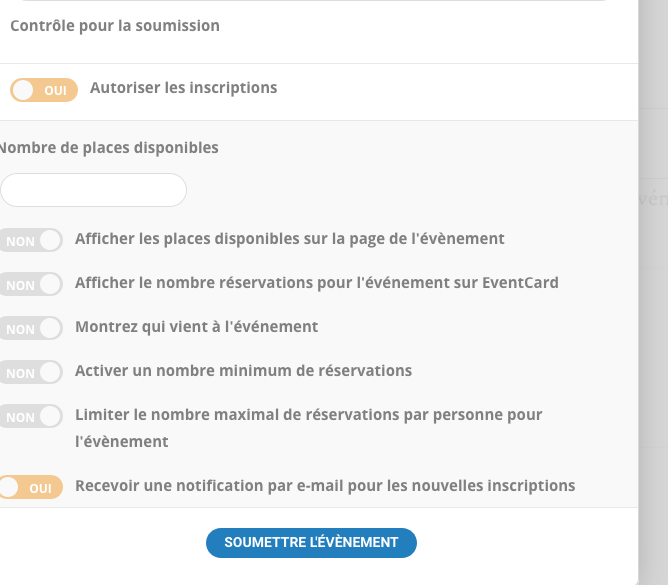
Thank you for the tip but i find the same screen. RSVP setup ?
I would like the organizer or the author receive a notification when there is a subscription to the event.
Last option ay the screen capture
Thanks
Reply to: tickets(182894)
Thank you, I will create a new ticket in feature request section.
Reply to: tickets(182740)
Please follow https://docs.myeventon.com/documentations/how-to-translate-calendar-front-end/. For example, “Spaces Still available” is located in EventON > Language > RSVP > ADDON: RSVP EVENTS. As well as Yes and No.
Reply to: tickets(183187)
Hello,
Could you try EventON > turn off Write styles to header > save settings > turn on Write styles to header?
Reply to: tickets(183109)
Hello,
Could you tell us are you referring to
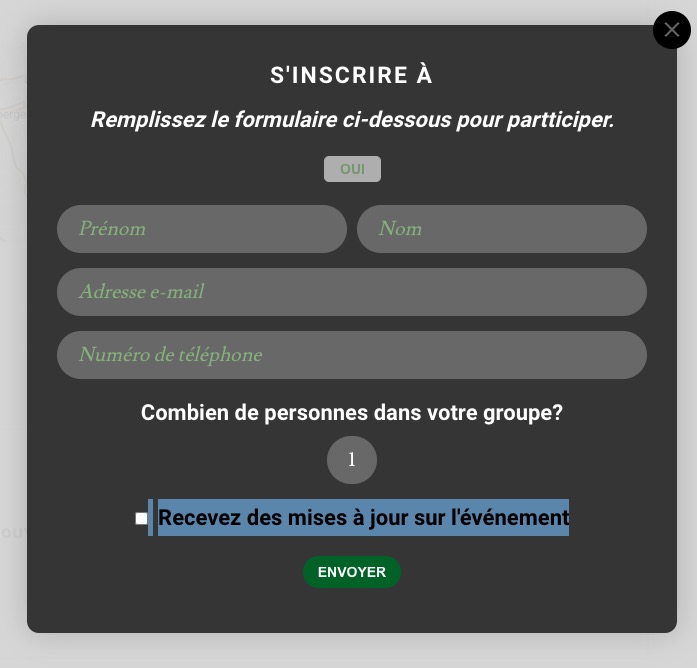
If so then the receive updates about event field will only be checked when the “email attendees” option is used to send emails to attendees:
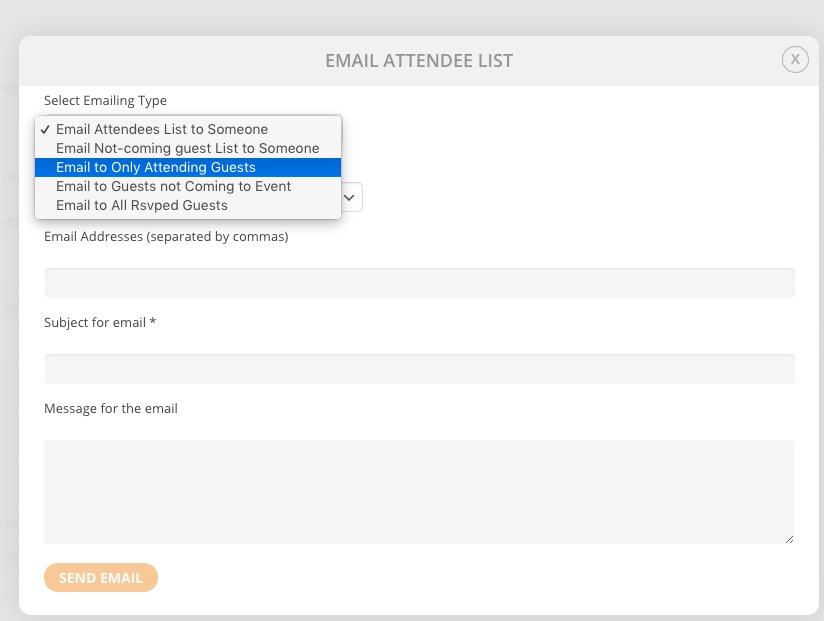
Otherwise this will not send updates.