This is not an error. It’s just, at the moment, Tickets add-on doesn’t support this functionality. You can create a new ticket and select Feature Request as category so others can vote to get this moved into development faster. OR You can send us a customization job request by creating a new ticket in here and selecting Customization Request as the category.
Archives: Replies
Replies for tickets on suppota
Reply to: tickets(182814)
Right click on Date Box > Inspect > now comment .tagdiv-type{ line-height: 1.74; )
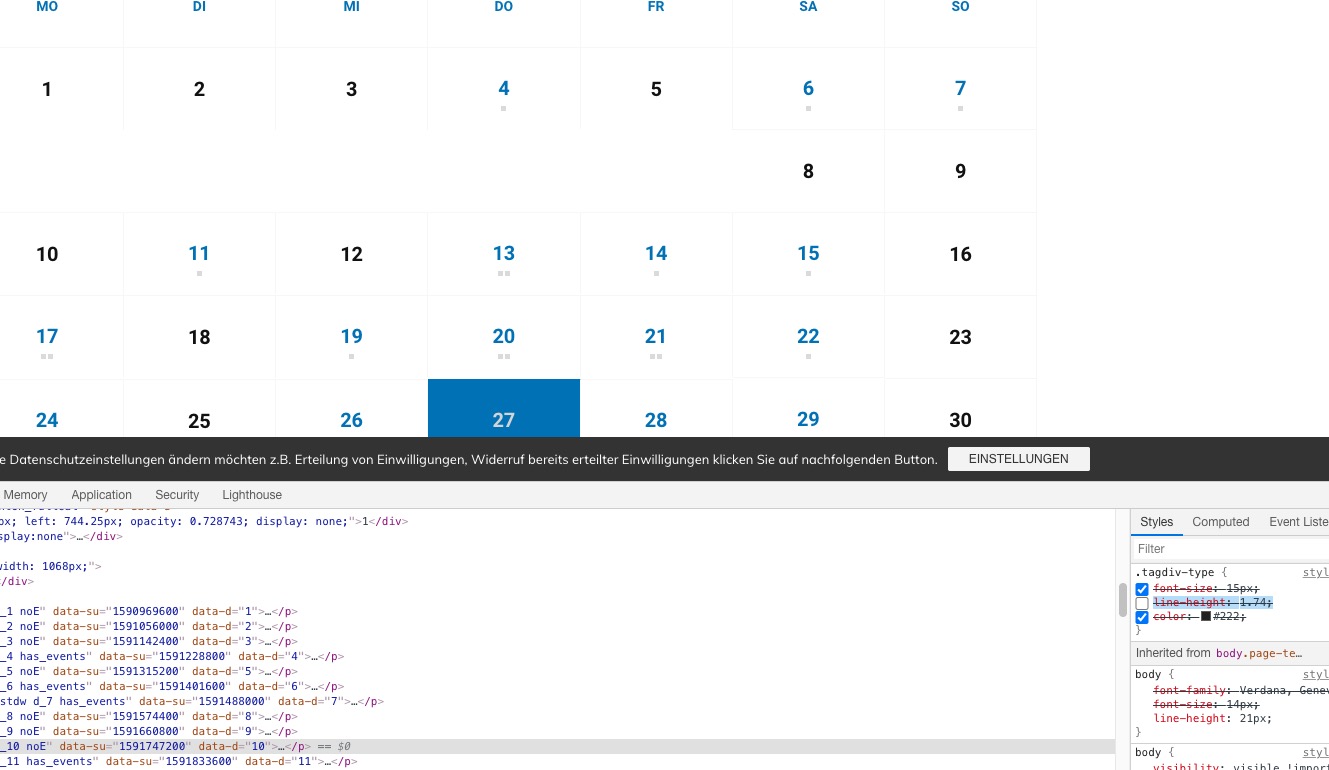
You’ve added the fix correctly. Could you try cleaning your cache on the mobile?
Reply to: tickets(182944)
Please also try cleaning or disabling your cache plugins.
Reply to: tickets(182944)
Could you update EventON to 2.8.10 and see if it helps?
Reply to: tickets(182971)
Hello,
Booking blocks aren’t compatible with seats at the moment.
In order to request a refund, please create a new ticket under Billing & Accounts and be sure to include the order ID for which you need a refund for and the reason for requesting a refund.
what is the best way to create one event with multiple time slots?
…lastly, I would like attendees to only book the event once…
Thank you for your great suggestion, at the moment it is not supported. However please create a new ticket and select Feature Request as category so others can vote on your idea and get it moved into development faster. OR You can send us a customization job request by creating a new ticket in here and selecting Customization Request as the category.
Reply to: tickets(183229)
Hello,
Please check one of these guides: https://themeisle.com/blog/clone-a-wordpress-website/ or https://winningwp.com/best-plugins-to-copy-clone-duplicate-a-wordpress-site/ or https://smartwp.com/clone-wordpress-site/.
It’s much more efficient to clone an entire website and then delete unnecessary data.
Reply to: tickets(182222)
Hi, I replied to your email on 24th June and after that never received a payment request. Could you please check your emails?
Thanks!
Reply to: tickets(182709)
Following on my last reply, I now received the list of attendees but it only gives name and email, is it possible to include the RSVP ID and also the value from Additional Field #1?
Reply to: tickets(182213)

Hi and the image of the code
Reply to: tickets(182213)
Hi Ashan,
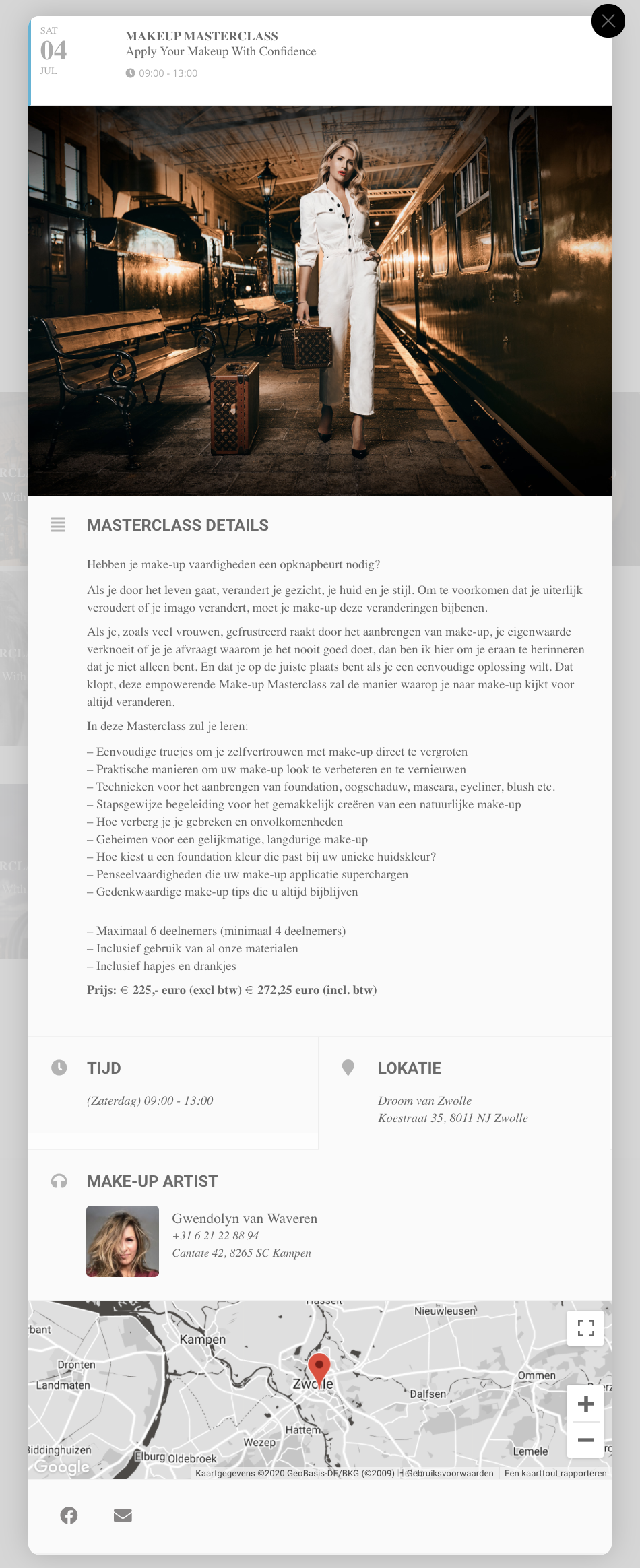
I did the adjustment, it said “core” and it changed it to “high” as in the example you sent. see example as it stands now.
But the PayPal option is not yet visible on the page